I tested several AI-first video tools and picked five that are worth a close look—especially if you want lifetime access via AppSumo deals. Below I break down what each platform does best, practical use cases, important limitations, and starting price points where available. I also add tips so you can pick the right tool based on the type of content you want to create.
Table of Contents
- 🎯 Yapper — Multi-model generator for hyperreal clips
- 🎬 Mootion — Longer, character-consistent videos
- ✍️ Subscribr — AI scripts, titles, and thumbnail ideas
- ✂️ Reap — Auto clip generation and social-ready repurposing
- 📝 Rendercut — Subtitle styles and creator-style captions
- 🧭 How to choose the right AI video tool
- 🔧 Practical tips and best practices
- ❓FAQ
- ⚡ Final thoughts
🎯 Yapper — Multi-model generator for hyperreal clips
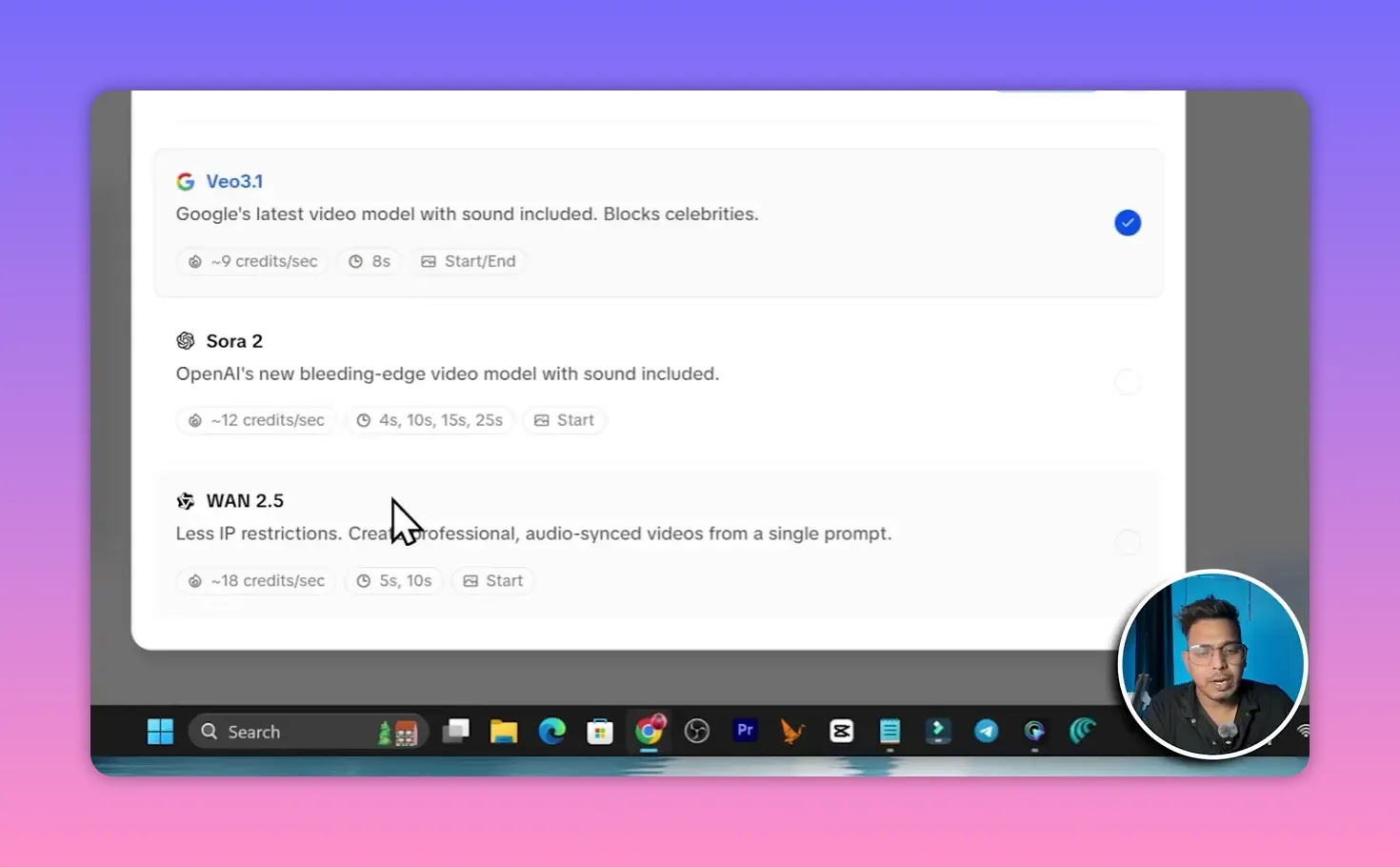
Yapper is a flexible all-in-one platform for creating short hyperreal videos, images, and audio. One of its strongest points is the ability to choose between multiple underlying video-generation models on the same platform—examples include Vio 3.1, Sora 2.2.5, Kling, and Helio. That gives you a lot of creative control over the final look and feel.
Key features:
- Multiple models in one place — pick the engine that fits your scene style.
- Formatting options — add intro/outro frames, on-screen text, voiceover, and more.
- Prompt extractor — paste a link to a viral TikTok, Instagram, or YouTube clip and Yapper will extract a prompt to generate a similar clip.
- Extend clip length — default clips are short (about 10–25 seconds), but you can use an extension feature to add more seconds.
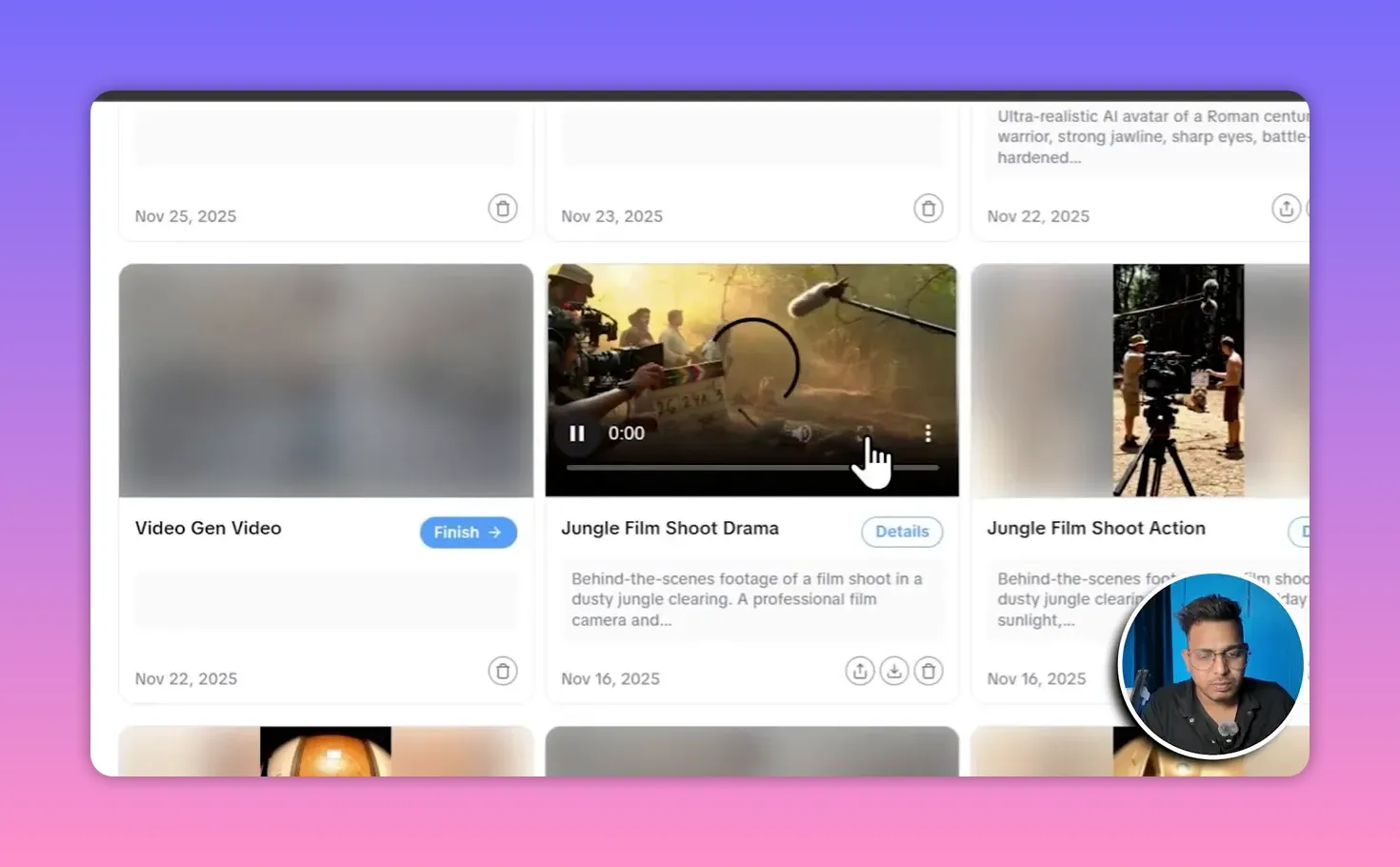
Best for creators who need quick, realistic-looking short scenes, social ads, or animation snippets. Lifetime deals start around $49 on AppSumo for access to core models like Sora 2 or Vue 3.
🎬 Mootion — Longer, character-consistent videos
Mootion is built for longer-form AI videos with consistent characters and story flow. If your goal is multi-minute content—animated explainers, short stories, or channel episodes—this one handles continuity much better than most short-clip generators.
- Longer outputs — projects commonly reach 3 to 5 minutes and can be generated from an idea, script, or even an uploaded audio narration.
- Character persistence — keeps the same character look and behavior across scenes.
- Style picker — choose from 3D cartoon, retro anime, illustrations, hyper-cartoon, horror, sketches, and more.
- Customizable tone and aspect ratio — language, tone (childlike, business, academic), and vertical/horizontal formats.
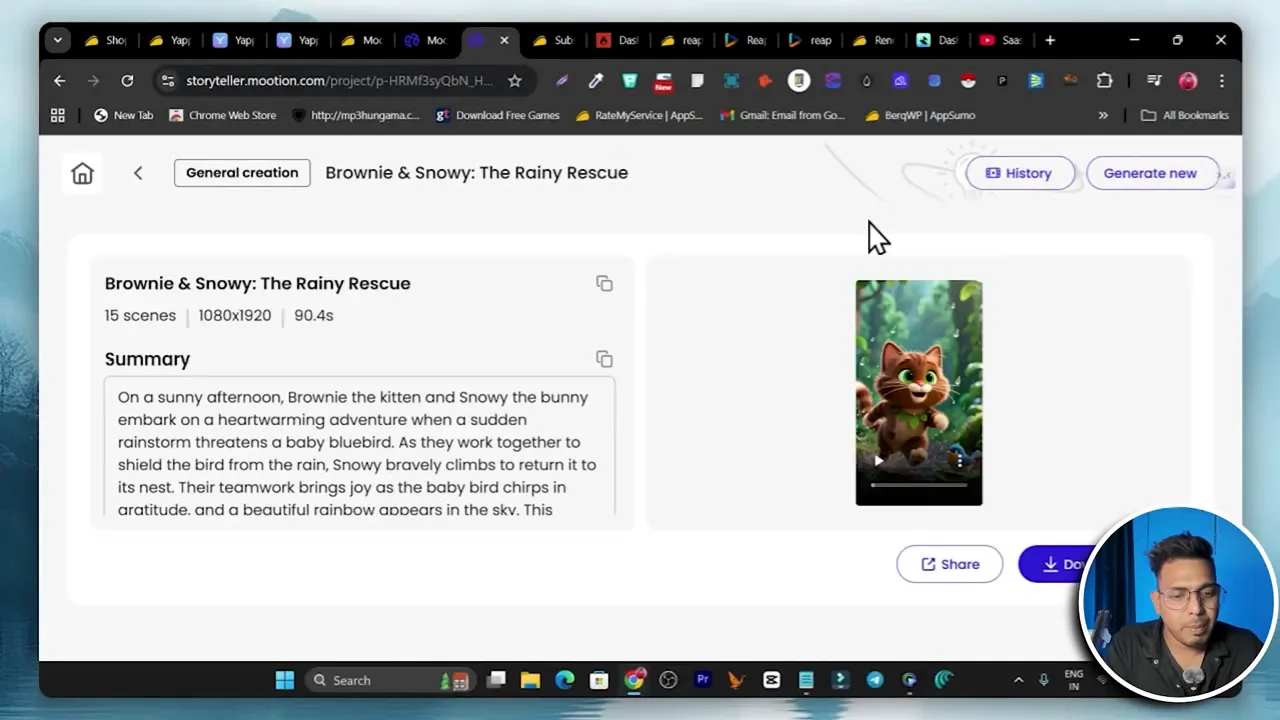
Use Mootion when you need a polished, multi-scene piece with voiceover and transitions. Lifetime access starts at about $69 on AppSumo.
✍️ Subscribr — AI scripts, titles, and thumbnail ideas
Subscribr is not a video creator. Its value is in content planning and creation at the script level. Connect your channel, and it generates well-researched scripts, suggested titles, thumbnail ideas, and even narrative direction tailored to your niche.
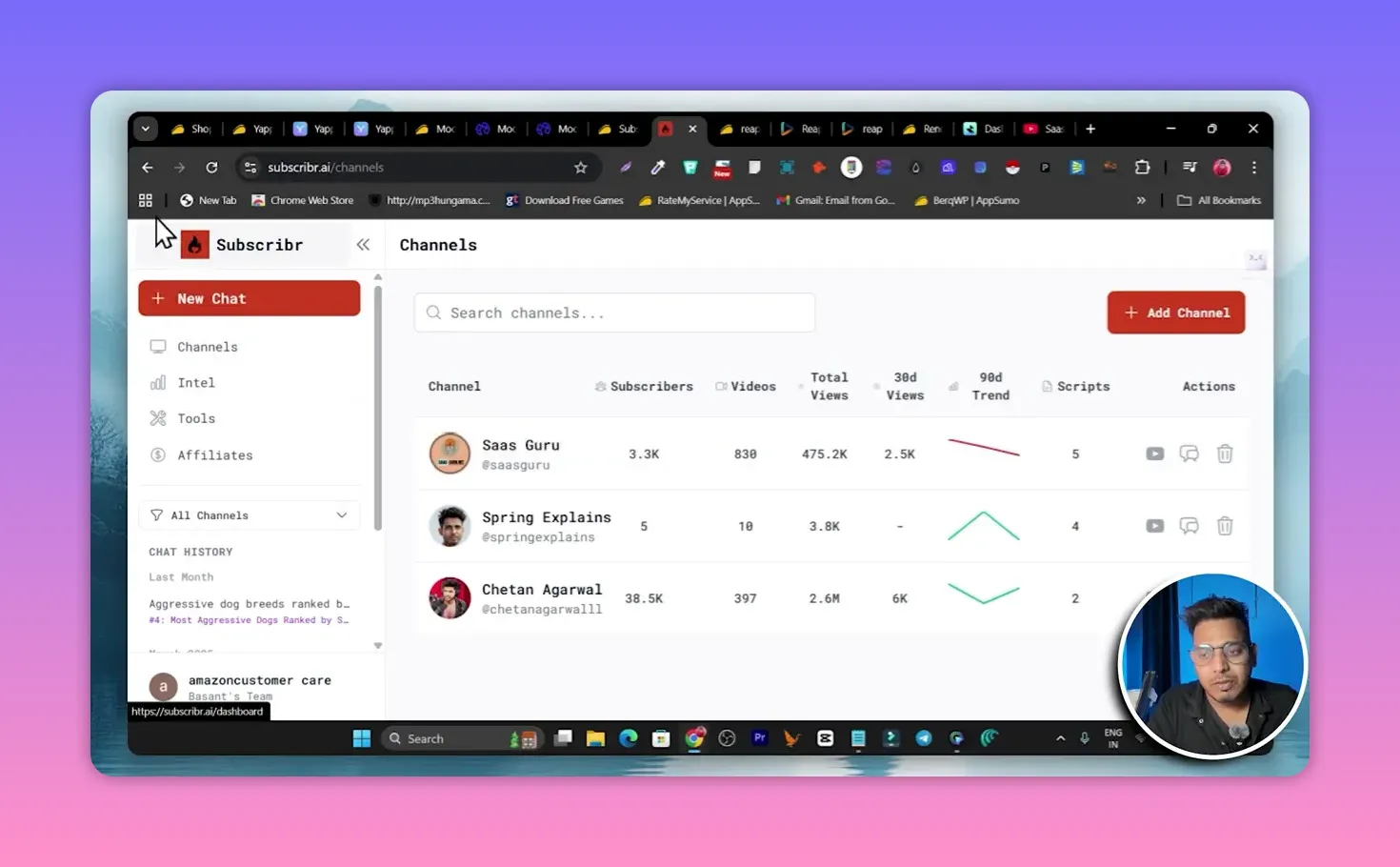
- Channel-aware scripts — link your YouTube channel and use the new-script-by-channel feature to generate scripts aligned with your audience.
- Thumbnail & title suggestions — helps with clickable titles and thumbnail concepts that fit the generated script.
- Time-saver — use Subscribr to create the storyline and then hand that script to a video generator or editor.
Perfect for creators who want fast, research-backed scripting without spending hours ideating. Lifetime deals for Subscribr begin around $79 on AppSumo.
✂️ Reap — Auto clip generation and social-ready repurposing
Reap focuses on converting long-form content into multiple short clips automatically. Paste a long video link and the platform generates clips, adds captions, and ranks them so you can pick the highest-potential snippets for social distribution.
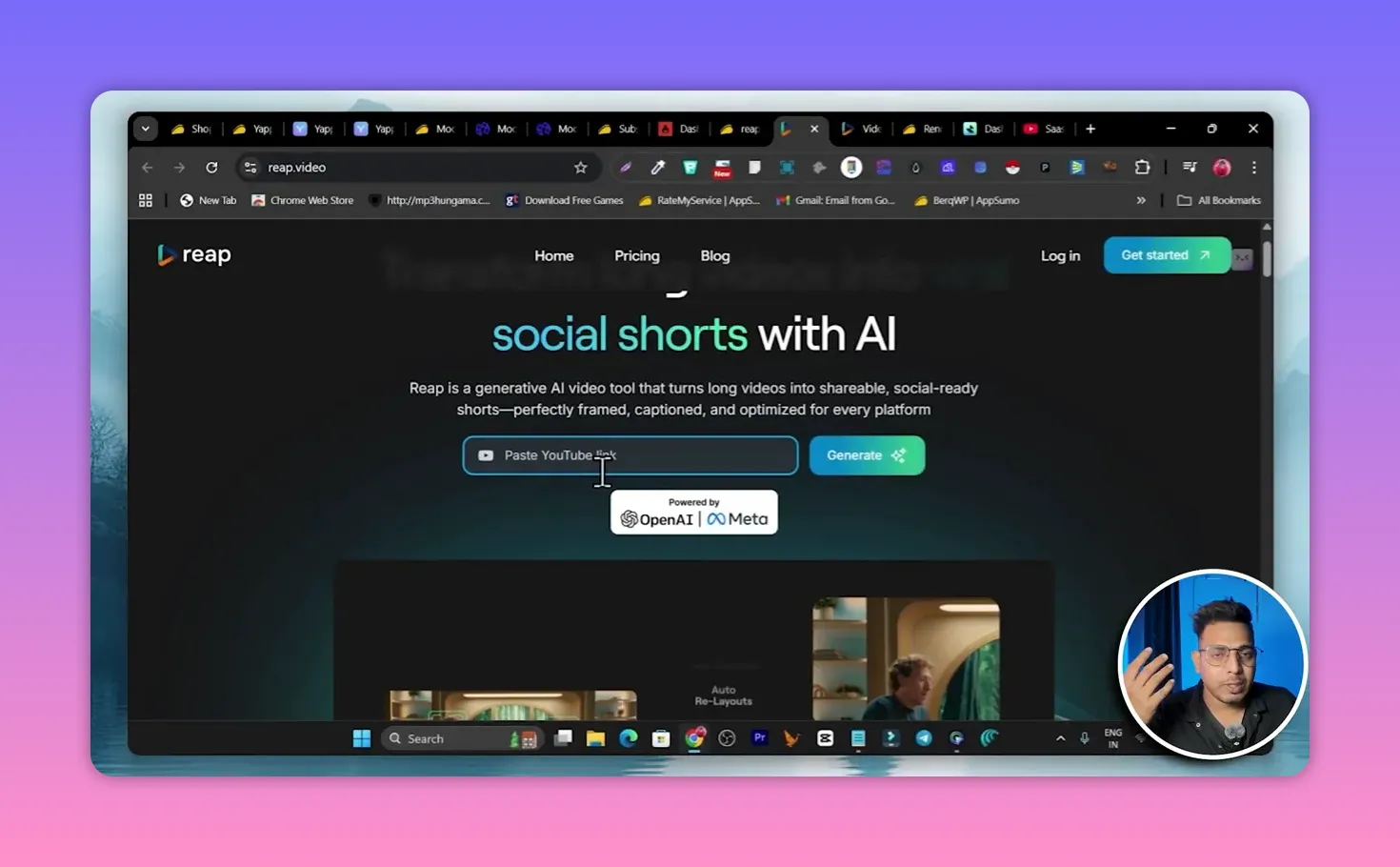
- Auto-chop — extracts multiple short clips from a single long video.
- Captioning and editing — adds captions, trims smartly, and applies basic edits.
- Direct share — push clips directly to YouTube, Instagram, or other connected channels without re-downloading.
- Clip scoring — each clip receives a view-potential score so you can prioritize uploads.
Ideal for repurposing podcasts, webinars, or long tutorials into high-performing short-form content.
📝 Rendercut — Subtitle styles and creator-style captions
Rendercut is a focused tool for styling subtitles and captions with creator-driven templates. It’s especially useful if you want viral-style on-screen captions that match current trends.
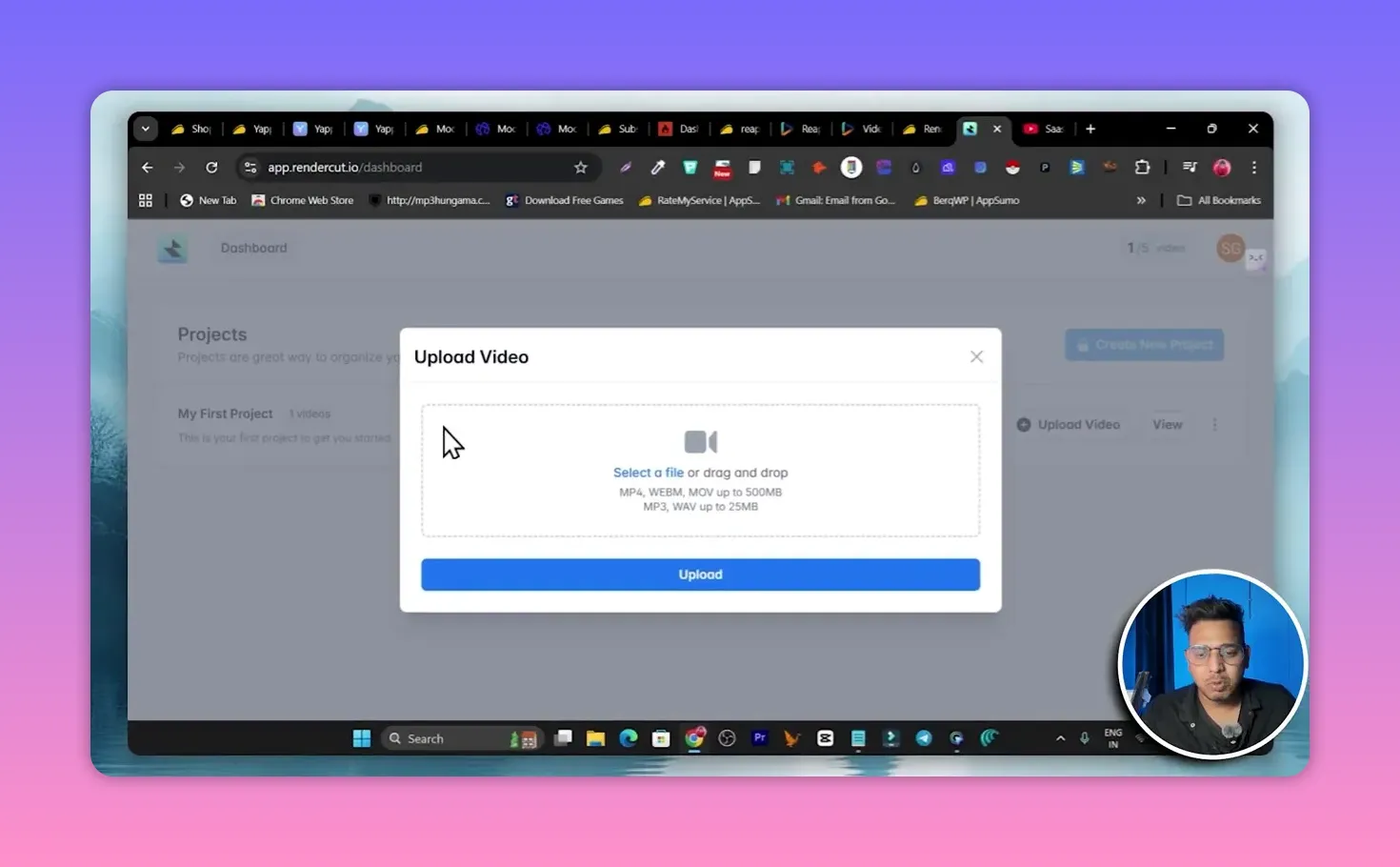
- Creator subtitle templates — choose from popular caption styles used by top creators.
- Clip creation — upload or link a video and Rendercut will auto-generate subtitle-based clips.
- Quick projects — start a new project, upload the file, and the tool generates captions with timing and style presets.
Use Rendercut if captions are central to your content strategy—short-form platforms reward readable, well-styled text overlays.
🧭 How to choose the right AI video tool
- If you want short hyperreal clips: Yapper is fast and model-flexible.
- If you need multi-minute character-driven videos: Mootion is better suited for continuity and story flow.
- If you need scripts and channel optimization: Subscribr will save you hours of planning.
- If you repurpose long content into shorts: Reap automates clipping and sharing.
- If captions and style matter most: Rendercut offers creator-style subtitle templates.
🔧 Practical tips and best practices
- Start with a script — even short clips perform better when the prompt or script is clear.
- Test models and styles — run quick A/B tests with different generation models to find the preferred aesthetic.
- Use prompt extraction carefully — copy inspiration, but avoid direct cloning of copyrighted material.
- Repurpose smartly — long videos can produce multiple short assets; use a clip-generator to scale distribution.
- Check export quality — platforms vary in resolution and format support; confirm they meet your publishing needs.
❓FAQ
Which tool creates the most realistic-looking people and scenes?
Yapper excels at hyperreal short clips because it offers multiple advanced generation models. For longer, narrative-driven realism with consistent characters, Mootion is a better choice.
Can Yapper videos be made longer than the default 10–25 seconds?
Yes. Yapper allows extensions that add extra seconds to a generated clip, so you can push beyond the short default runtime.
Do these tools offer lifetime deals on AppSumo?
Several of these platforms offer AppSumo lifetime deals. Example starting prices mentioned include Yapper around $49, Mootion around $69, and Subscribr around $79. Always confirm current pricing on the AppSumo listing.
Can Subscribr write scripts for any niche?
Yes. Subscribr generates scripts and content ideas tailored to a channel or niche once you connect the channel or provide context. It also suggests titles and thumbnails aligned with those scripts.
Which tool should I use to repurpose a 60-minute webinar into shorts?
Reap is purpose-built for auto-clipping long videos into short, shareable segments with captions and direct sharing options. Use Rendercut afterward if you want to stylize captions further.
⚡ Final thoughts
Each tool fills a different role in the modern creator toolbox. If you want hyperreal short content, start with Yapper. If your focus is longer, character-based content, try Mootion. Use Subscribr to speed up scripting, Reap to scale clipping, and Rendercut to style captions for maximum social reach.
If you plan to buy any lifetime deal, compare feature limits, export formats, and update policies on the AppSumo page before completing the purchase. Good tools accelerate output, but the best results still come from clear ideas and thoughtful prompts.
— Basant