I remember the countless hours I spent digging through CSS code just to match a website’s color scheme or typography. Then I stumbled upon CSS Peeper, a game-changing Chrome extension that lets me inspect website styles without writing a single line of code. This guide dives deep into its pricing, standout features, and what users really think.
Why CSS Peeper Became My Go-To Chrome Extension
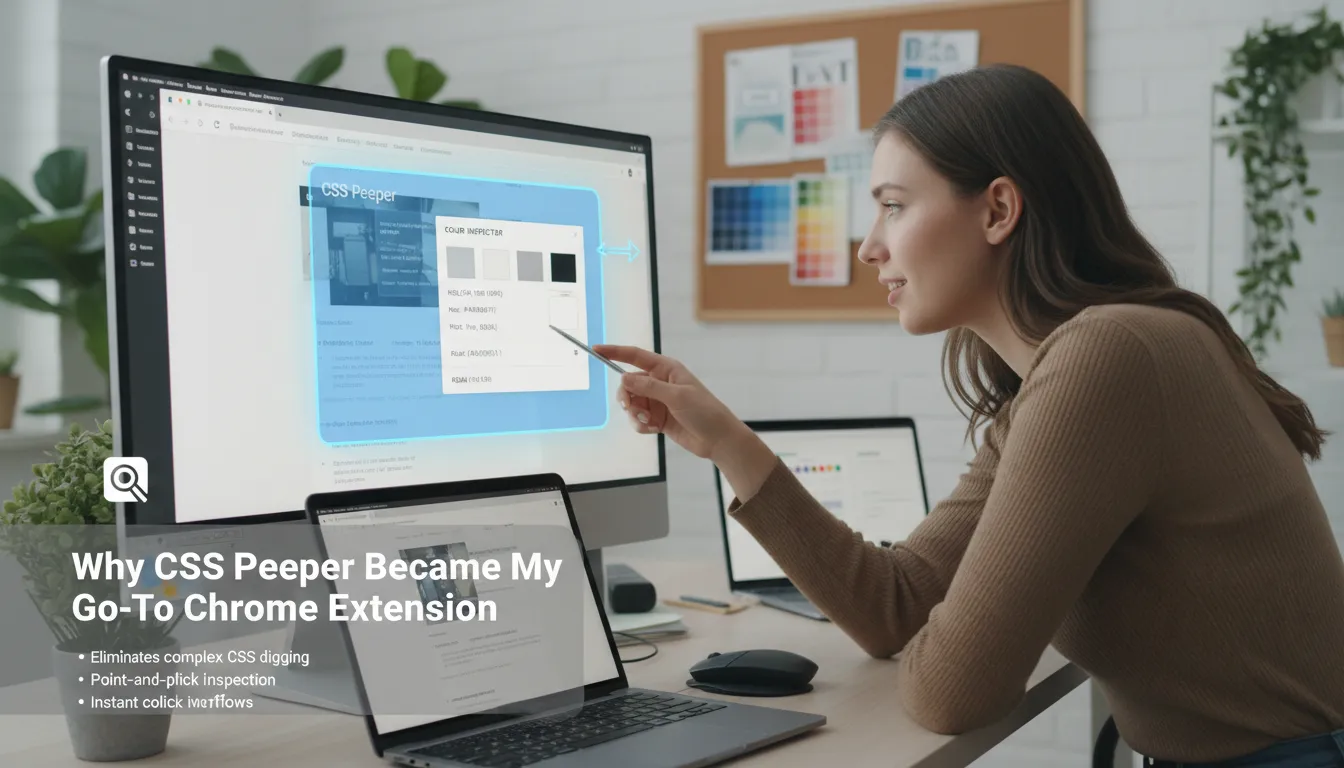
As a designer, I constantly need to inspect website styles and extract design elements for inspiration or prototyping. Before discovering CSS Peeper, this meant digging through layers of complex CSS code, which was both time-consuming and frustrating. Now, with CSS Peeper as my Chrome extension of choice, the process is not only faster but also code-free and accessible to anyone, regardless of technical skill.
Inspecting website styles used to be a chore, but CSS Peeper made it a breeze — no code necessary.
Point-and-Click Simplicity for Designers
CSS Peeper is designed for web designers, product designers, and agencies who want a streamlined way to analyze and extract design properties. With its intuitive point-and-click interface, I can instantly inspect any website element—whether it’s padding, spacing, borders, or content size—without ever opening the code inspector. This has saved me significant time, especially when working on tight deadlines or rapid prototyping.
Instant Color Palette Extraction
One of my favorite features is the Color Inspector tool. CSS Peeper allows me to view and extract the entire color palette of any website in seconds. I get instant access to HSL, Hex, and RGBA values for every color used, neatly organized by purpose—background, text, borders, and more. I can copy or export these palettes, which accelerates my workflow and keeps my design process organized.
- Color palette extraction for backgrounds, text, and borders
- Export palettes for use in design tools
- See color values in multiple formats (HSL, Hex, RGBA)
Typography and Resource Extraction Made Easy
CSS Peeper also shines when it comes to typography. I can instantly view font family, size, weight, and style, as well as the typographic hierarchy across a page. This helps me replicate or draw inspiration from great web typography without guesswork. Additionally, the extension lets me extract images, SVGs, and icons directly from any site, which is a huge time-saver during prototyping and design handoff.
Designed for Efficiency
What sets CSS Peeper apart from other Chrome extension designers is its focus on a code-free, user-friendly experience. It organizes design data, provides accessibility checks, and offers features like sidebar mode, dark mode, and advanced contrast checking—all aimed at making my workflow more efficient and enjoyable.
Breaking Down CSS Peeper’s Pricing Tiers and Lifetime Deal
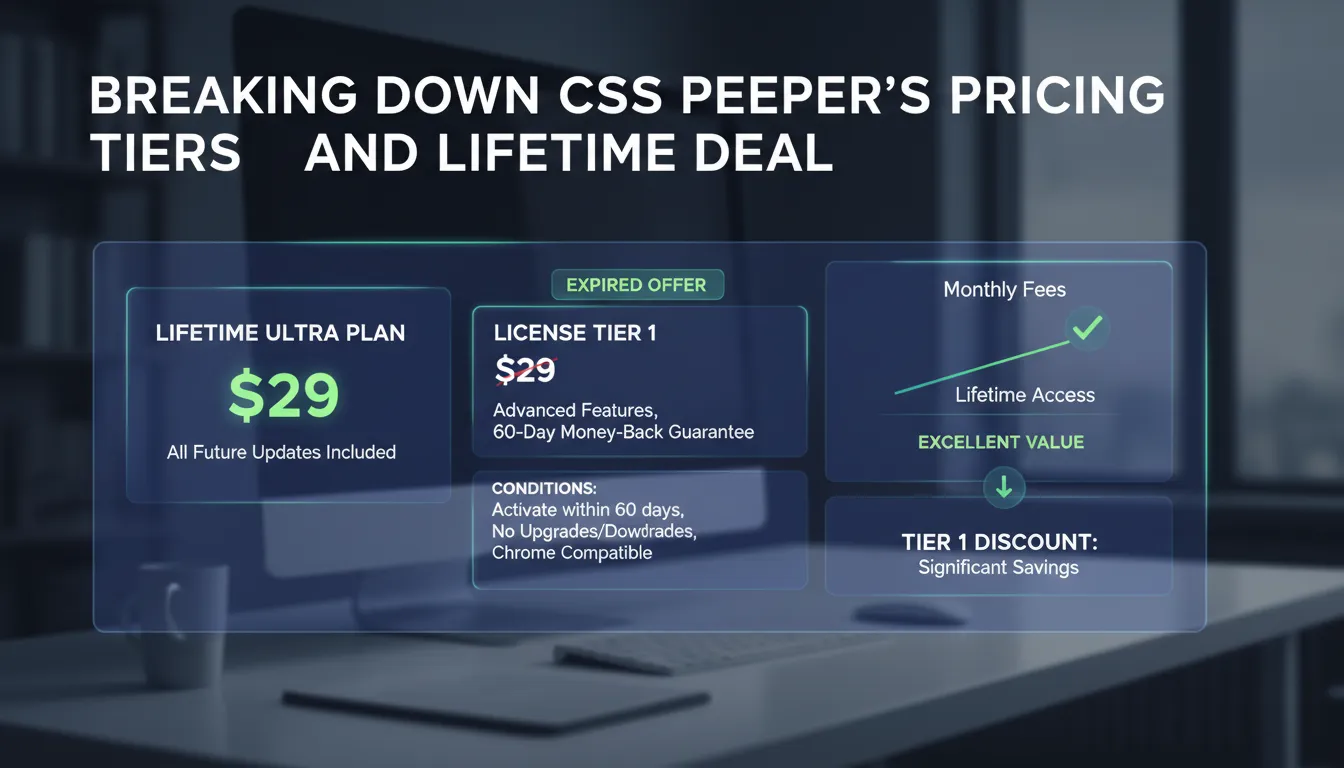
When it comes to CSS Peeper pricing, the standout offer has been its lifetime access deal. For a one-time payment of $29, users could unlock the Ultra plan, which included all future updates and premium features. This approach to premium subscription plans is especially attractive for freelance designers and agencies who want to avoid recurring monthly fees. As one user put it:
The lifetime deal was a steal compared to monthly subscription plans.
The License Tier 1 (now expired) was available at $29, reflecting a savings of $96 (69% off the regular price). This tier provided access to advanced features such as sidebar mode, color palette export, semantic color groups, typography hierarchy preview, layout density switcher, and an advanced contrast checker. The offer also included a 60-day money-back guarantee, giving users peace of mind to try the tool risk-free.
There were a few important conditions attached to this lifetime deal:
- Activation had to occur within 60 days of purchase.
- No upgrades or downgrades between license tiers were allowed.
- Only compatible with Google Chrome.
- Offer was available exclusively to new users (existing CSS Peeper accounts were not eligible).
CSS Peeper’s pricing strategy—offering a one-time fee for ongoing access and updates—made it a compelling choice for long-term users. The value is clear when compared to standard monthly or annual premium subscription plans, which can quickly add up over time.
For context, other tools featured in the same ecosystem also offered competitive lifetime deals:
- PromptBox: $19 lifetime access, focused on text management and productivity (rated 3.96/5 from 49 reviews).
- Insighto.ai: $49 lifetime access, providing customer experience and AI chatbot solutions (rated 5/5 from 7 reviews).
- MailSentry.io: $59 lifetime access, specializing in email cleaning for marketing (rated 5/5 from 2 reviews).
These complementary tools address broader productivity needs, from managing prompts and snippets to improving customer support and ensuring email deliverability. The CSS Peeper lifetime access deal stands out for its affordability and robust feature set, with user feedback highlighting the value of the 60-day money-back guarantee and the convenience of a one-time payment structure.
Key Features That Put CSS Peeper Ahead in Web Design Workflows
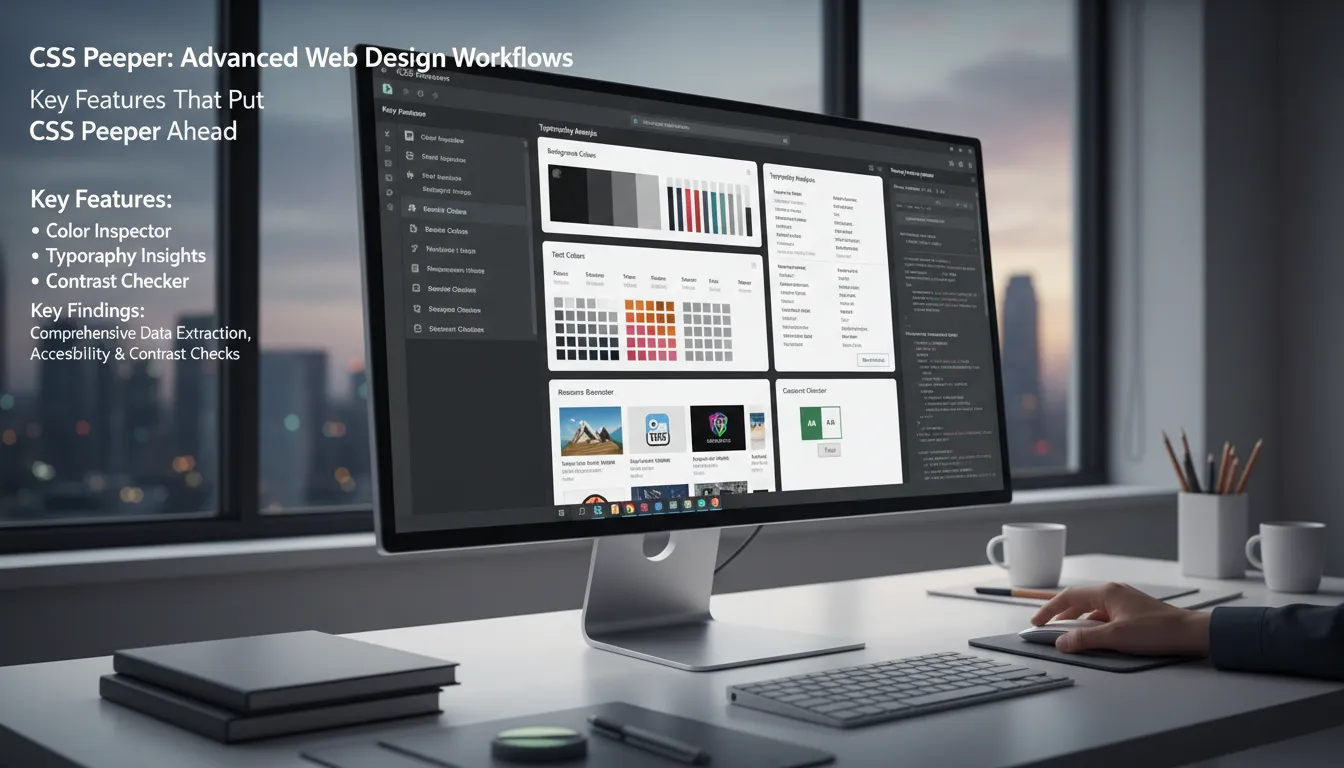
CSS Peeper stands out as a Chrome extension built for web professionals who need fast, code-free access to comprehensive design data. Its feature-rich toolkit blends inspection, color palette extraction, typography analysis tools, and resource export capabilities, all within a clean, intuitive interface. As a designer, I find that CSS Peeper packs all the must-have inspection tools with a clean, intuitive interface, making it a true companion for modern web design workflows.
Color Inspector: Organized Palette Extraction
The Color Inspector is a highlight, letting me instantly view and export the entire color palette of any website. Colors are automatically categorized by their purpose—background, text, borders—making it easy to analyze and reuse palettes. I can copy HSL, Hex, or RGBA values and export palettes for collaboration or inspiration. Semantic color grouping further clarifies how colors are used across a site, supporting design clarity and innovation.
Typography Analysis Tools: Deep Font Insights
CSS Peeper’s typography analysis tools reveal detailed information about every font on a page. I can quickly see font family, size, weight, style, and the full typographic hierarchy. This helps me replicate or adapt text styles in my own projects, and the ability to browse used text styles and preview the hierarchy saves time during design exploration.
Resource Extraction: Images, SVGs, and Icons
With CSS Peeper, resource extraction is seamless. I can download any image, SVG, or icon from a website in seconds. This feature optimizes asset reuse and speeds up prototyping, making it easy to gather all necessary visuals for my workflow.
Contrast Checker Feature & Accessibility Scans
Accessibility is built in, with a robust contrast checker feature and accessibility scans. These tools help ensure my designs meet usability standards and are readable for all users. The advanced contrast issue scanner highlights potential problems, so I can address them early in the design process.
Smart Inspection & Customization Options
Smart inspection modes, a layout density switcher, and customizable unit and color settings allow me to tailor the extension to my preferences. Dark mode and instant previews further enhance usability, while smart remapping of plans keeps features up to date.
| Feature | Benefit |
|---|---|
| Instant color palette export | Speeds up design and collaboration |
| Detailed typography hierarchy preview | Inspires and informs design choices |
| Contrast checker with accessibility scans | Safeguards usability and compliance |
| Smart remapping of plans | Keeps features current for users |
| Color semantic grouping | Enhances design clarity |
How Users Rate CSS Peeper: Insights From Reviews
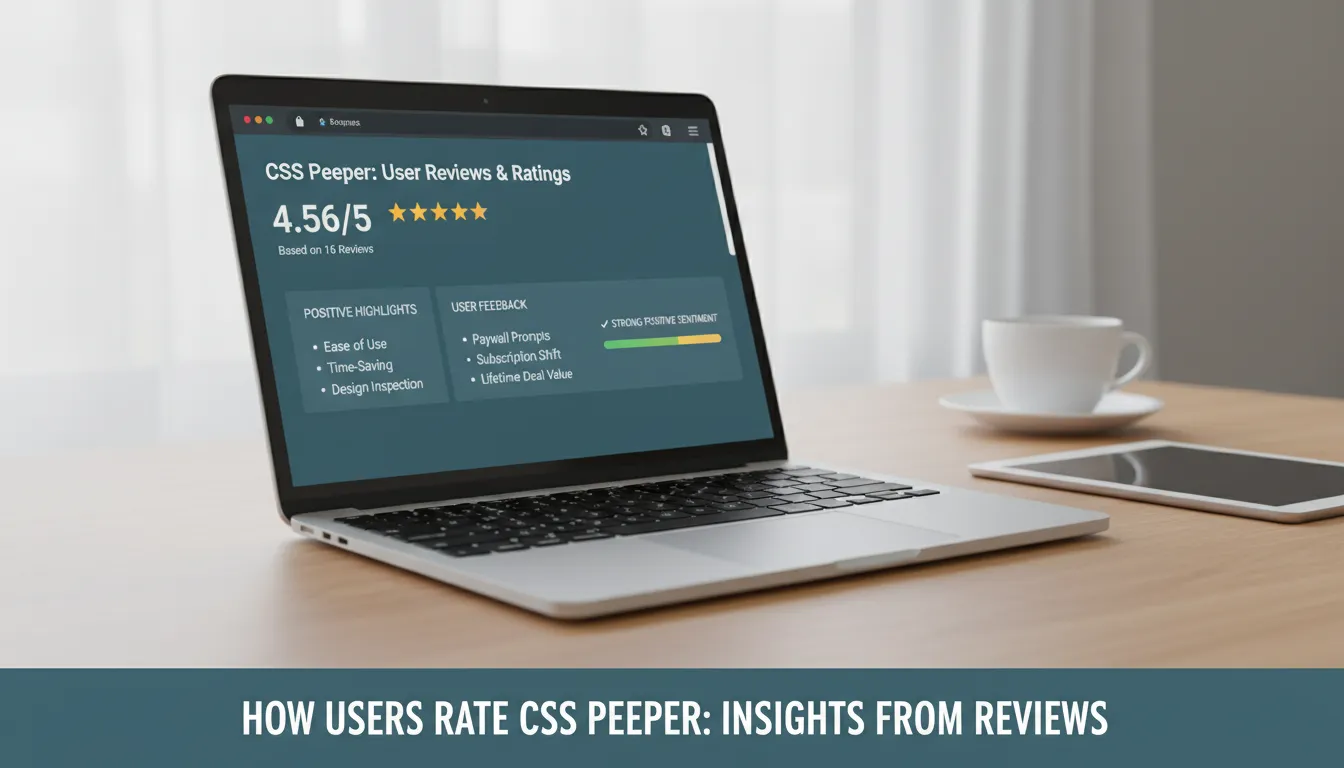
Based on user reviews, CSS Peeper stands out as a highly rated Chrome extension for web designers and agencies. With an average rating of 4.56 out of 5 from 16 reviews, it’s clear that the tool delivers significant value, especially for those who purchased the lifetime deal. This section provides a user reviews summary, highlighting the most common positive highlights, benefits, and constructive feedback shared by the community.
| Tool | Average Rating | Number of Reviews |
|---|---|---|
| CSS Peeper | 4.56/5 | 16 |
| PromptBox | 3.96/5 | 49 |
| Insighto.ai | 5/5 | 7 |
| MailSentry.io | 5/5 | 2 |
Positive Highlights & Benefits
- Ease of Use: Many users praise CSS Peeper for its intuitive interface. The ability to inspect design elements, analyze typography, and extract color palettes with just a click is frequently mentioned as a major time-saver.
- Workflow Transformation: Designers note that CSS Peeper streamlines their process, allowing for quick, code-free exploration of any website’s styles. As Rachel B. shared:
CSS Peeper transformed my workflow — I can’t imagine inspecting styles any other way now.
- Feature Completeness: Lifetime deal users, especially those from AppSumo, highlight the value and comprehensive feature set, including advanced color and typography tools, resource extraction, and accessibility checks.
- Support & Updates: The community appreciates responsive support and regular updates, which help maintain reliability and add new features.
User Reviews Feedback: Pricing & Access
- Pricing Model Evolution: While the overall sentiment is strongly positive, some users express frustration over the shift from a lifetime deal to a subscription model and occasional paywall prompts. Daniel T. notes:
The shift to subscription was disappointing, but the tool’s features remain top-tier.
- Value for Lifetime Users: Those who secured the lifetime license feel particularly satisfied, emphasizing the long-term value and savings compared to ongoing subscriptions.
In summary, user reviews confirm CSS Peeper as a reliable, efficient companion for web professionals, with standout feedback on its ease of use, powerful design inspection features, and overall value—especially for early lifetime deal adopters.
Bringing It All Together: My Take on CSS Peeper and Companion Tools
After exploring CSS Peeper and its companion tools, I can confidently say that this suite is a game-changer for professional designers looking to boost their workflow productivity. CSS Peeper stands out as an indispensable Chrome extension, especially for those who want a fast, code-free inspection tool. Its ability to instantly reveal design properties, color palettes, and typography details without touching a line of code has saved me countless hours. The organized design data, resource extraction, and built-in accessibility checks make it a premium choice for anyone serious about web design.
What really sets CSS Peeper apart is how it streamlines the entire design process. From quickly copying color palettes to exporting SVGs and images, every feature is built with efficiency in mind. The lifetime access deal at $29 was especially appealing, offering all future updates under the ‘ultra plan’ and a generous 60-day money-back guarantee. While the offer has now expired, it’s clear that such premium subscription plans are highly attractive to freelance professionals and small teams who want long-term value without recurring costs. The 4.56/5 user rating reflects widespread satisfaction, and in my experience, the efficiency gains far outweigh any minor hesitations about pricing.
Complementary tools like PromptBox, Insighto.ai, and MailSentry.io further round out the toolkit for designers and businesses. PromptBox, at $19 per life, is a simple but powerful productivity tool for managing repetitive text. Insighto.ai, with its AI-driven chatbots and voice agents, addresses customer experience needs and helps reduce operational costs. MailSentry.io, meanwhile, ensures marketing efforts are not wasted on invalid email addresses. Each of these tools offers a lifetime deal, making them accessible and budget-friendly for individuals and small teams alike.
Of course, moving from free to premium subscription plans comes with natural trade-offs. Some may hesitate at the upfront cost, but in my view, the functionality and usability of these tools justify the investment. As I see it, “For creatives, finding tools that blend ease with power is like striking gold in a digital world.” Before committing, I encourage readers to consider their own workflow needs and how these solutions can fit into their daily processes.
In summary, CSS Peeper and its companion tools deliver a holistic, efficient, and user-friendly experience for modern web professionals. Their features, fair pricing, and strong user sentiment make them a smart choice for anyone looking to elevate their design and operational work.
TL;DR: CSS Peeper offers a user-friendly way to instantly inspect web design elements, with pricing options for every budget and solid user praise that highlights its productivity boost.