
Table of Contents
- 🧭 Why FuseBase and when it matters
- 🏗 How FuseBase is organized
- 💬 Chat and team collaboration
- 🧩 Pages, templates, and content blocks
- 🤖 AI features and AI agents
- 🔁 Automations and flows
- 🌐 Portals, themes, and white labeling
- 💸 AppSumo lifetime deal and how codes work
- ✅ Pros, ❗Cons, and who should use FuseBase
- 🧠 Practical tips to get the most from FuseBase
- ❓Frequently asked questions
🧭 Why FuseBase and when it matters
If your business still runs on long email threads, scattered Google Docs, and a dozen disconnected apps, FuseBase offers a simpler path. It combines internal knowledge storage, client-facing portals, team chat, AI-powered tools, and automations into a single workspace designed for agencies, freelancers, and small teams.
“Stop running your entire business from messy email threads and scattered Google Docs.”
🏗 How FuseBase is organized
FuseBase follows a clear hierarchy: organization > workspaces > portals. An organization can hold multiple workspaces, each workspace can host multiple client portals, and each portal surfaces selected internal pages in a clean, public-facing layout.
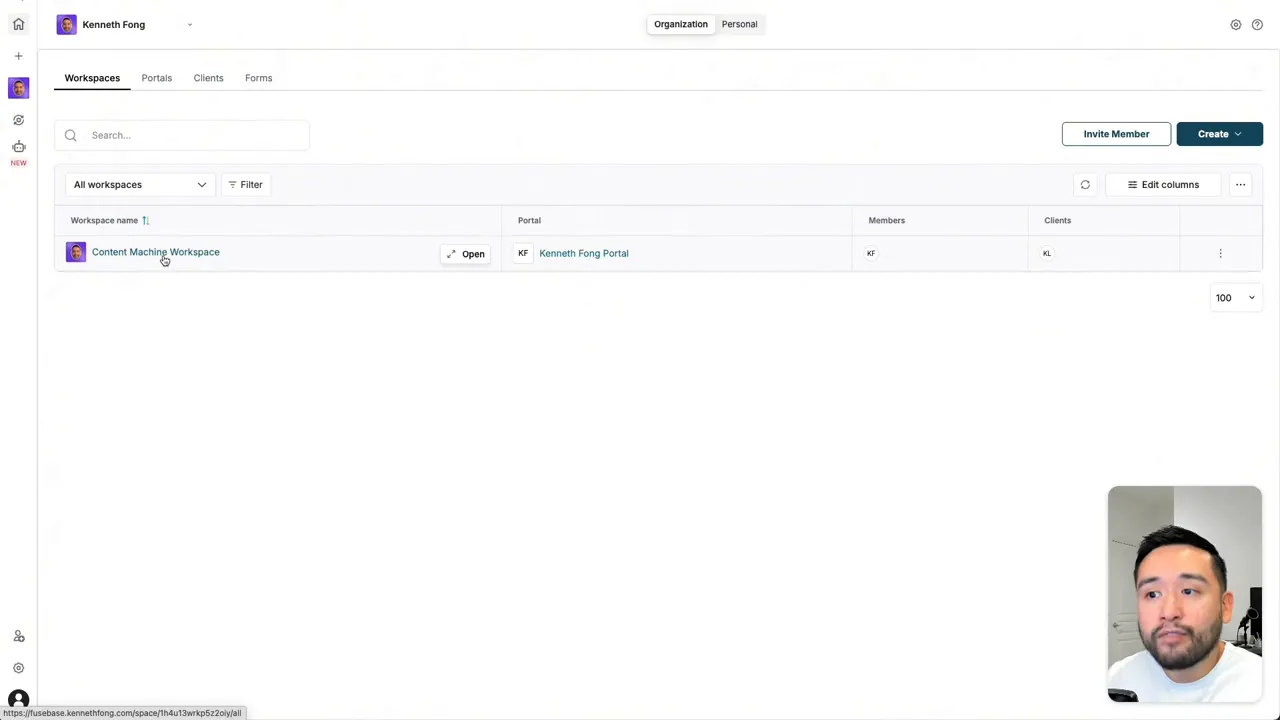
This structure makes it easy to keep internal process documents, assets, and templates separate from what clients see. Use the internal space for files, tasks, and operational pages; map only the relevant content to the client portal to create a mini website for each client or project.
💬 Chat and team collaboration
Built-in chat channels feel familiar and lightweight, similar to other team chat tools. You can create public channels, private team threads, and direct messages with clients you invite. This reduces back-and-forth email and centralizes communication alongside relevant project pages.

🧩 Pages, templates, and content blocks
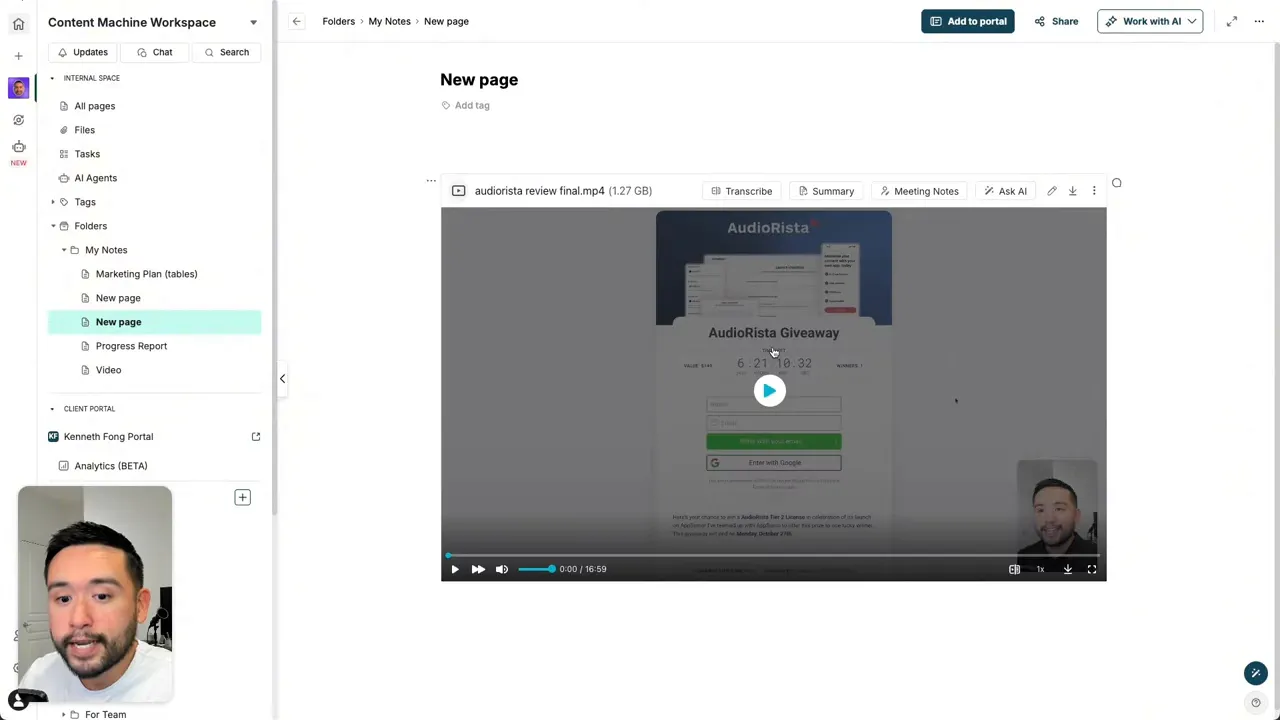
Pages are the backbone of project management in FuseBase. Start from scratch or pick from dozens of templates: proposals, client briefs, content calendars, testimonials, and marketing plans. Each page supports tables, Kanban boards, file upload blocks, audio/video, and integrations.
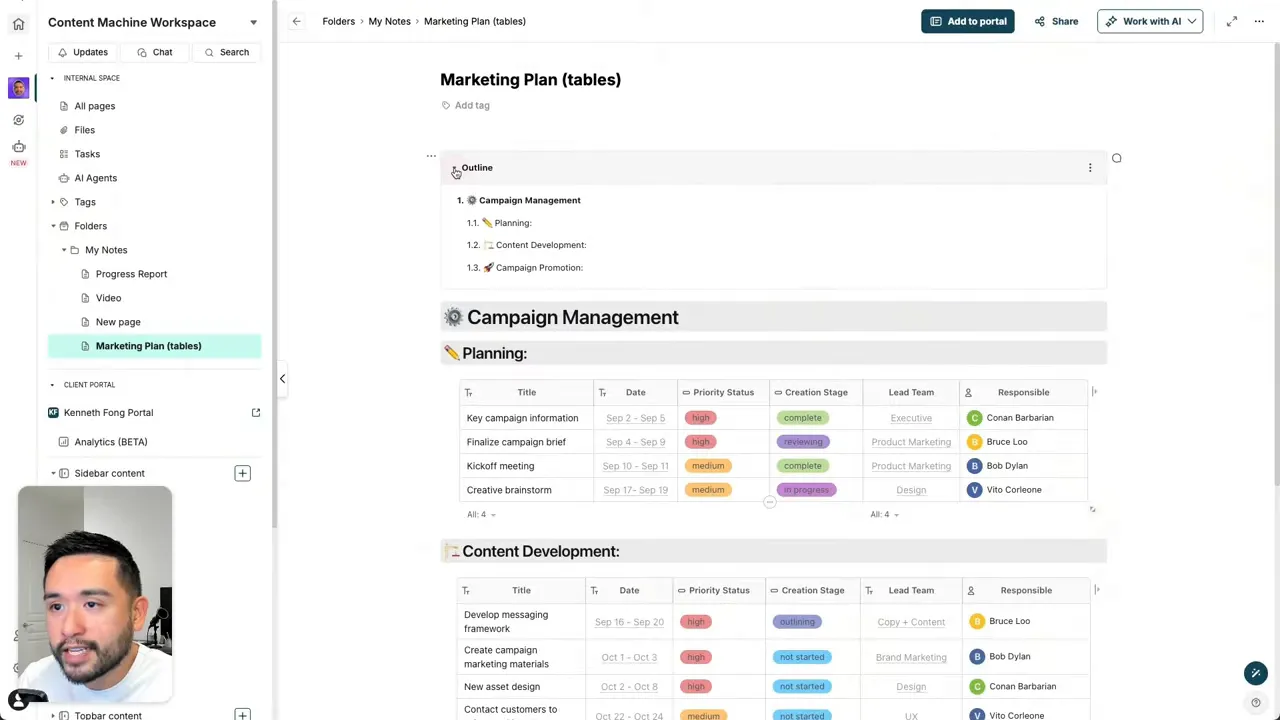
Practical features include:
- Outline view for quick navigation of long pages (similar to Notion).
- File uploader blocks so clients can drag files directly onto the page.
- Download and export options: PDF and full HTML export (HTML export available starting at three AppSumo codes).
🤖 AI features and AI agents
AI is embedded across FuseBase. You can ask the workspace AI to summarize pages, improve copy, or generate meeting notes. The platform also includes multiple AI agents—about 32 at the time of testing—that perform focused tasks like web search chat, data extraction, LinkedIn contact finding, post idea generation, and marketing strategy generation.
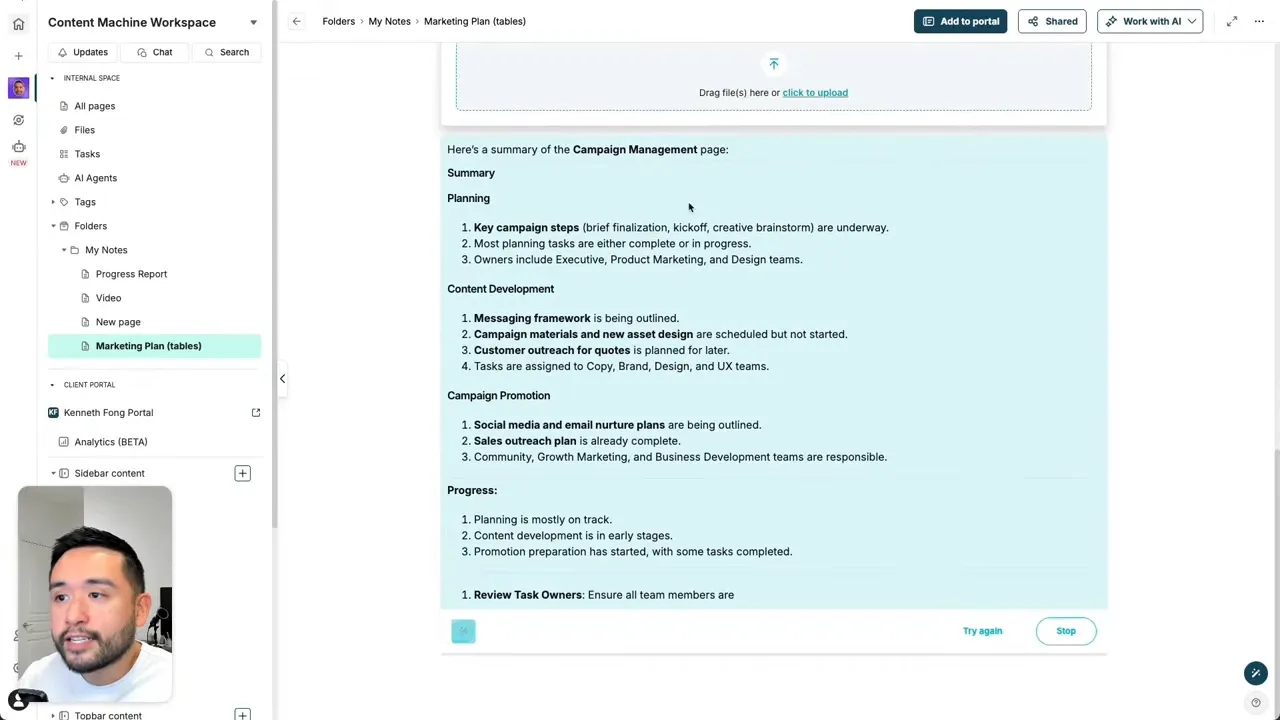
The biggest advantage of these agents is context awareness. When you run an agent from a specific page, it can use the page content as context to produce tailored outputs—for example, generating an email nurture sequence based on a campaign page.
🔁 Automations and flows
FuseBase provides an automation builder (called flows) that resembles a simplified Zapier designed for the workspace. Prebuilt templates or custom flows let you chain actions: upload a file, transcribe it, summarize via AI, and email the results.
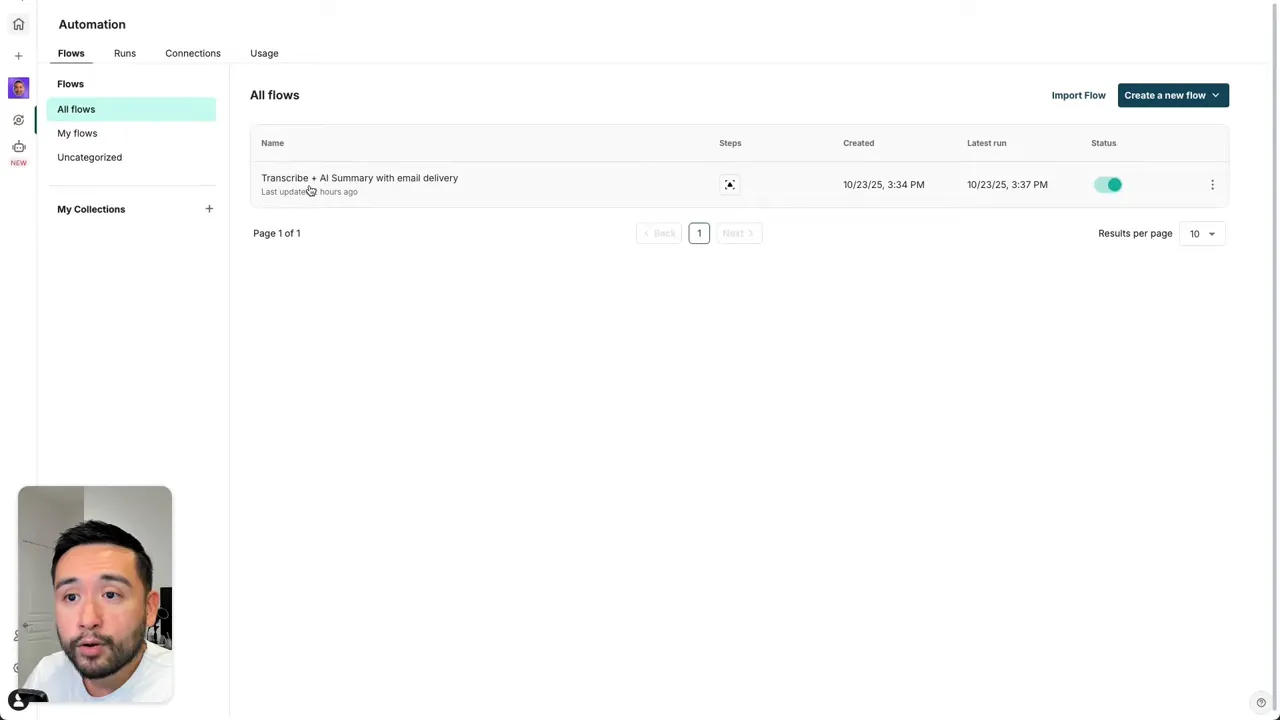
Useful automation examples:
- Video transcription and objection tracking: upload a video, automatically transcribe it, extract customer objections, and store the results on a dedicated page.
- Weekly competitor tracking: agents scan competitor updates and add summaries to a designated page.
- Integrations with Airtable, Asana, Google Drive, Calendly, Discord, Google Calendar, and CSV import/export.
🌐 Portals, themes, and white labeling
Portals are polished, client-facing mini sites that present your pages using a sidebar, top bar, and footer layout. You can add announcement blocks, to-do lists, invoices, meeting notes, and more. Theme presets let you customize look and feel quickly.
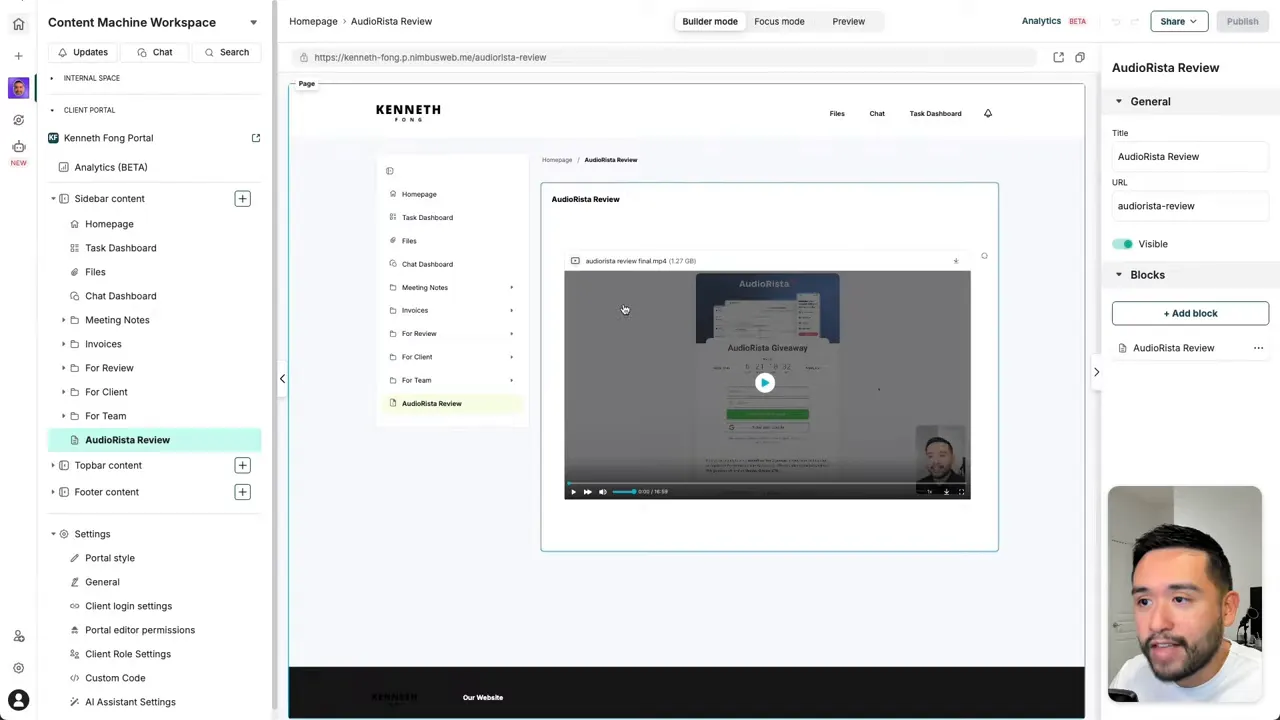
White labeling options include custom logos, favicons, and using a custom domain. Note that full white labeling and custom domain support are tied to higher AppSumo code tiers; some branding features require stacking codes to unlock.
💸 AppSumo lifetime deal and how codes work
The AppSumo lifetime deal for FuseBase is sold via “codes.” Key points to know:
- One code is often enough for a solo founder, and AppSumo pricing can start around $79 per code during promotions.
- Advanced features start unlocking when you stack codes. For example, white labeling becomes available at five codes.
- The maximum number of codes you can buy is 10, which unlocks the full feature set.
- HTML export becomes available starting at three codes.
✅ Pros, ❗Cons, and who should use FuseBase
- Pros: All-in-one client portal and internal knowledge base, integrated AI agents, powerful automations, polished client portals with white labeling, multiple integrations.
- Cons: Slight learning curve due to many features, some branding and export capabilities locked behind code tiers, AI outputs can feel generic unless you feed contextual page data.
- Best for: Solo founders, agencies, and small teams who want a single hub for client delivery, internal documentation, and automations without stitching multiple apps together.
🧠 Practical tips to get the most from FuseBase
- Start by mapping your internal knowledge into clear pages, then selectively publish those pages to client portals.
- Use the AI agents from within relevant pages so the agents can leverage page context for better output.
- Prototype one automation flow (for example, video transcription -> summary -> email) to see how runs and triggers behave before scaling up.
- If white labeling matters, plan your AppSumo code purchases so you unlock the needed branding features.
❓Frequently asked questions
What is FuseBase and what problems does it solve?
FuseBase is an all-in-one client workspace that combines internal knowledge management, client-facing portals, chat, AI agents, and automations. It solves fragmentation by centralizing project pages, team communication, client delivery, and repetitive tasks.
Can I use a custom domain and remove FuseBase branding?
Yes. Custom domain support and white labeling are available, but they become accessible at specific AppSumo code tiers. White labeling typically requires stacking codes (for example, five codes to unlock many branding options).
How do automations and AI agents work together?
Automations (flows) let you chain actions such as file uploads, transcriptions, AI summaries, and external notifications. AI agents can be used inside flows or directly from pages. Flows increase productivity by automating repetitive processes and using AI to extract insights automatically.
Are the AI outputs high quality out of the box?
AI outputs are useful, but they can be generic if asked without context. The strength of FuseBase AI is using page content as context for more relevant, tailored outputs. For complex or creative tasks, feeding detailed context improves results.
Who should consider the AppSumo lifetime deal?
Independent consultants, small agencies, and founders who want a single hub for client delivery and internal operations should consider the deal. If you need full white labeling or extensive export options, factor in the number of codes required to unlock those features.
This article was created from the video FuseBase Review: AI-Powered Client Portals & Workspaces (AppSumo Deal) with the help of AI.