
Table of Contents
- 🔎 What Youbooks Is — and who it’s for
- 💸 Pricing, credits, and the confusing tiers
- 🛠 How it works: UI, prompts, and sources
- ⏳ The generation experience: long waits and real‑time progress
- 📄 What the output looks like
- ✅ What I liked about Youbooks
- ⚠️ What needs improvement
- 🧭 Recommended workflow if you buy it
- 📚 Best use cases
- ⚖️ Final verdict
- ❓FAQ
- 📌 Final tips
🔎 What Youbooks Is — and who it’s for
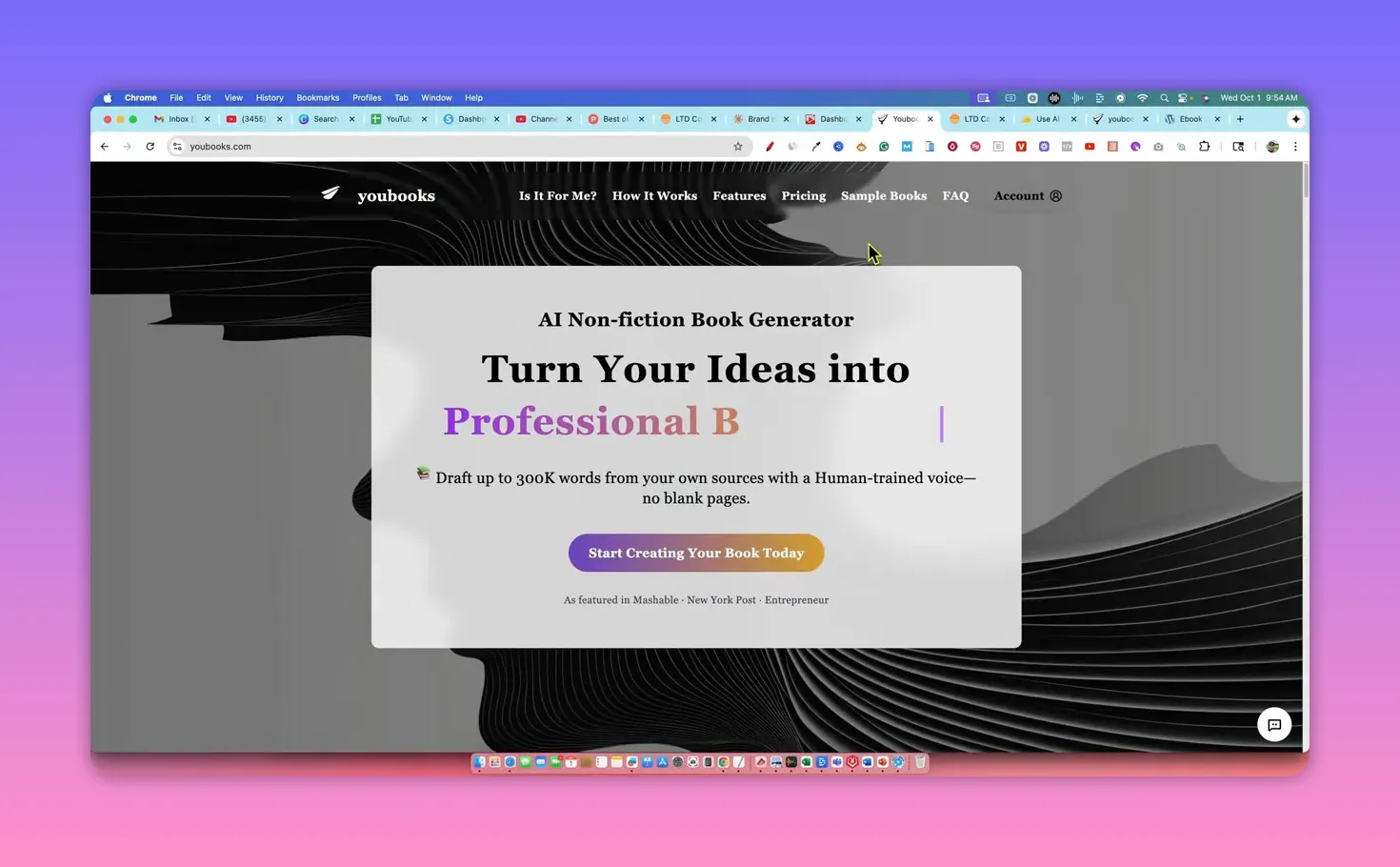
Youbooks is an AI-powered tool that generates nonfiction eBooks you can use as lead magnets, sell on Amazon KDP, or offer as a service on platforms like Fiverr. It launched in late 2024 and has been quietly building traffic and features since then. The product focuses exclusively on nonfiction and uses a credit system where one credit equals one word.
💸 Pricing, credits, and the confusing tiers
Pricing is tiered and centered around monthly credits. The lifetime tiers I tested ranged from a lower tier offering 200,000 credits per month up to higher tiers with 500k–700k credits. There’s also a separate “ultimate” plan required to bring your own API key.
Practical takeaway: at the mid tier you can generate multiple 10,000‑word books per month. If you plan to run an agency or churn very large books, consider whether the additional cost of higher tiers — and the promise of credit packs — actually saves you money.
🛠 How it works: UI, prompts, and sources
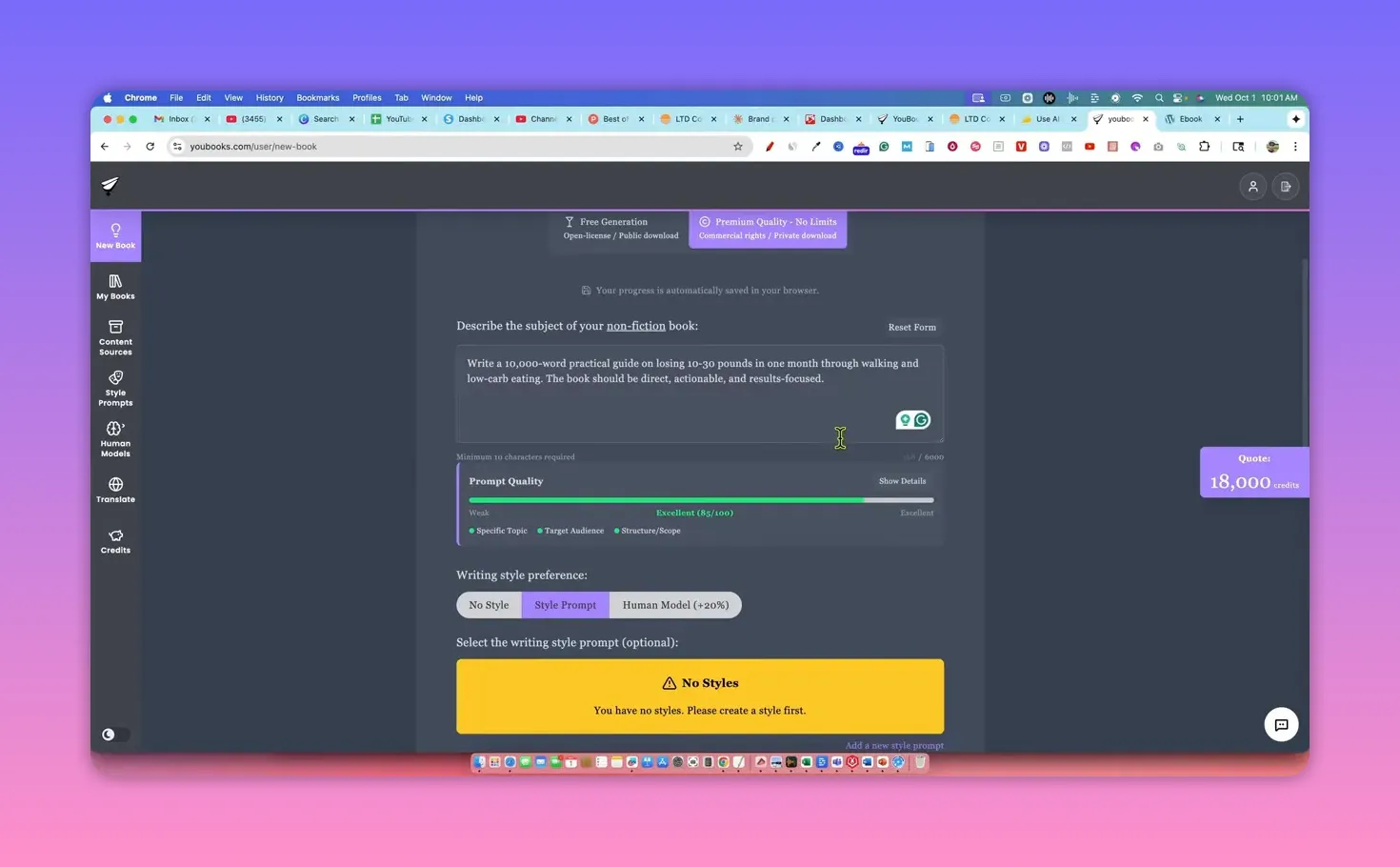
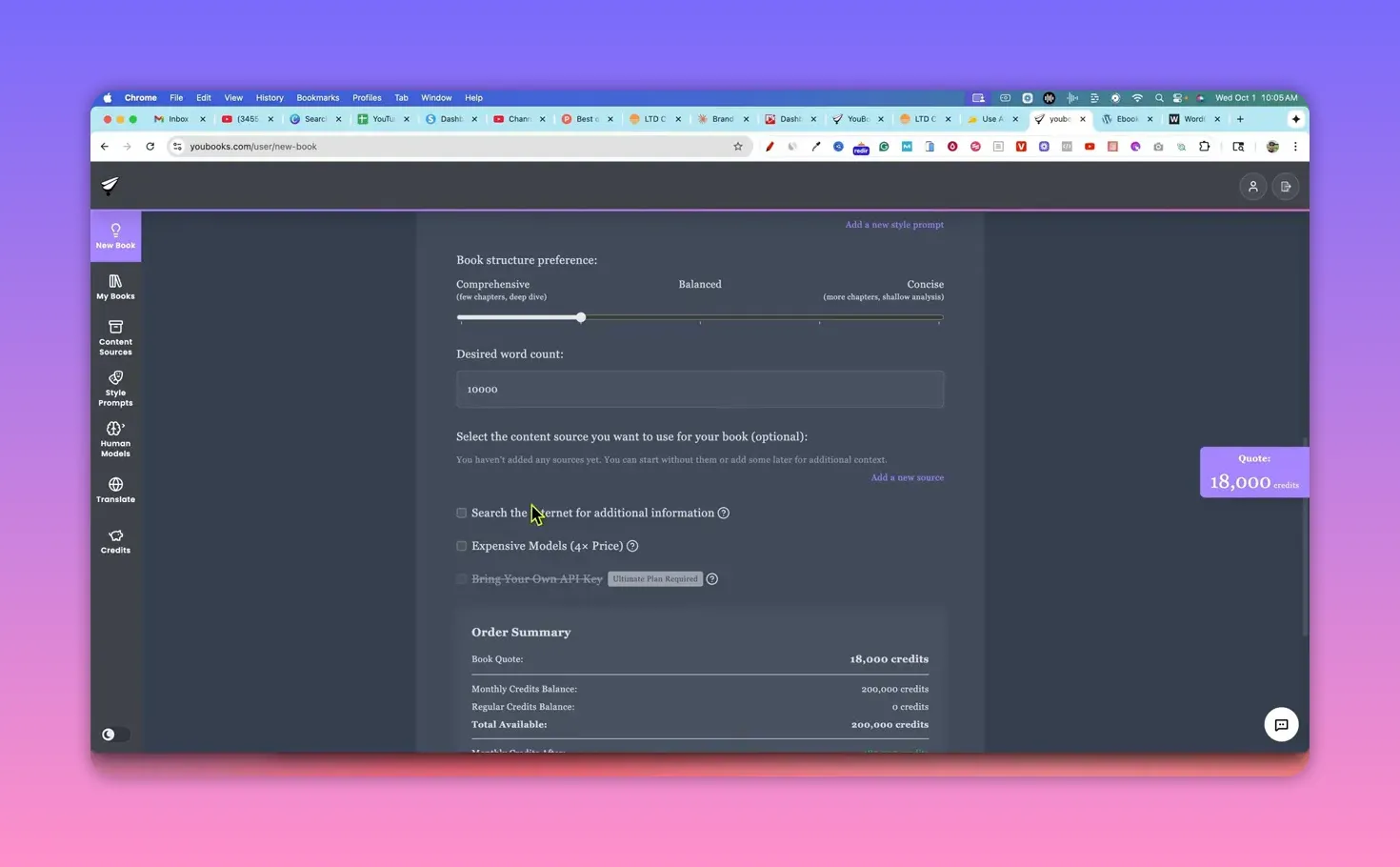
The interface is simple and clean. You set a word target (10,000 words is a common default), craft a prompt, and optionally add a style prompt or human model. A unique feature is the ability to upload or lock specific content sources so the book only uses those sources plus the tool’s internal model — handy when you need control over citations or brand voice.
You can also choose an “expensive” model option that costs roughly four times more and claims a 10–20 percent quality improvement. The caveat: it can take hours to run.
⏳ The generation experience: long waits and real‑time progress
Expect patience. A 10,000‑word book can take around five hours to generate. Youbooks shows live progress (chapter and section generation) and sends email updates when the project starts and when it’s complete. That asynchronous workflow means you can queue multiple projects and check back later.

📄 What the output looks like
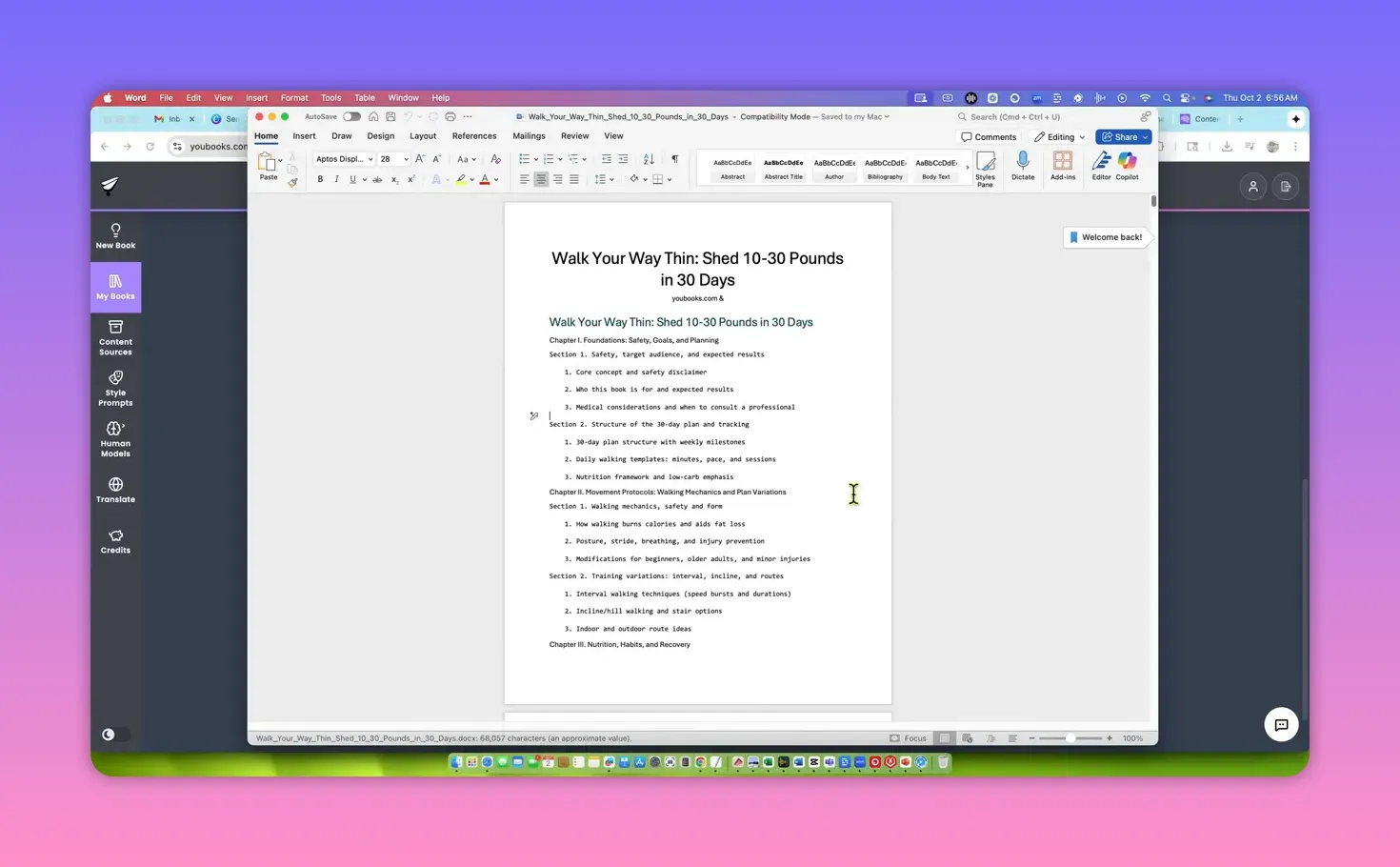
The result is a structured .docx/.epub/.rtf file with table of contents, chapters, sections, research notes, and even sample meal plans or checklists (depending on topic). The content is generally coherent and research-minded — medical considerations, frameworks, and example stories are included.
Downsides I ran into:
- Redundancy and large paragraphs — several sections felt repetitive and required significant editing to make reader-friendly.
- AI watermark and metadata — generated files may include an AI‑generated watermark or attribution line you need to remove before publishing.
- 100 percent AI detection — when I ran an originality check, the content returned as fully AI-generated, which could trigger flags on platforms that monitor AI content.
✅ What I liked about Youbooks
- Clear, simple UI that’s easy to pick up.
- Source control — ability to lock specific URLs or upload documents so the book draws only from chosen material.
- Style prompts and human models that let you tweak tone when you upgrade tiers.
- Export options (docx, ePub, MD, RTF) for easy editing and publishing.
⚠️ What needs improvement
- Generation time — five hours for 10,000 words is long compared with other tools that can produce a book in minutes.
- Output polish — you will need to edit, restructure, and humanize the writing before publishing.
- Bring your own key is locked behind an “ultimate” plan, which reduces flexibility and cost-efficiency for heavy users.
- AI detection risk — the output tests as AI-generated, so publishing without careful editing and human touch may result in account problems on Amazon KDP.
🧭 Recommended workflow if you buy it
- Plan your book and prepare a targeted prompt with strong constraints and voice instructions.
- Turn on source control and upload any reference material you want the AI to use.
- Generate the book and let it run overnight or during work hours — treat it as an asynchronous writer.
- Hire an editor on Fiverr or Upwork to clean paragraphs, remove redundancies, and add human anecdotes for credibility.
- Run an originality and fact check, remove any AI watermarks or metadata, and then publish carefully to KDP or use as a lead magnet.
“Don’t get your account banned.”
📚 Best use cases
- Creators who want to generate rough drafts and big-idea outlines for nonfiction books.
- Agencies or freelancers who produce lead magnets and need a starting draft to edit and brand.
- People who prefer batch workflows and don’t need instant turnaround — queue books and edit later.
⚖️ Final verdict
Youbooks is a capable AI eBook generator with useful features like source control and style prompts. The major tradeoff is time versus polish: Youbooks takes longer to produce a book but promises deeper processing. In my tests, the quality was decent but not significantly better than faster alternatives, and the output needed editing before publishing.
If you are willing to accept a next‑day turnaround and budget for human editing, Youbooks can be a cost-efficient lifetime deal. If you need rapid drafts with minimal wait, other tools might be a better fit.
My personal score: 3.5 out of 5.
❓FAQ
Can Youbooks write fiction or only nonfiction?
Youbooks focuses exclusively on nonfiction. It does not claim to generate fiction books, so plan nonfiction projects like guides, how‑tos, and lead magnets.
How many words do credits cover and what is a typical book cost?
One credit equals one word. Tiers start with 200,000 credits per month, which is enough for about twenty 10,000‑word books. Choose a tier based on how many books you plan to generate monthly.
Can I bring my own API key to lower costs?
Bring‑your‑own‑key is locked behind the ultimate plan in my tests. That means most lifetime tiers do not let you plug in your own model key for cheaper generation.
Will Youbooks output be safe to publish directly to Amazon KDP?
No. The generated content typically returns as AI‑detected and often includes metadata or watermarks. You should edit, fact‑check, and humanize the text before publishing to avoid flags or account issues.
Is the five‑hour generation time a deal breaker?
That depends on your workflow. If you can queue projects and edit later, five hours is manageable and still faster than hiring a ghostwriter for days. If you need instant drafts, the wait may be a drawback.
📌 Final tips
- Always read and edit the output thoroughly before publishing.
- Consider hiring an editor for $50–$100 to polish the manuscript and reduce AI detectability risks.
- Use source control to keep research accurate and aligned with your brand voice.