Table of Contents
- 🔎 What Vigi Video Does
- 💸 Lifetime Deal and Pricing Snapshot
- 🧭 How It Works: From URL to Ready-to-Edit Video
- ✂️ Editing: Drag-and-Drop, Simple and Fast
- 🎥 Stock Media and Copyright-Free Footage
- 🗣️ AI Voiceovers and Language Support
- 🎶 Music, Subtitles, and Final Output Options
- 📌 Use Cases and Who Benefits Most
- ✅ Pros and Trade-offs
- 🛠️ Tips for Better Results
- ❓FAQ
- 🚀 Final Thoughts
🔎 What Vigi Video Does
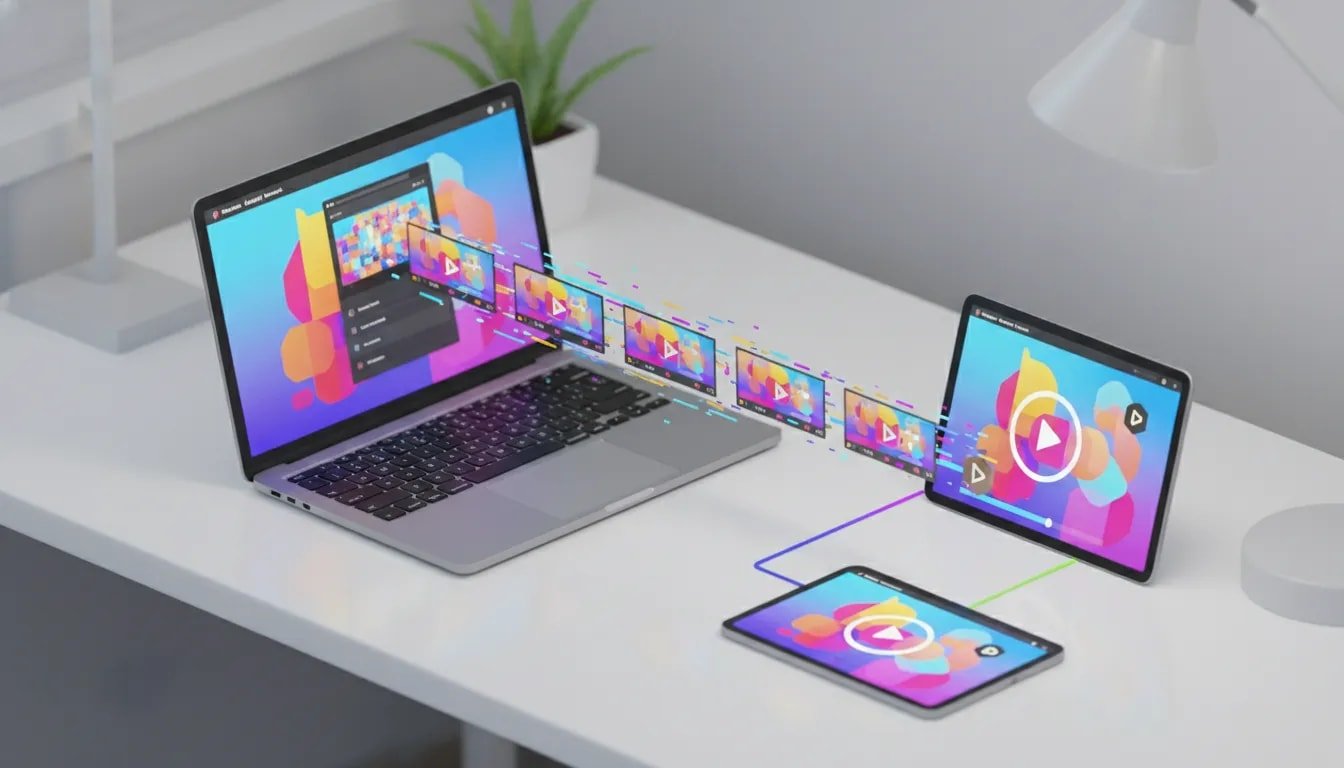
Vigi Video is an AI-powered website to video converter that creates branded videos from any website URL in seconds.
Paste a link, and the platform analyzes the content, picks scenes and text, pulls your logo, and produces a polished video
without requiring editing skills. It’s built for marketers, small businesses, agencies, and content creators who need
quick, consistent brand videos for SEO, social ads, and product pages.
💸 Lifetime Deal and Pricing Snapshot
Vigi Video is currently available as a lifetime deal through third-party marketplaces. The offer is structured in five tiers. Entry-tier pricing starts around $59, while the top tier goes up to $399. The higher tiers unlock more generation volume and relaxed limits—grab the top tier if you plan to produce unlimited or high-volume videos.
🧭 How It Works: From URL to Ready-to-Edit Video
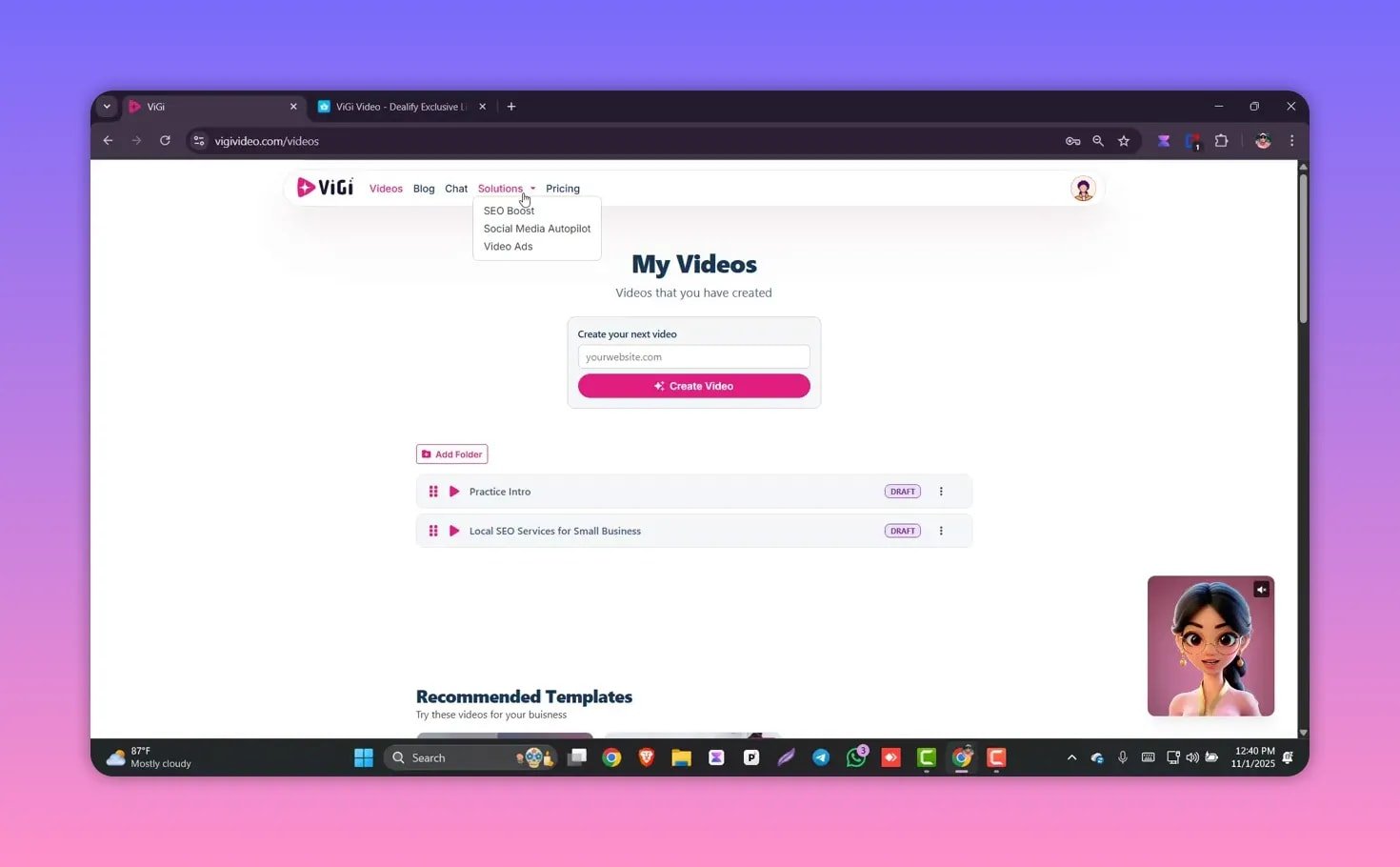
The core workflow is simple and fast. Paste a website URL, let the AI read the page, and Vigi Video assembles:
- Appropriate scenes and footage
- On-screen text and script based on page content
- Your website logo and brand elements
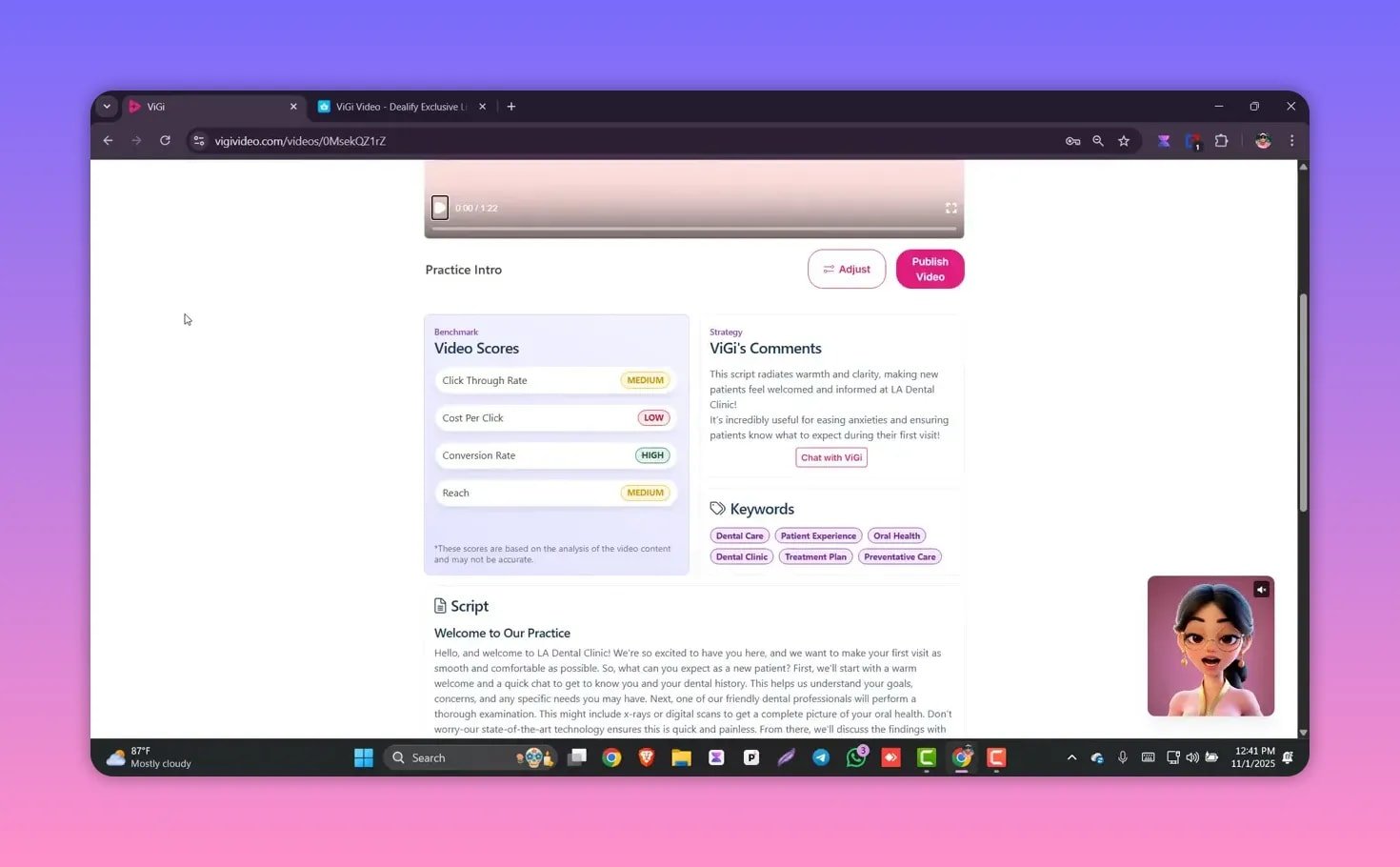
Within seconds you’ll have a complete branded video (for example, a 1 minute 22 second clip generated from a dental clinic site).
From there you can make edits or export the final file.
✂️ Editing: Drag-and-Drop, Simple and Fast
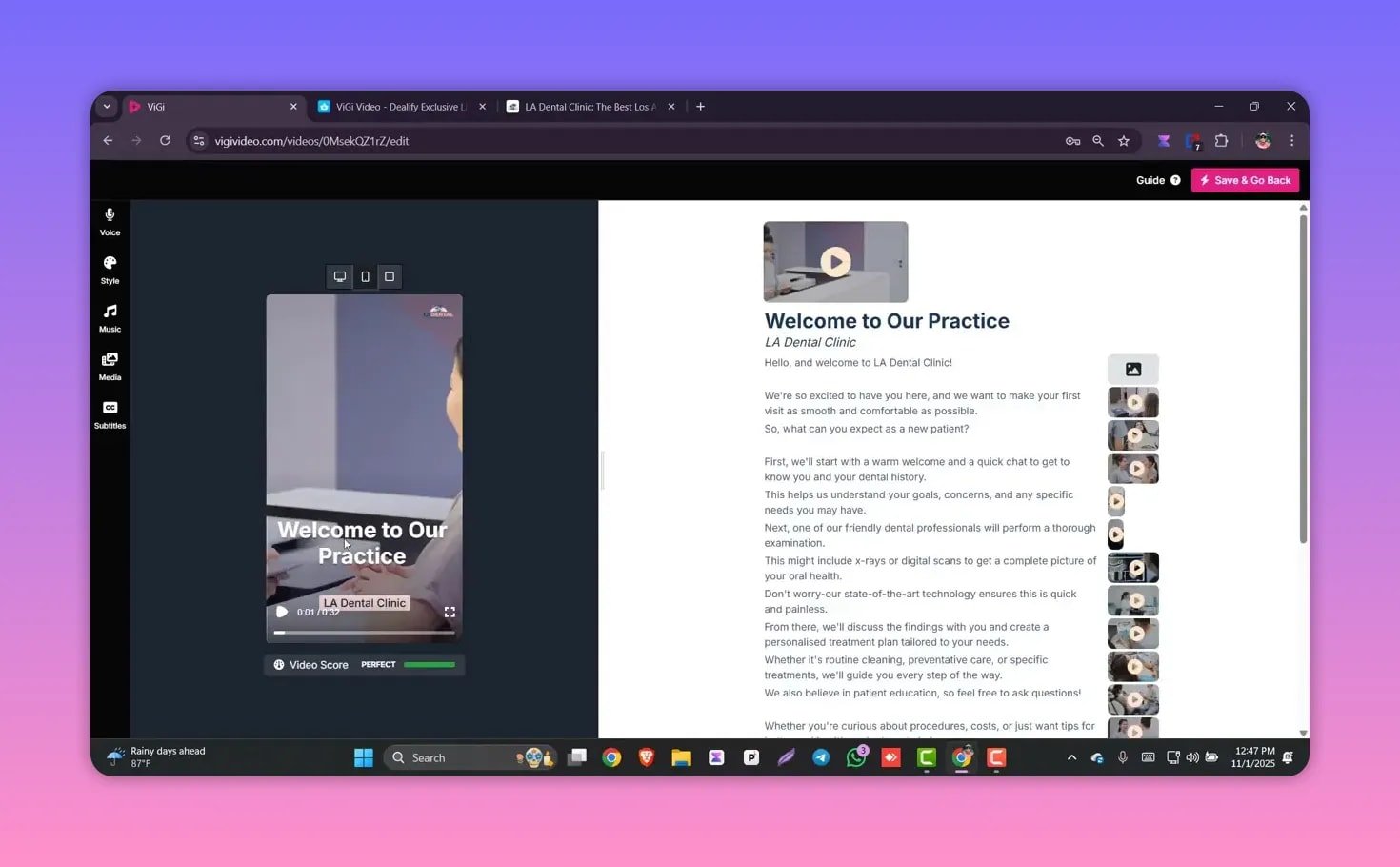
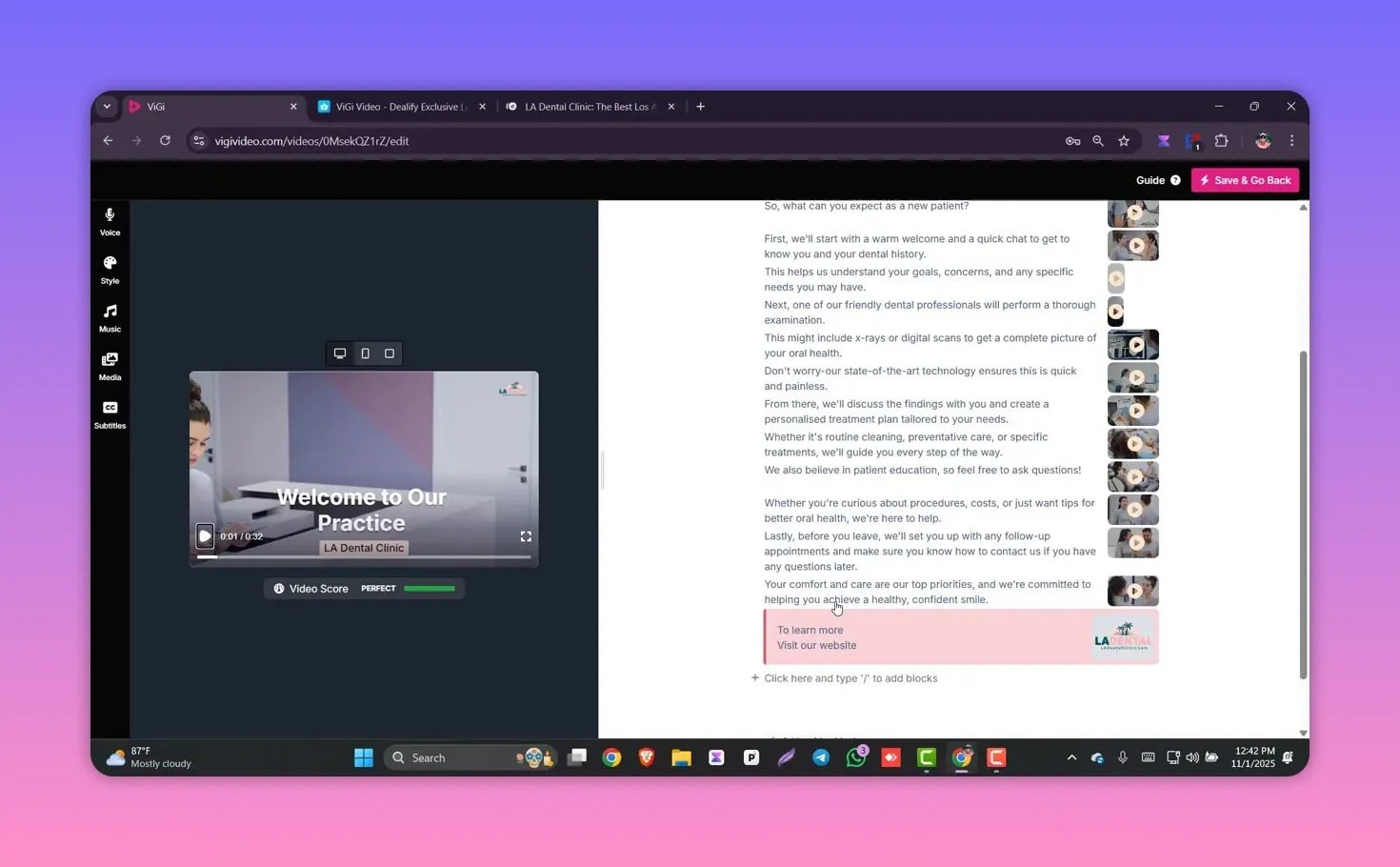
After generation, editing is handled in a straightforward drag-and-drop editor. The editor lets you:
- Reorder scenes
- Swap or edit the on-screen script
- Replace footage or images
- Chat with the AI for realtime editing suggestions
The interface is designed for non-editors, so basic changes like scene swaps and text edits happen quickly.
🎥 Stock Media and Copyright-Free Footage
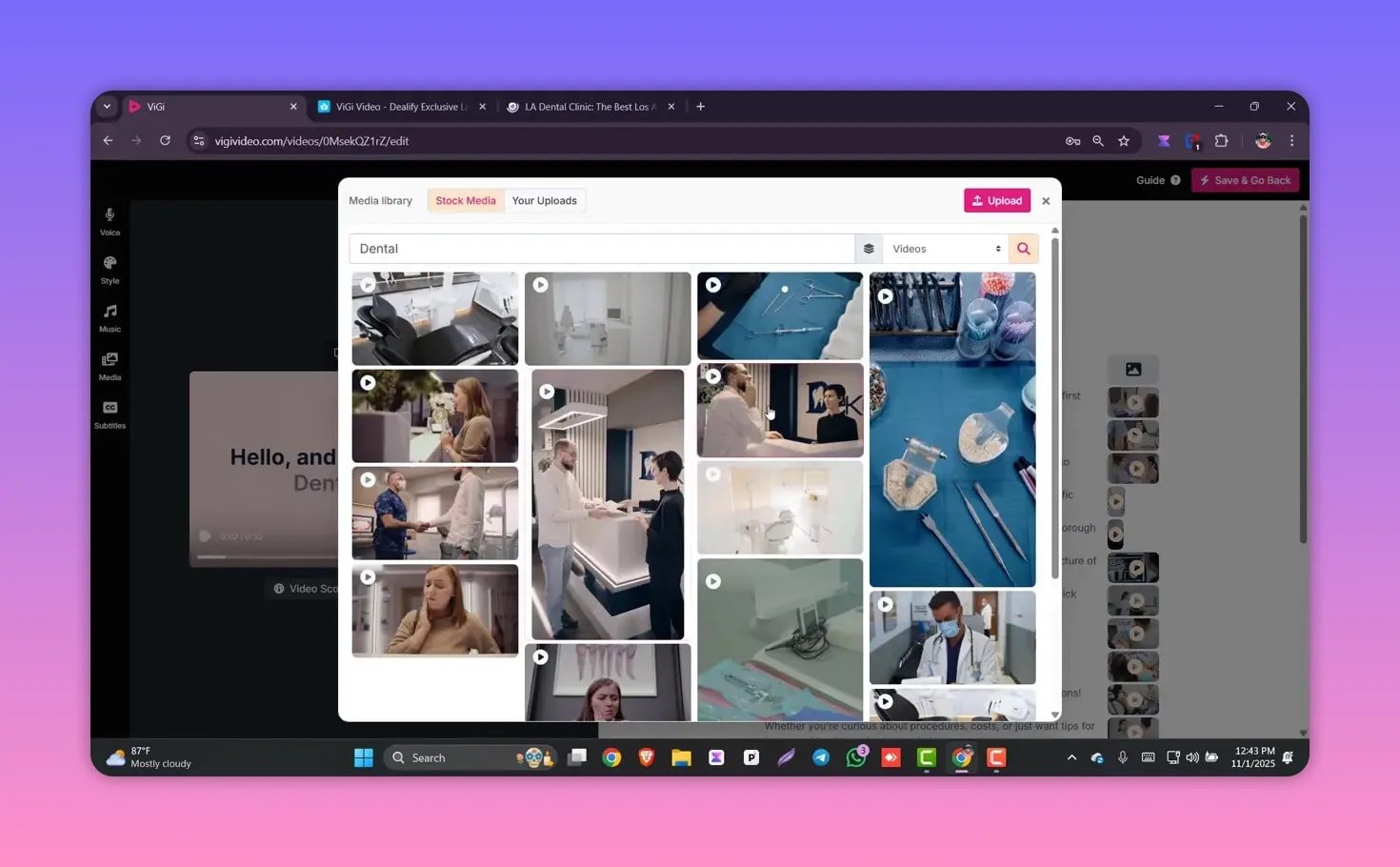
Vigi Video includes a built-in stock media library. Search by keyword (for example, “dental”) and pick from relevant clips and images.
Media sources come from well-known free stock libraries so footage is copyright free for your content creations.
🗣️ AI Voiceovers and Language Support
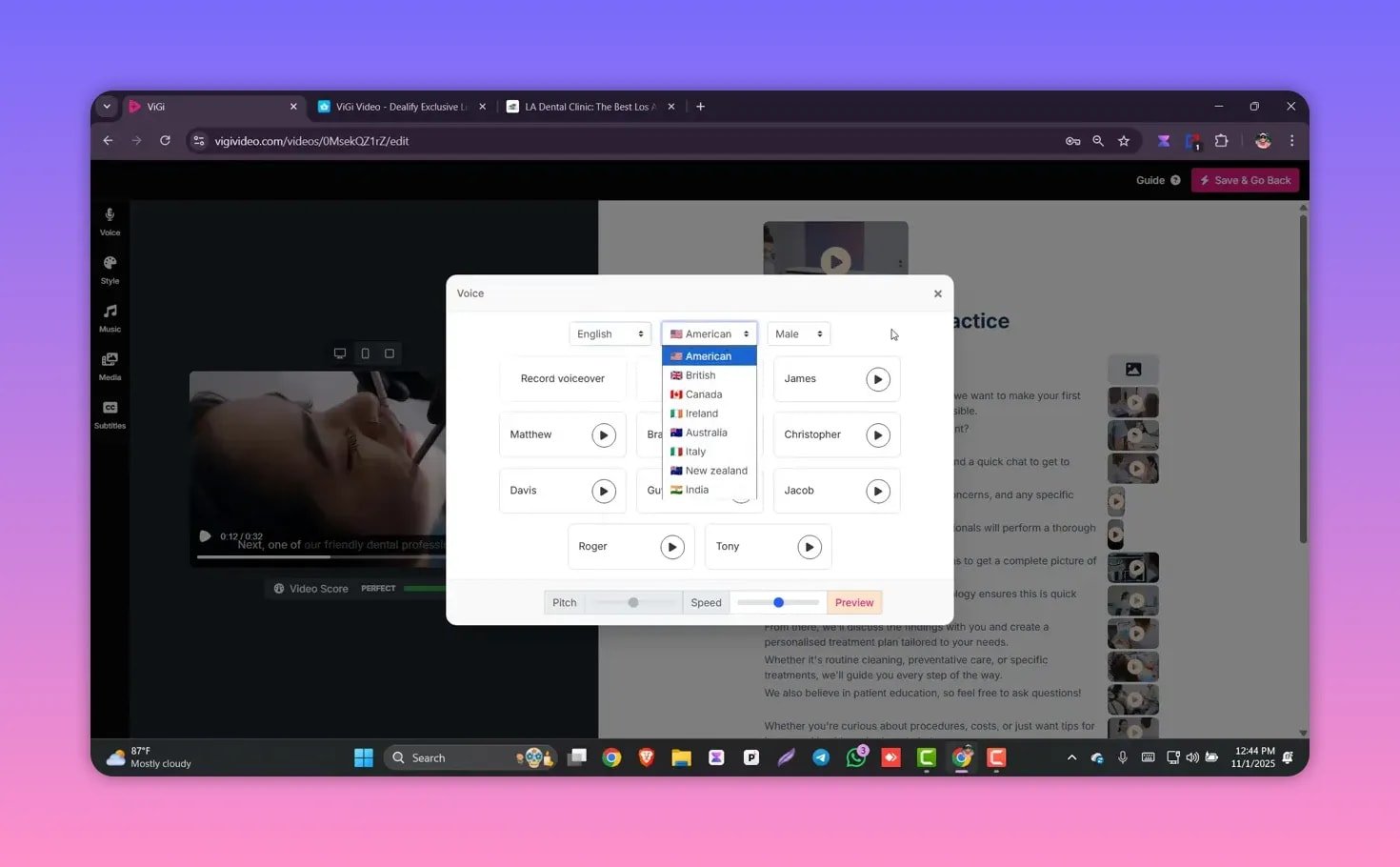
The platform supports over 30 languages and offers multiple accents and male/female voice choices. You can:
- Select a language and accent that fits your target audience
- Adjust pitch and speed for natural delivery
- Upload and use your own recorded voiceover
This makes Vigi Video suitable for international campaigns and multi-lingual audiences.
🎶 Music, Subtitles, and Final Output Options
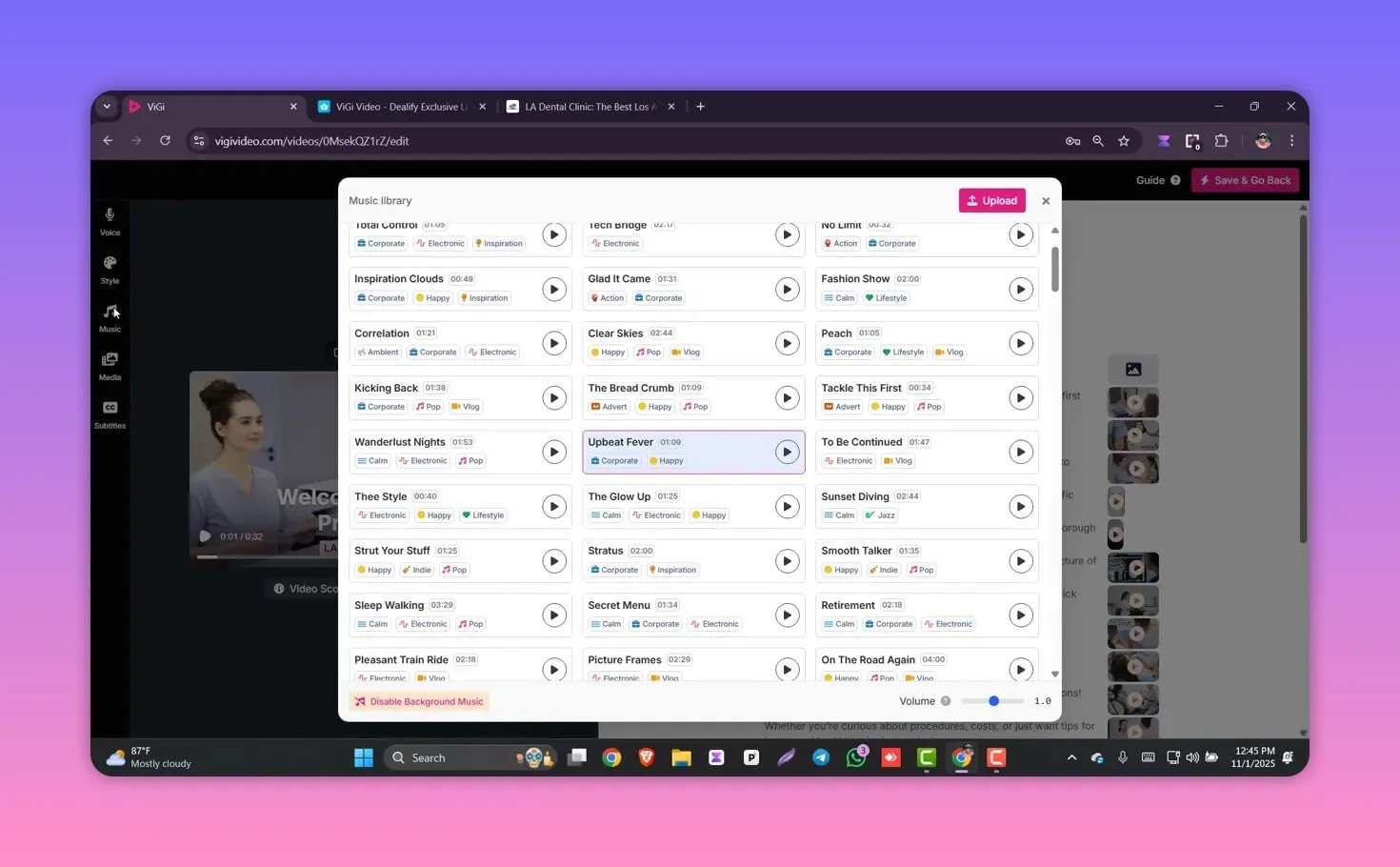
Vigi Video includes a royalty-free music library with categories like corporate, inspiration, electronic, and happy. You can add background tracks without buying external licenses. Subtitle options are flexible: choose from pop, bold, word-to-word, and more, with size and alignment controls.
Export formats include landscape (ideal for YouTube and Google), and the editor supports branded logos and platform-ready sizing for
social media like LinkedIn, Twitter, and Facebook.
📌 Use Cases and Who Benefits Most
Vigi Video works well for:
- SEO-driven sites that want quick blog-to-video assets
- Small businesses needing branded marketing clips without hiring editors
- Agencies producing volume-friendly social ads for clients
- Multi-lingual campaigns that require localized voiceovers
✅ Pros and Trade-offs
Pros
- Fast website-to-video creation
- Simple editor for quick tweaks
- Large language and voice selection
- Built-in royalty-free media and music
- Lifetime deal pricing can be cost-effective for heavy users
Trade-offs
- Automated scripts may need manual refinement for tone or accuracy
- Top-tier required for unlimited generation
🛠️ Tips for Better Results
- Start with a well-structured page: clear headings and concise copy give the AI better source material for scripts and on-screen text.
- Replace generic stock clips with brand-specific footage when possible to increase authenticity.
- Use localized voiceovers and tweak pitch/speed for natural delivery in different markets.
- Customize subtitles style so they match your brand’s visual identity and improve accessibility.
❓FAQ
Does Vigi Video support multiple languages and accents?
Yes. Vigi Video supports more than 30 languages with multiple accents and male/female voice options. You can also upload your own voice recordings.
What does the lifetime deal cover and how much does it cost?
The lifetime deal is offered in five tiers, ranging from around $59 up to $399. Higher tiers increase generation limits and may allow unlimited video creation. Check the marketplace listing for current details and limits.
Are the stock videos and music royalty free?
Yes. The built-in stock footage and music library contains copyright-free assets sourced from common stock libraries and ready for use.
What output formats are available?
Common formats include landscape for YouTube and Google, plus platform-ready sizes for social channels like LinkedIn, Twitter, and Facebook. You can customize and download the video for your preferred platform.
Can I edit the script and scenes after the AI generates a video?
Absolutely. The editor allows you to edit text, reorder scenes, replace media, change voiceover settings, and fine-tune the final video.
🚀 Final Thoughts
Vigi Video is a practical tool for anyone who needs branded videos fast without deep editing skills. It combines website content parsing,
editable templates, stock media, multi-language voiceovers, and royalty-free music in a single workflow. For businesses producing frequent
marketing videos or agencies handling multiple client accounts, the lifetime deal can be a cost-effective way to scale production.