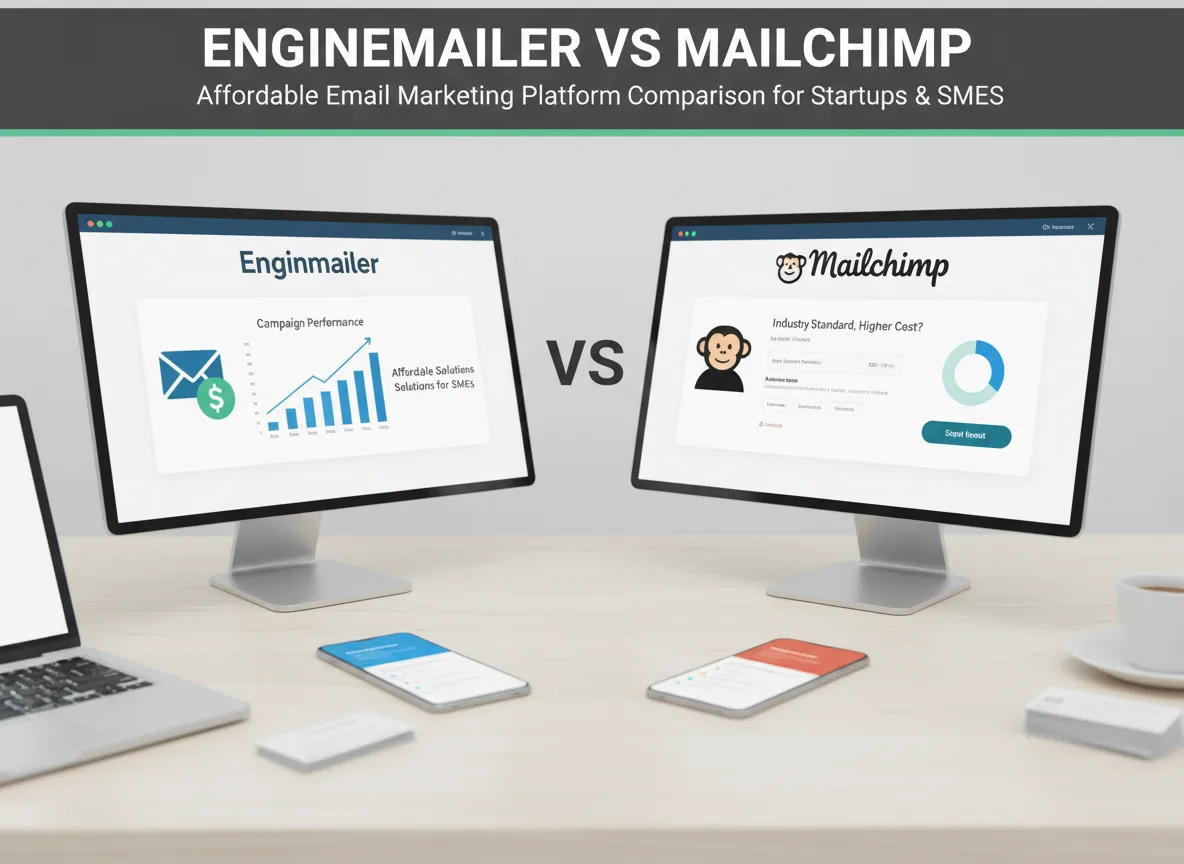
I remember when I first dove into email marketing, overwhelmed by endless options and pricing models. Discovering Enginemailer was a breath of fresh air, especially compared to giants like Mailchimp. In this post, I’ll share insights from my experience and detailed comparisons to help you pick the right email marketing platform suited for your business size and budget.
Unpacking Email Marketing Platforms: Features That Matter
Choosing the right email marketing platform can make a significant difference in how efficiently you reach and engage your audience. As someone who has tested a variety of email marketing software, I’ve found that core features like campaign automation, segmentation strategies, and email template design are what truly set platforms apart. Let’s break down these essentials and see how Enginemailer and Mailchimp compare.
Campaign Automation: Streamlining Your Outreach
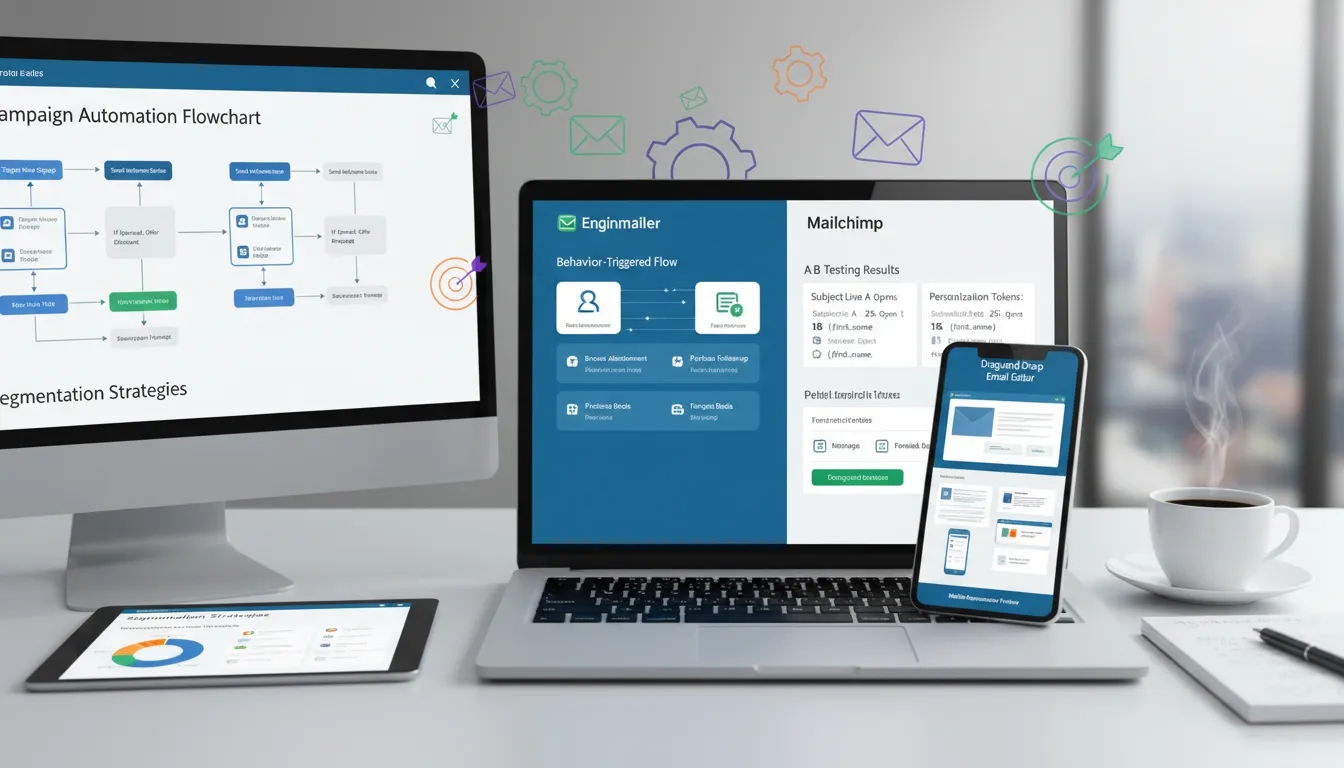
Automation is at the heart of modern email marketing. It saves time, reduces manual errors, and ensures timely communication. Enginemailer stands out with its behavior-triggered flows and autoresponders. This means I can set up automated emails based on subscriber actions—like signing up, clicking a link, or abandoning a cart. These flows are easy to configure, making it accessible even for beginners.
Mailchimp, on the other hand, is known for its robust A/B testing and personalization features. With Mailchimp, I can test different subject lines, content, or send times to see what resonates best with my audience. Personalization options allow for dynamic content based on user data, which is a powerful way to increase engagement.
- Enginemailer: Behavior-triggered automation, autoresponders, real-time analytics
- Mailchimp: A/B testing, advanced personalization, scheduling
Segmentation Strategies: Targeting the Right Audience
Effective segmentation strategies are crucial for sending relevant content to different groups within your audience. Enginemailer allows me to segment lists based on subscriber behavior, demographics, or engagement levels. This flexibility means I can tailor campaigns for new subscribers, loyal customers, or inactive users, all from one dashboard.
Mailchimp also offers advanced segmentation, with options to create segments using a combination of tags, purchase history, and engagement metrics. Both platforms make it easy to manage contacts, but Enginemailer’s unlimited subscriber support is a big plus for growing businesses.
- Enginemailer: Unlimited subscribers, list cleaning, duplicate removal, advanced segmentation
- Mailchimp: Tag-based segmentation, purchase history, engagement filters
Email Template Design: Drag-and-Drop Simplicity
Designing visually appealing emails is simple with both platforms, but there are some differences. Enginemailer features a drag-and-drop editor and AI-powered content suggestions. I can quickly build responsive templates that look great on any device, and the AI suggestions help me overcome writer’s block.
Mailchimp is well-known for its advanced email designer tools and a wide selection of pre-built templates. Both platforms ensure that emails are mobile-optimized, which is essential for today’s on-the-go readers.
- Enginemailer: Drag-and-drop editor, AI content suggestions, mobile-responsive templates
- Mailchimp: Advanced designer, pre-built templates, mobile optimization
Integrations and Contact Management
Integrations are vital for connecting your email marketing software to other tools. Enginemailer supports integrations with Zapier, Pabbly, and more, making it easy to sync data across platforms. Pop-up forms and landing pages are included, which helps with lead generation and list growth. Mailchimp also offers a wide range of integrations and is known for its reliable 99% delivery rate.
- Enginemailer: Zapier, Pabbly, pop-up forms, landing pages, transactional email APIs
- Mailchimp: Extensive app integrations, high deliverability, e-commerce tools
Pricing and User Experience
Affordability is a key factor, especially for startups and small businesses. Enginemailer offers lifetime deals ranging from $49 to $399, supporting up to 200,000 emails per month, and comes with a 60-day money-back guarantee. This risk-free adoption is ideal for businesses watching their budgets. Mailchimp typically operates on a monthly subscription model, which can become costly as your list grows.
“Enginemailer’s intuitive UI makes email campaigns manageable for beginners and pros alike.” – Jeffri Shahul Hamid
Feature Comparison Chart

The Art of Email Template Design and Campaign Management
Drag-and-Drop Editor and AI-Powered Content Suggestions
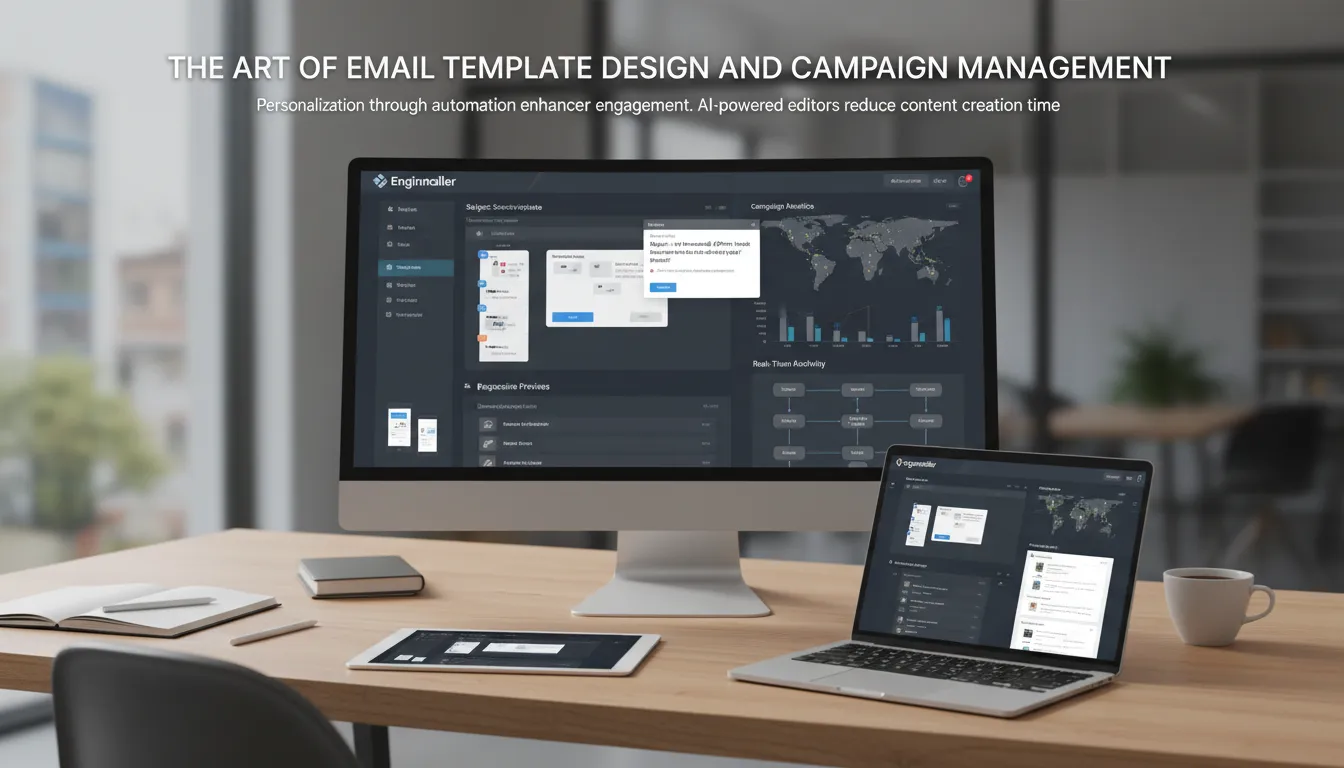
When it comes to email template design, Enginemailer stands out with its intuitive drag-and-drop editor. As someone who values efficiency, I find this editor makes it easy to build beautiful emails without any coding experience. Whether I want to add images, buttons, or text blocks, it’s all as simple as dragging elements into place. This visual approach helps me see exactly how my email will look on different devices as I build it.
One of my favorite features is the AI-powered content suggestions. If you’ve ever struggled with writer’s block or needed inspiration for subject lines and body content, this tool is a lifesaver. As Jeffri Shahul Hamid, Enginemailer’s founder, puts it:
“AI-powered content suggestions are a game-changer for creating engaging emails quickly.”
This AI integration not only saves time but also helps users who may not have strong copywriting skills. It suggests relevant, engaging content based on your campaign goals, making it easier to connect with your audience.
Responsive, Mobile-Optimized Templates
In today’s world, most people check their emails on mobile devices. That’s why responsive templates are essential for any email marketing platform. Enginemailer’s templates automatically adjust to fit screens of all sizes, ensuring your message looks great whether it’s viewed on a phone, tablet, or desktop. This attention to mobile optimization leads to higher engagement rates and fewer unsubscribes.
Responsive email template design also means you don’t have to create separate versions for different devices. I appreciate how Enginemailer’s editor lets me preview my emails on various screen sizes before sending, so I can be confident my campaigns will look professional everywhere.
Campaign Management: Automation Tools and Behavior-Triggered Flows
Effective campaign management is about more than just sending emails—it’s about sending the right message at the right time. Enginemailer excels here with advanced automation tools like behavior-triggered flows and autoresponders. I can set up automated sequences based on how subscribers interact with my emails, such as opening a message, clicking a link, or signing up through a pop-up form.
These behavior-triggered flows allow for deep personalization, which research shows is key to boosting customer engagement. For example, if a subscriber clicks on a product link, I can automatically send them a follow-up email with more details or a special offer. This level of automation personalizes the customer journey and increases conversion rates.
Enginemailer also supports unlimited subscribers, pop-up forms, and landing pages for effective lead capture and segmentation. This flexibility makes it suitable for small businesses, startups, and solo entrepreneurs who need affordable yet powerful marketing solutions.
Advanced Analytics for Real-Time Campaign Tracking
Understanding how your campaigns perform is crucial for ongoing success. Enginemailer’s advanced analytics provide real-time insights into open rates, click rates, and subscriber behavior. I can easily track which emails are resonating with my audience and adjust my strategy on the fly.
These analytics are not just numbers—they offer actionable insights. For example, if I notice a drop in engagement, I can quickly test new subject lines or tweak my content using the AI suggestions. This data-driven approach helps me optimize every campaign for better results.
Key Features at a Glance
| Feature | Benefit |
|---|---|
| Drag-and-drop editor | Easy, code-free email design |
| AI-powered content suggestions | Faster content creation, improved engagement |
| Responsive templates | Optimized for all devices |
| Behavior-triggered automation | Personalized customer journeys |
| Advanced analytics | Real-time campaign tracking and optimization |
| Priority sending & list cleaning | Improved deliverability and list health |
| Pop-up forms & landing pages | Effective lead capture and segmentation |
With these tools, Enginemailer makes email template design and campaign management accessible and effective for businesses of all sizes. The combination of automation, responsive templates, and real-time analytics empowers users to create impactful campaigns with ease.
Pricing, User Feedback, and Choosing Your Email Marketing Solution
When it comes to selecting the right email marketing platform, pricing, user satisfaction, and support options are often the deciding factors. In this section, I’ll compare Enginemailer’s lifetime deal pricing with Mailchimp’s subscription model, review real user feedback on both platforms, and discuss the importance of money-back guarantees and trial periods for a risk-free evaluation. By the end, you’ll have a clear sense of which solution might fit your needs best.
Lifetime Deal Pricing vs. Subscription Models
One of the standout features of Enginemailer is its lifetime deal pricing. For a one-time payment starting at $49 and going up to $399, users can access Enginemailer’s full suite of features, with the highest tier covering up to 200,000 emails per month. This is a significant draw for startups, small businesses, and solopreneurs who want to avoid recurring monthly costs. As Jeffri Shahul Hamid, Enginemailer’s founder, puts it:
“For small business owners, a lifetime deal means predictable costs without monthly surprises.”
In contrast, Mailchimp operates on a traditional subscription model. Pricing starts with a free plan for up to 500 contacts, but quickly scales up as your list grows or as you need more advanced features. Monthly fees can range from $13 to over $350, depending on your requirements. For businesses with long-term growth in mind, these ongoing costs can add up, making the lifetime deal pricing of Enginemailer especially attractive for those seeking cost savings and budget predictability.
User Satisfaction Reviews and Platform Usability
Customer feedback is a powerful indicator of a platform’s real-world performance. On AppSumo, Enginemailer boasts a strong 4.7 out of 5 rating, with users frequently highlighting its ease of use, reliable deliverability, and intuitive drag-and-drop editor. Many reviewers mention that Enginemailer’s simple interface and AI-powered content suggestions make it ideal for beginners and growing businesses. The ability to segment lists, automate campaigns, and access advanced analytics without a steep learning curve is a recurring theme in user satisfaction reviews.
Mailchimp, on the other hand, is known for its robust feature set and scalability. It holds an average rating of about 4.5 out of 5 across major review platforms. Users appreciate its advanced automation, template variety, and integrations. However, some note that the interface can be overwhelming for new users, and the cost can become prohibitive as their subscriber list grows. Mailchimp’s phone support is a plus for those who prefer direct assistance, while Enginemailer primarily offers customer support via email, which is generally responsive but may not suit everyone’s preferences.
Money-Back Guarantee and Risk-Free Evaluation
Trying a new software platform always comes with some risk, especially when considering a lifetime commitment. Enginemailer addresses this concern by offering a 60-day money-back guarantee through AppSumo. This generous window allows users to fully explore the platform’s features and ensure it meets their needs before making a final decision. The presence of a money-back guarantee is a major factor in reducing buyer hesitation and increasing confidence, especially for startups and solopreneurs who need to make every dollar count.
Mailchimp, while offering a free plan for basic use, does not provide a money-back guarantee on paid subscriptions. This means that once you upgrade, you’re committed to the monthly or annual fee, regardless of whether the platform is the right fit. For many, the ability to test-drive Enginemailer risk-free is a compelling advantage.
Conclusion: Which Email Marketing Solution Should You Choose?
Ultimately, the choice between Enginemailer and Mailchimp comes down to your business needs, budget, and preferred support style. If you’re a small business owner, startup, or solopreneur looking for affordable email marketing with predictable costs, Enginemailer’s lifetime deal pricing and strong user satisfaction reviews make it a top contender. Its beginner-friendly platform, reliable deliverability, and 60-day money-back guarantee provide peace of mind and excellent value.
Mailchimp remains a solid choice for those who need advanced features, extensive integrations, and phone-based customer support, and are comfortable with a subscription-based model. However, if cost savings, simplicity, and risk-free evaluation are your priorities, Enginemailer is well worth considering as your next email marketing solution.
TL;DR: Enginemailer offers a budget-friendly, user-friendly alternative to Mailchimp with powerful automation, segmentation, and AI-enhanced templates, ideal for startups and SMEs.