This guide shows a practical workflow for producing clickable, consistent YouTube thumbnails using AI tools like Headshotly and Nano Banana. Follow the steps, best practices, and troubleshooting tips below to create attention-grabbing thumbnails that keep your channel style consistent and lift click-through rate.
Table of Contents
- What Headshotly AI and Nano Banana do 🔎
- Step-by-step: Generate a viral thumbnail in 5 minutes ⚡
- Editing and refining thumbnails with AI ✨
- Design best practices that improve CTR 📈
- Common mistakes and how to avoid them ⚠️
- Pricing and tooling: what to expect 💳
- Practical troubleshooting and examples 🧰
- FAQ
- Final takeaway ✅
What Headshotly AI and Nano Banana do 🔎
Headshotly AI builds a trained face model from your photos so you can generate photorealistic headshots, avatars, and thumbnails in different poses, outfits, and lighting. Nano Banana is a lightweight image-editing model that can make targeted changes such as swapping text, changing colors, or replacing small elements inside an image.
Step-by-step: Generate a viral thumbnail in 5 minutes ⚡
- Collect and upload reference photos. Use 8 to 20 high-quality images of your face (varied angles, expressions, and lighting). Headshotly uses these to create a consistent avatar.
- Create and train your model inside Headshotly. Let the service process your photos to generate a reusable model. Save a few output headshots you like.
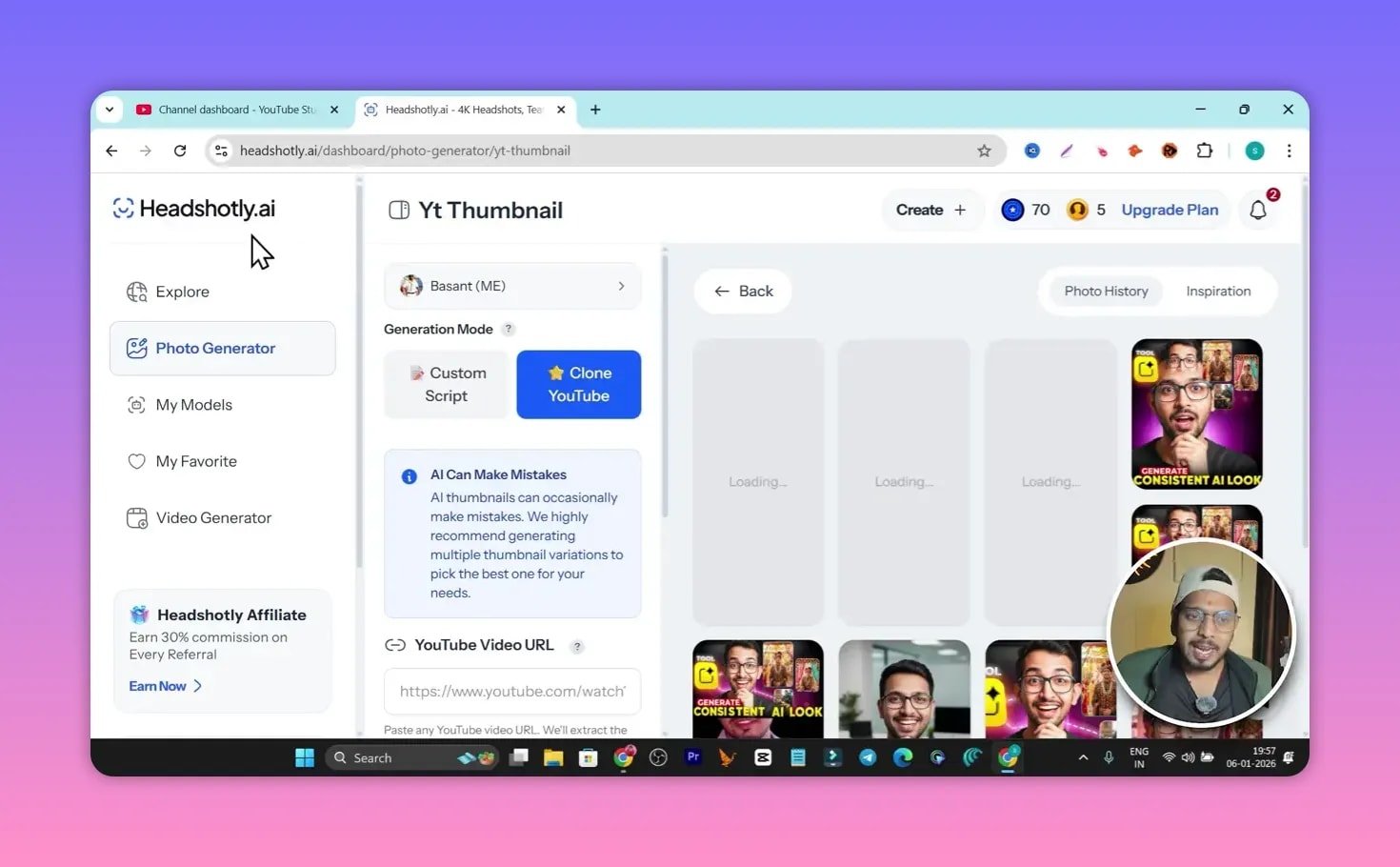
- Choose a target thumbnail to emulate. If you want a similar composition or vibe, copy the URL of an existing thumbnail or load a reference image into the generator.
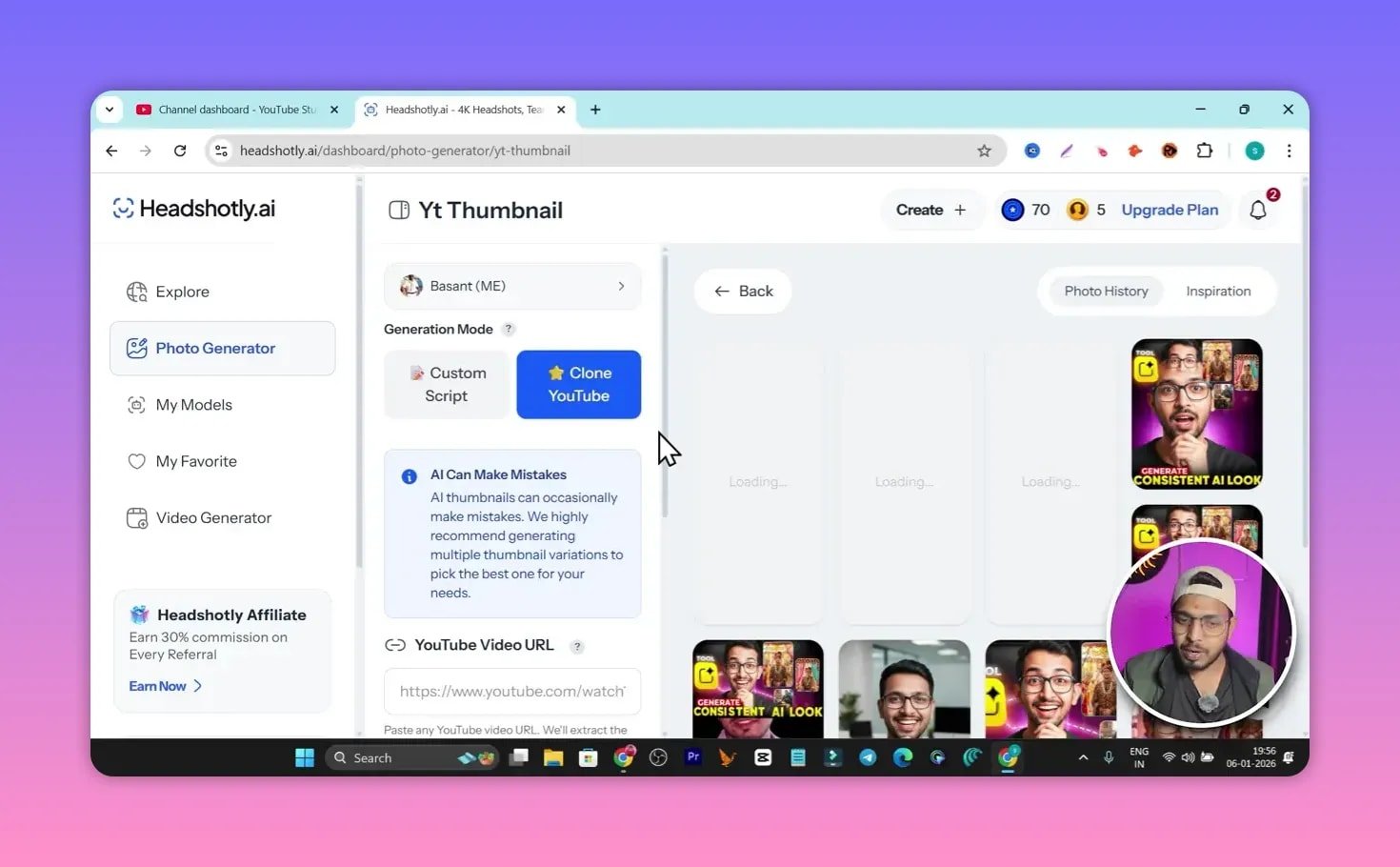
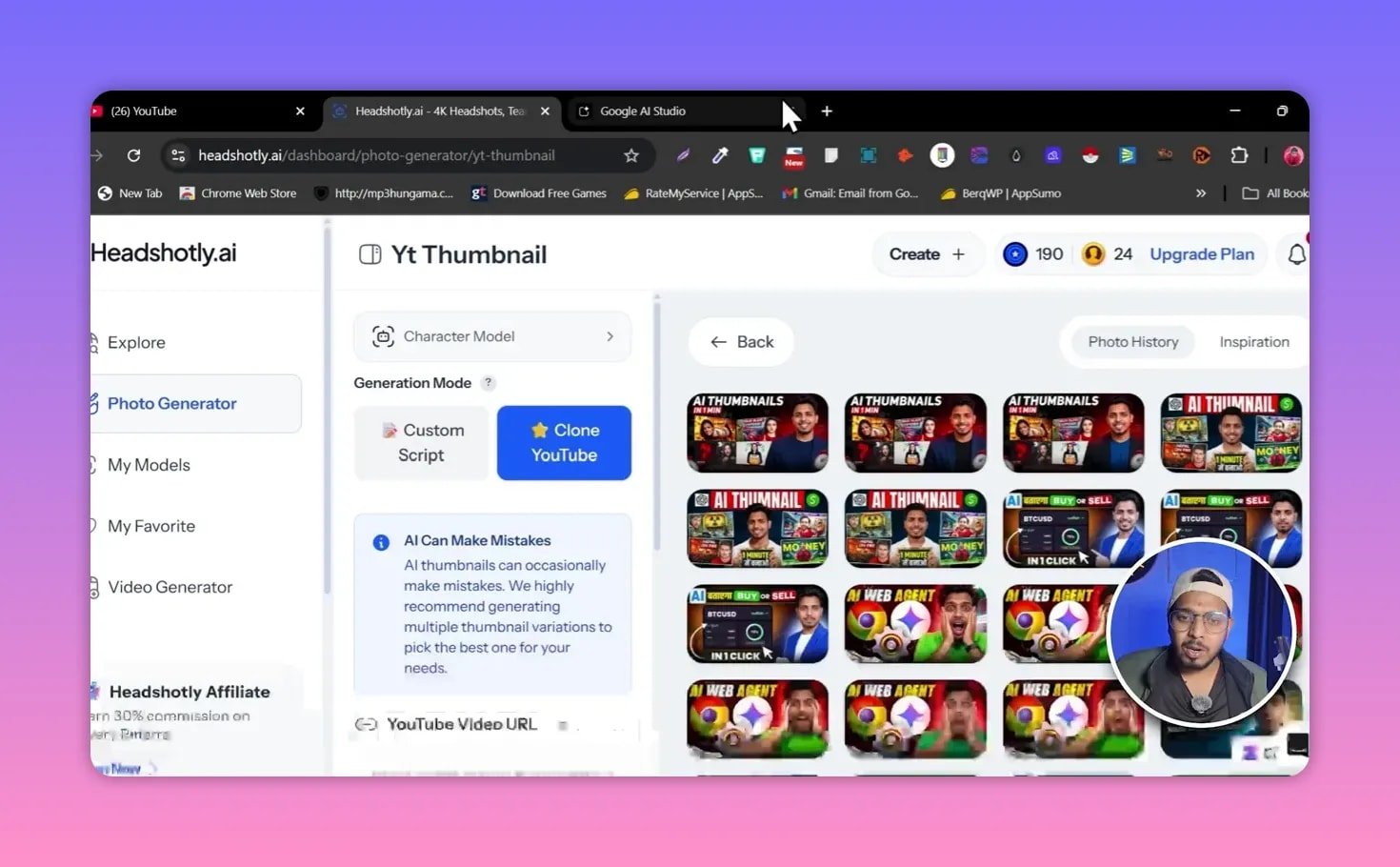
- Use the “clone” or “inspired by” thumbnail feature. Pick your trained model, select landscape or portrait ratio, choose the number of variations and start generation. The tool will analyze the reference composition and create thumbnails that contain your face and a matching style.
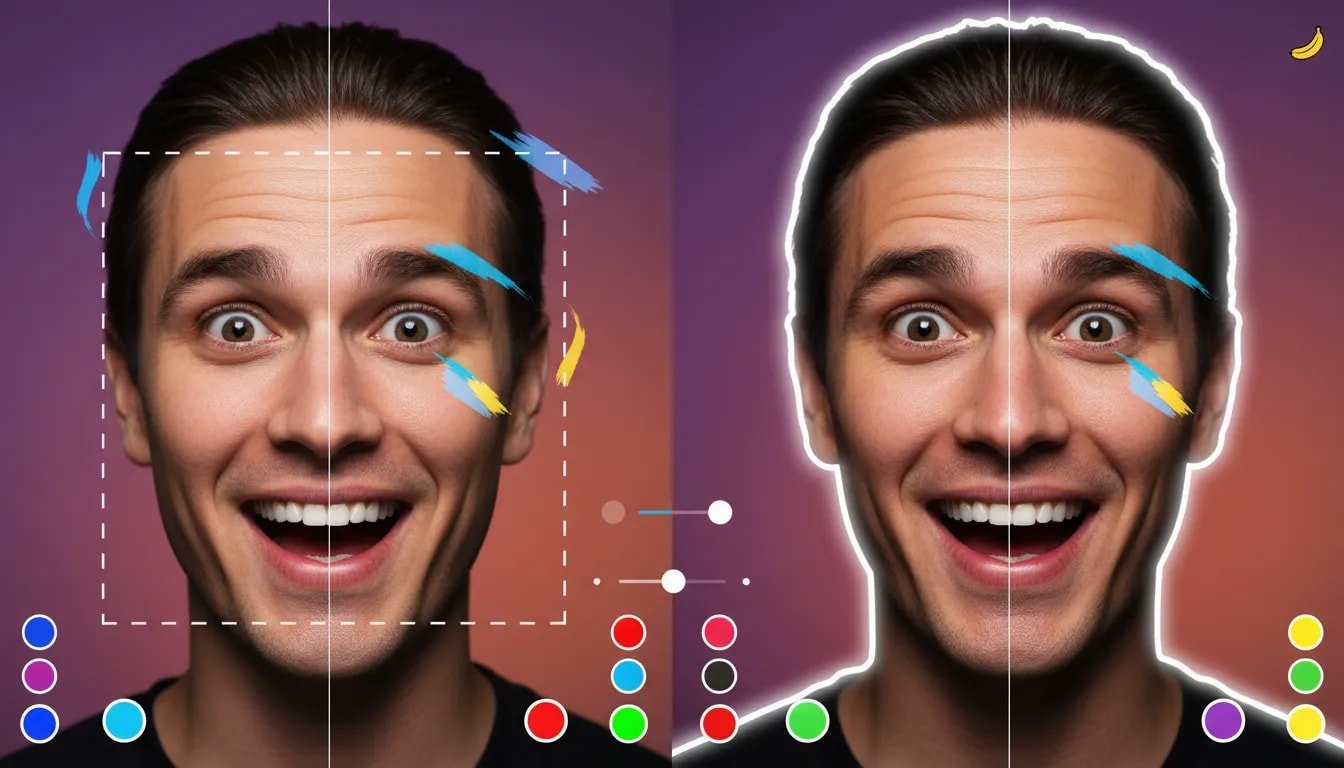
- Refine with Nano Banana (or similar editor). Export the selected thumbnail and use Nano Banana to change text, correct spelling, swap colors, or replace small graphics like phone screenshots.
- Export at high resolution and upload. Choose 4K when available to preserve quality in thumbnails and platform previews.
Editing and refining thumbnails with AI ✨
AI editing makes quick iterations possible. Use short, explicit prompts when asking Nano Banana to edit an image. Example prompt patterns:
- Replace text: “Replace the word IDEA with ‘My App’ in large white font.”
- Change clothing color: “Change the jacket color to light blue, maintain soft shadows.”
- Swap a device screenshot: “Replace the phone screen with a screenshot of this image: [paste].”
If edits produce spelling mistakes or artifacts, rephrase the prompt with precise instructions (font weight, color, placement) or perform one targeted edit at a time.
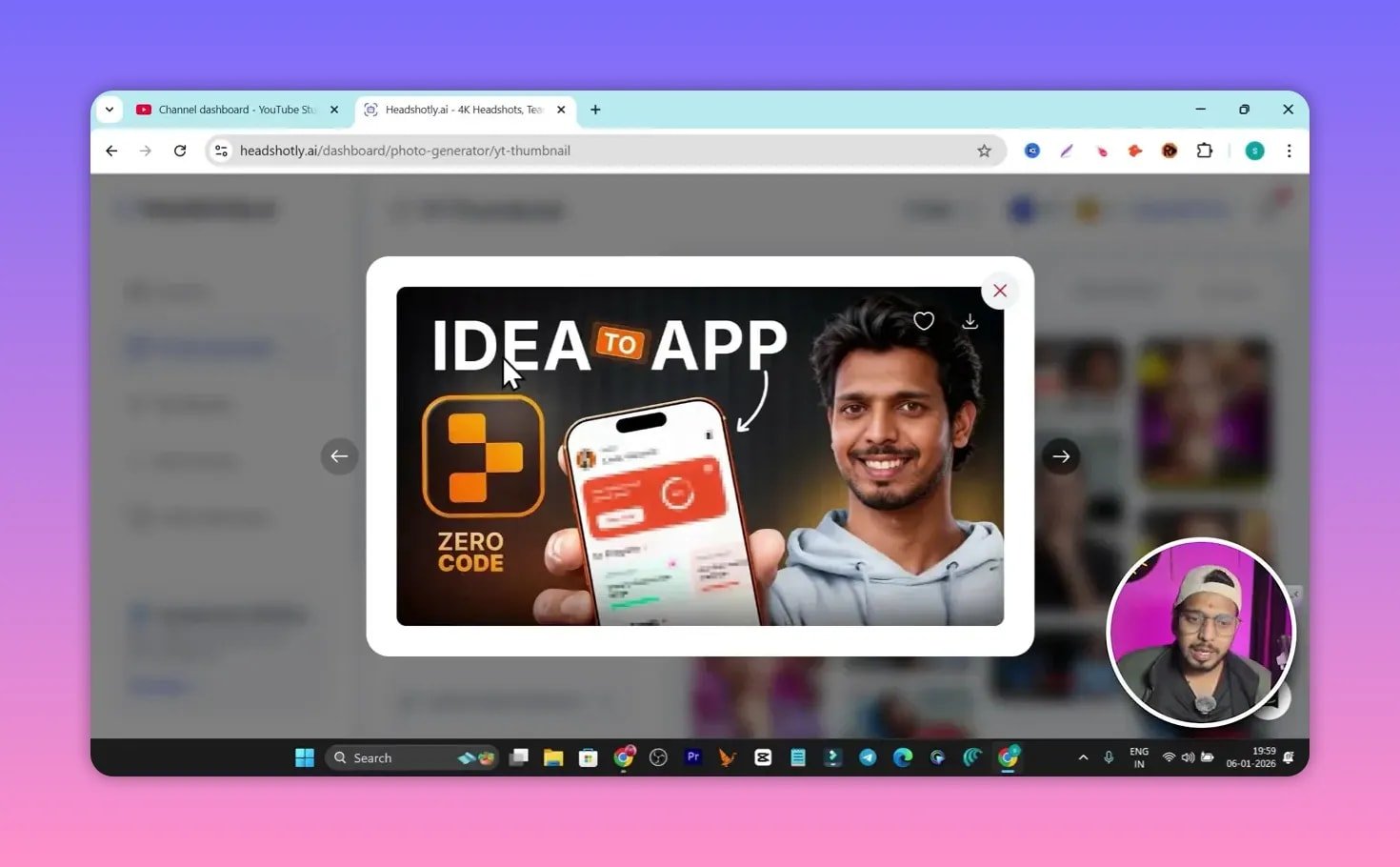
Design best practices that improve CTR 📈
- Large expressive face: Close-up face with clear emotion increases attention.
- High contrast: Bright subject on a darker background or vice versa to stand out in feeds.
- Bold readable text: Use 2–4 words max with high contrast and large font sizes.
- Consistent brand cues: Maintain color palette, face framing, or logo for channel recognition.
- Visual hierarchy: Face first, then main word, then supporting details.
- Avoid clutter: Remove unnecessary elements that shrink primary visuals at small sizes.
- Test variations: Generate several versions and A/B test to find the best performing layout.
Common mistakes and how to avoid them ⚠️
- Blindly copying another creator: Emulating composition is fine, but copying copyrighted images or text can lead to takedowns. Use style as inspiration only.
- Over-editing with AI: Too many automated edits can create unnatural artifacts. Combine AI edits with manual touch-ups when necessary.
- Poor prompt clarity: Vague prompts produce vague results. Specify exact text, colors, and placements.
- Low-resolution exports: Always choose the highest export resolution available to avoid pixelation when YouTube compresses thumbnails.
- Misleading thumbnails: Avoid sensational or false claims that misrepresent video content. This damages retention and can hurt recommendations.
Pricing and tooling: what to expect 💳
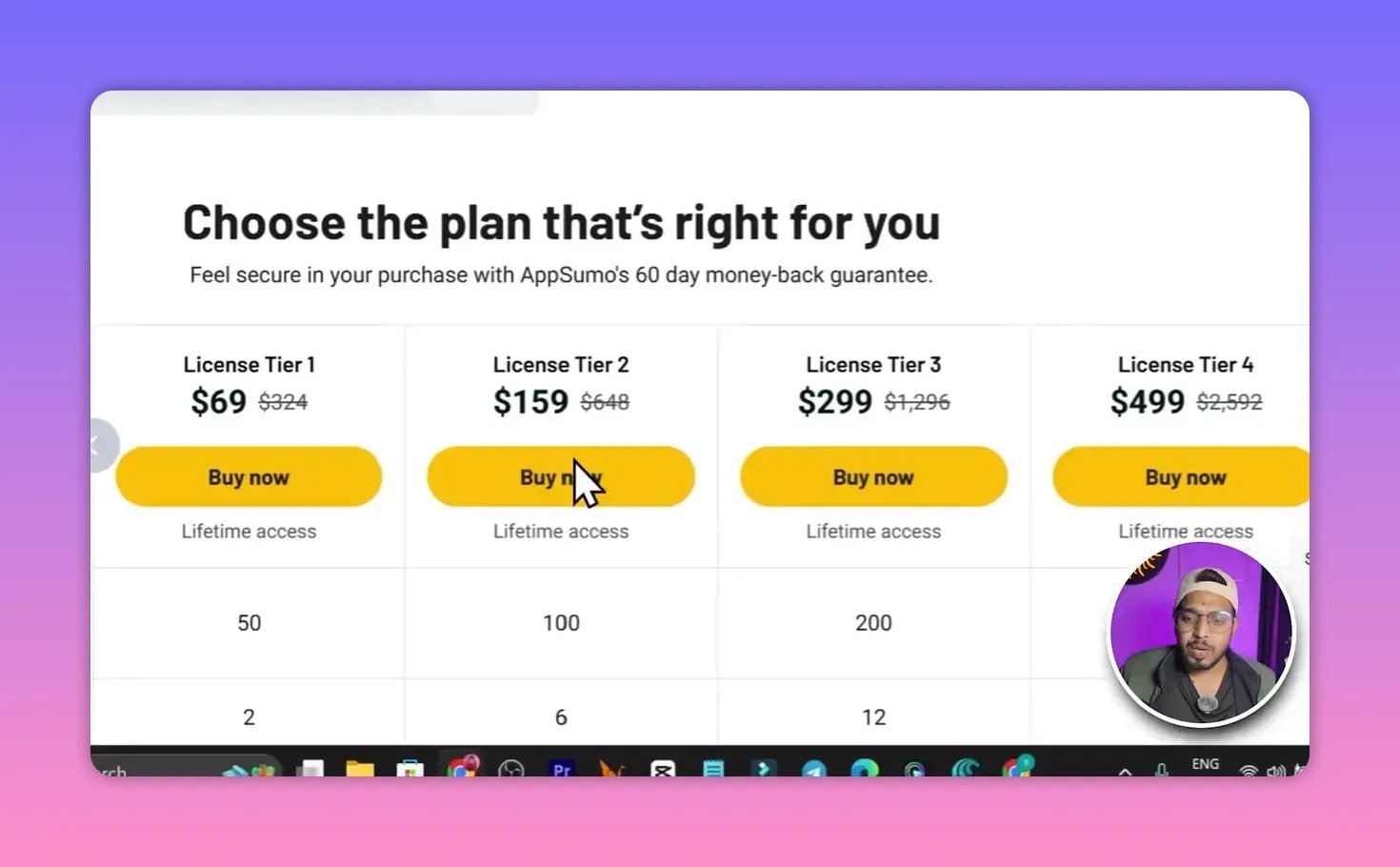
Headshotly typically offers tiered plans with credits for image generation and editing. Lifetime deals sometimes appear on marketplaces and can provide long-term access for a one-time price. Nano Banana or other editing models may offer a free tier for basic edits and a paid API for advanced usage. Expect higher tiers to include more credits, 4K outputs, and advanced editing features.
Practical troubleshooting and examples 🧰
If generated thumbnails show issues like odd facial artifacts, inconsistent lighting, or wrong text:
- Retrain the face model with more balanced photos (neutral background, varied angles).
- Run a two-step workflow: generate base image in Headshotly, then make targeted edits in Nano Banana.
- Manually correct small text or logo errors in a raster editor if AI replacements introduce spelling mistakes.
- Preview thumbnails at small sizes (mobile view) before finalizing.
FAQ
Is it legal to clone another creator’s thumbnail style?
Emulating a composition or visual style is generally acceptable. Directly copying a copyrighted image or logo is not. Use other thumbnails as inspiration for layout, color, and emotion, but replace imagery and text with original or licensed assets.
How many photos do I need to train a Headshotly model?
Aim for 8 to 20 good-quality images covering different angles, expressions, and lighting. More diverse input usually yields more reliable and versatile outputs.
Will AI-generated thumbnails affect monetization or policy compliance?
Monetization is tied to content and policy compliance, not thumbnail origin. However, misleading thumbnails, deepfakes, or copyrighted content can lead to strikes or removal. Keep thumbnails truthful and respect copyright and privacy.
How do I measure if a new thumbnail is “viral” or better?
Track click-through rate (CTR), watch time, and retention after thumbnail changes. A meaningful improvement is sustained higher CTR and stable or improved retention. A/B testing with traffic experiments or manual A/B uploads can provide direct comparisons.
Can AI replace a human thumbnail designer?
AI speeds production and enables consistent brand images, but human designers are still valuable for strategy, nuanced composition, and creative decisions that align thumbnails with broader content strategy.
Final takeaway ✅
Combining a trained face model with a targeted AI editor lets creators produce consistent, high-quality thumbnails quickly. Use clear prompts, follow design best practices, respect copyright and truthfulness, and always test multiple variations. With the right workflow, AI can dramatically speed up thumbnail creation and help improve channel performance.