Table of Contents
- ⚡ Why Invoiless can simplify your billing
- 🧾 Dashboard and core features at a glance
- ✍️ How to create a professional invoice
- 🔍 Estimates and the seamless convert-to-invoice flow
- 🔁 Recurring invoices and automation
- 🔗 Integrations and payment collection
- 🎨 Branding, templates, and settings
- 💰 Pricing and the AppSumo lifetime deal
- ✅ Quick pros and things to watch
- 📌 Practical tips from my setup
- ❓ Frequently asked questions
- 🧾 Final thoughts
⚡ Why Invoiless can simplify your billing
If invoicing feels like an endless admin task, Invoiless gives you a faster, cleaner alternative. It bundles invoice creation, estimates, CRM-lite customer management, payment collection, and automation into a single, modern interface. I tested it end to end and what stands out is how quickly you can go from a proposal to a paid invoice without hopping between tools.
🧾 Dashboard and core features at a glance
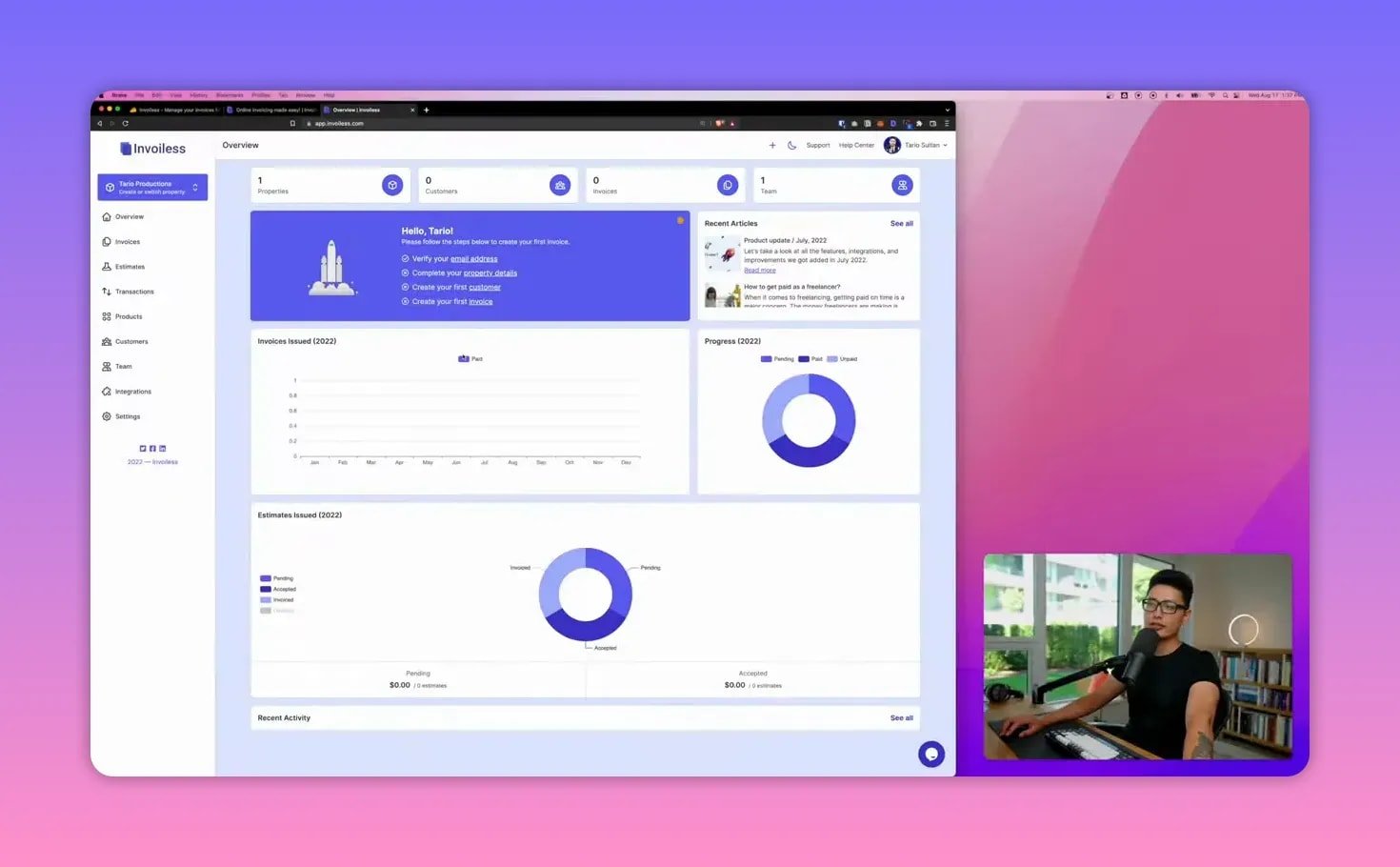
The dashboard shows your properties (businesses), customer count, active invoices, and team members. Visual analytics give a quick snapshot of paid vs unpaid transactions and basic profit figures. Key features include:
- One-time and recurring invoices
- Estimates that convert to invoices
- Built-in CRM for tracking customer invoices and history
- White-labeling with SSL protection and custom domains
- Integrations via API, Zapier, Google Drive, Slack, Stripe, PayPal
✍️ How to create a professional invoice
Creating an invoice is straightforward and designed for repeatability. You can customize the invoice URL for branding, pick issue and due dates, set currency and language, and choose the invoice status (draft, pending, unpaid, partial paid, refunded).
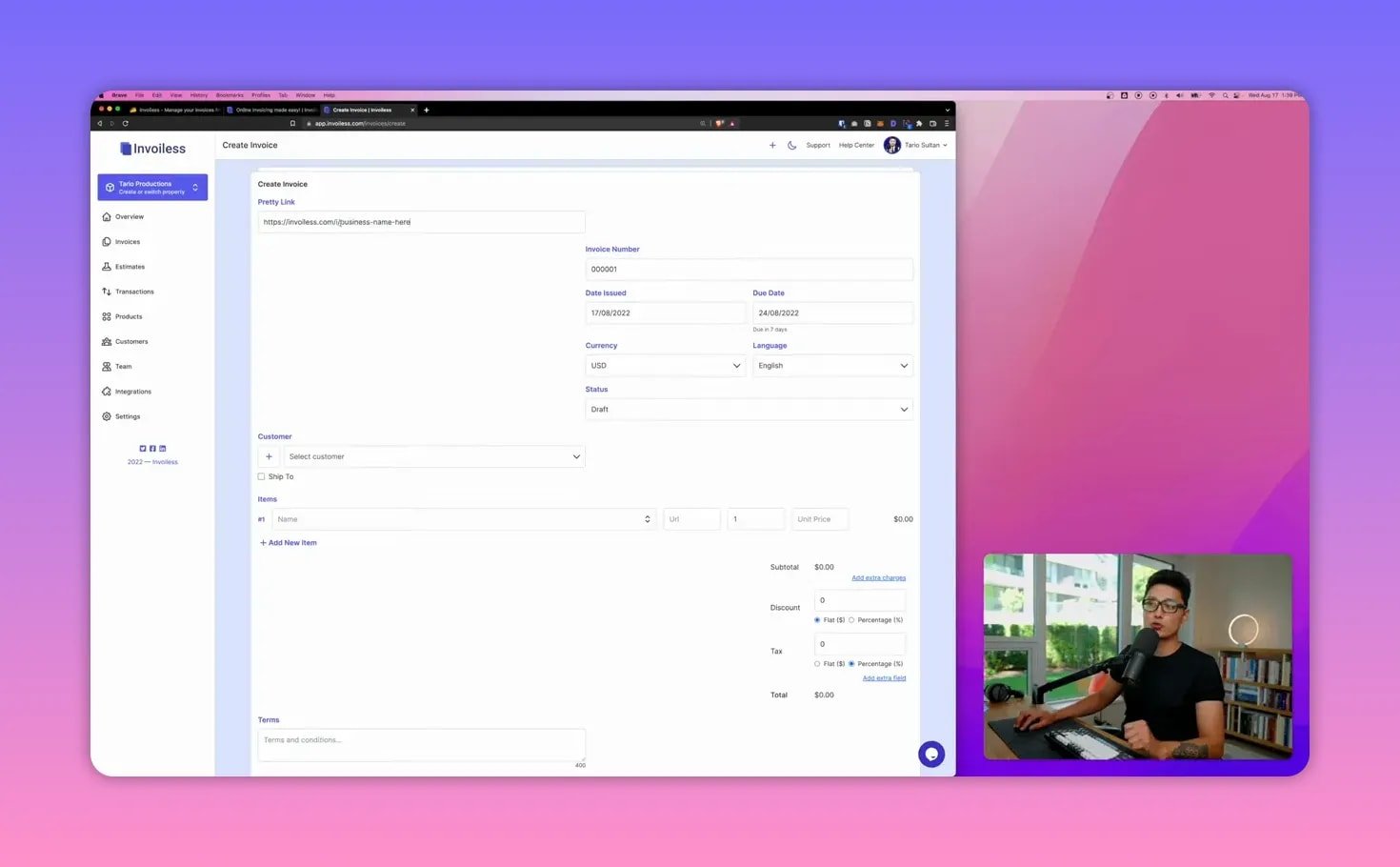
Add items in three ways: type a custom service, pick from products you saved, or import items via CSV. Each line supports quantity, unit price, link to a landing page, and setup fees. Discounts can be dollar or percentage based, and taxes (for example a 5% GST) apply automatically.
🔍 Estimates and the seamless convert-to-invoice flow
Estimates work exactly how they should: create, send, track opens, and let clients accept or decline. When a client accepts, you can instantly convert that estimate into an invoice with all line items and client details already carried over. This removes manual re-entry and speeds up revenue capture.
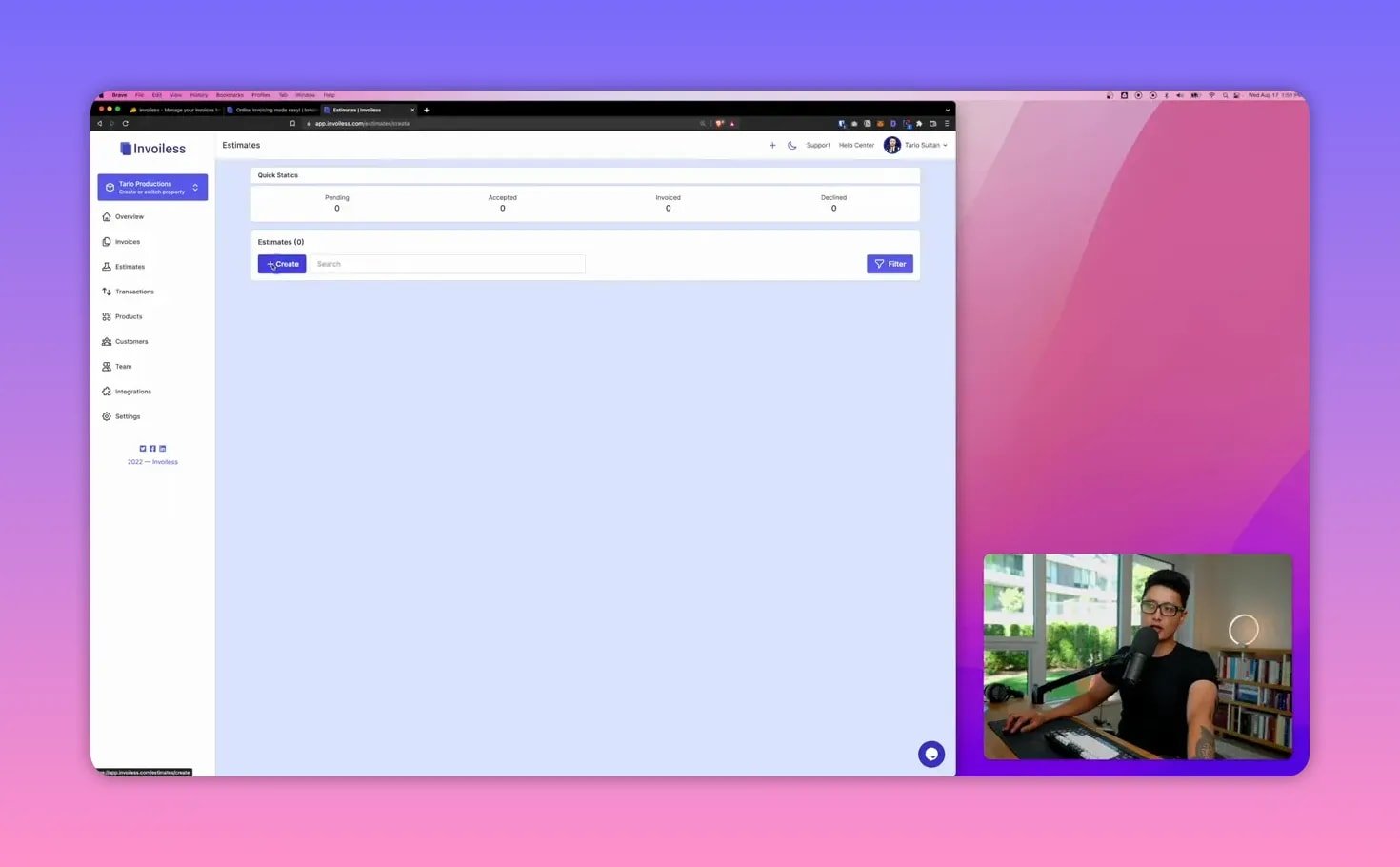
The system even notifies you when a client opens an estimate so you know whether they received and viewed your proposal. That visibility reduces the usual back-and-forth of “I didn’t get your invoice.”
🔁 Recurring invoices and automation
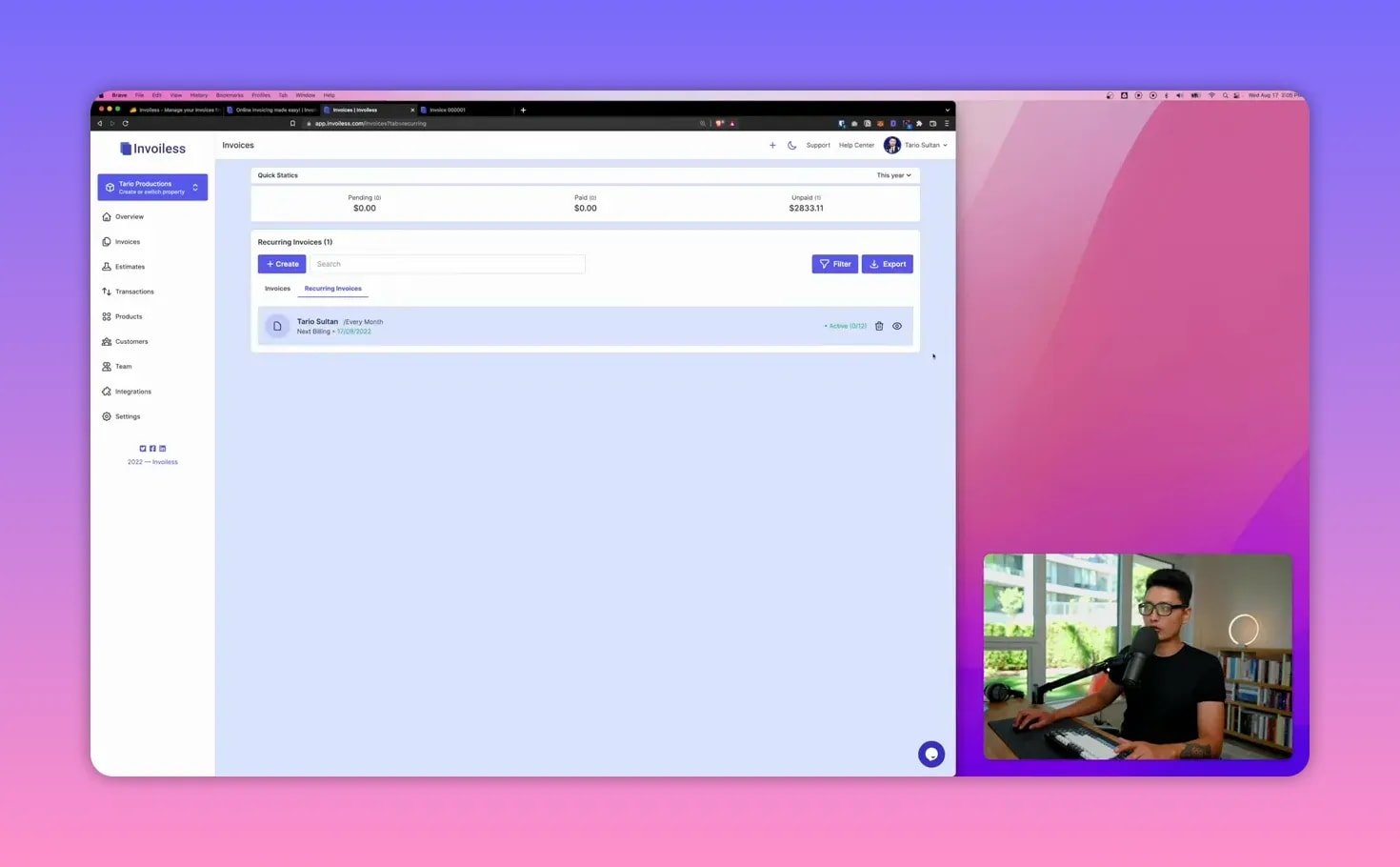
For subscriptions, retainers, or monthly packages, the recurring invoice setup is flexible. Choose frequency (daily, weekly, monthly, yearly), specify the start date, and set how many occurrences you want. You can opt to send emails automatically, accept online payments, and let Invoiless generate invoices hands-free on the schedule you define.
🔗 Integrations and payment collection
Built-in payment methods include Stripe and PayPal so clients can pay directly inside the invoice page. That in-page payment experience reduces friction: the client opens the invoice, enters card details, and completes payment without navigating elsewhere.
Other automation options include:
- Google Drive to store invoices automatically
- Slack for notifications
- Custom SMTP or Mailgun to send white-labeled emails
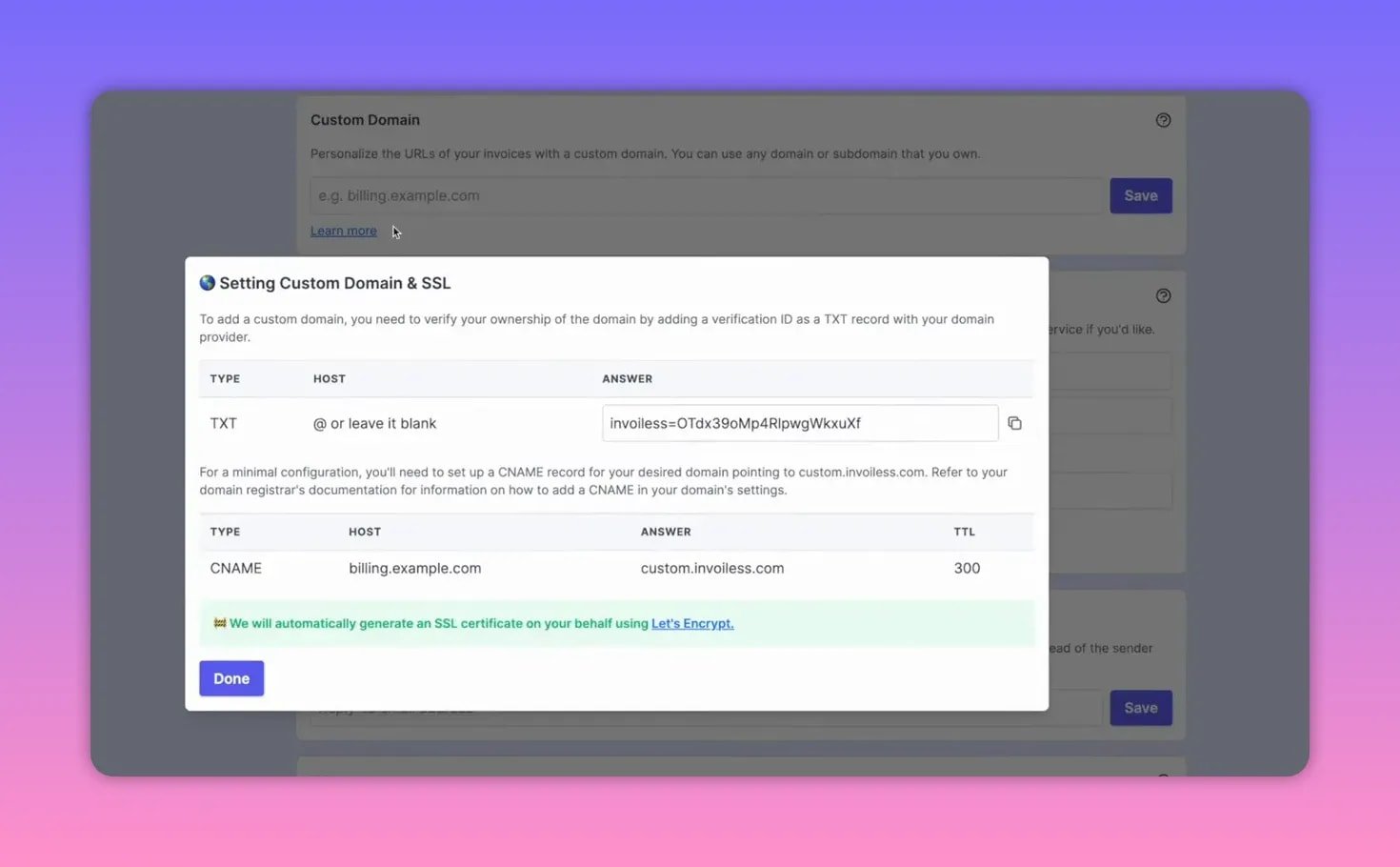
- Custom domain for billing.example.com or payment.example.com using DNS TXT records
- API keys for Zapier or bespoke integrations
🎨 Branding, templates, and settings
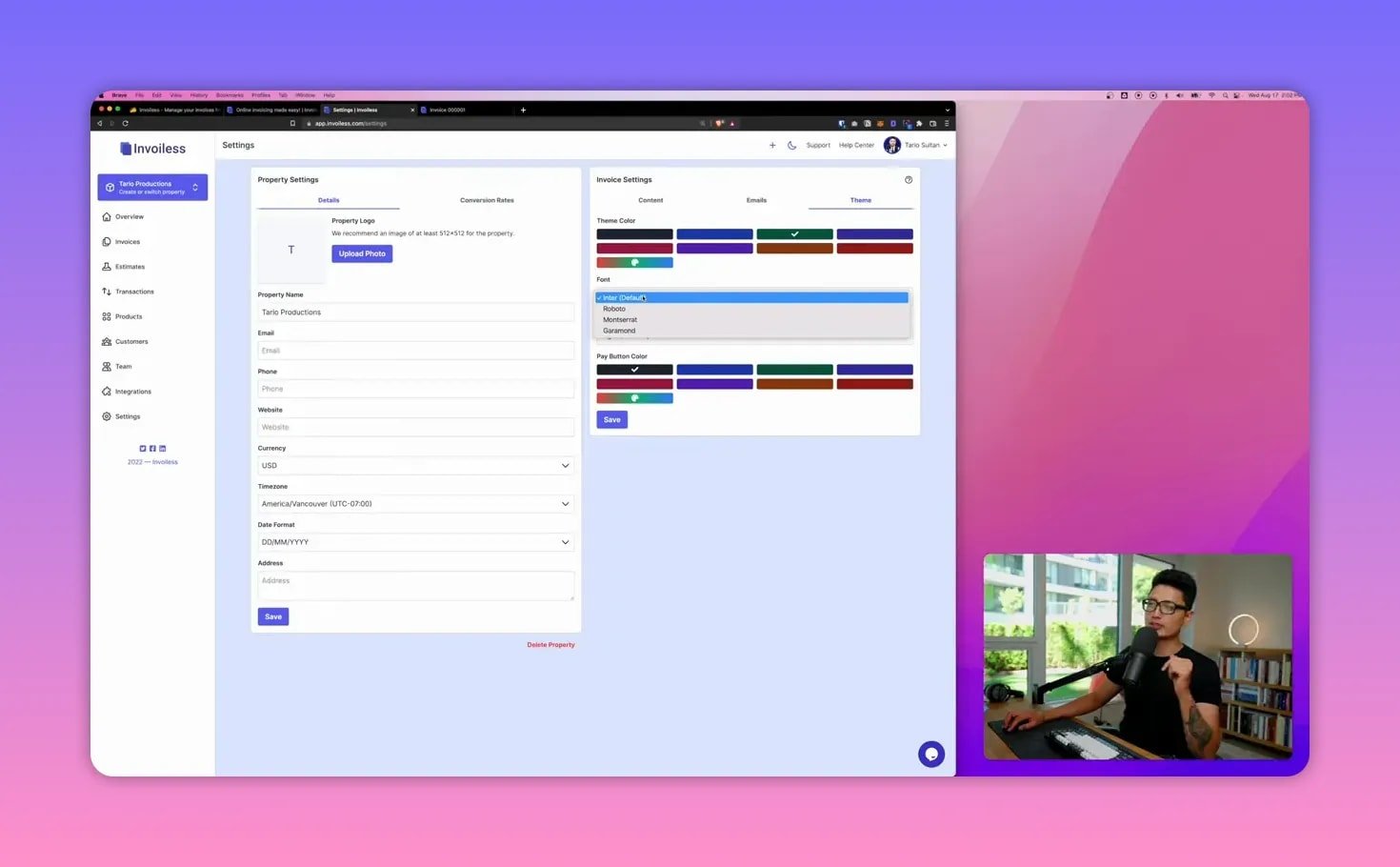
You can fully brand your account: upload a company logo, set contact info, date format, time zone, tax numbers, and default invoice footers. Email templates are editable, including subject lines, body text, reminders, and signature. Theme options let you change colors, font choices, and the pay button position to match how you want invoices presented to clients.
💰 Pricing and the AppSumo lifetime deal
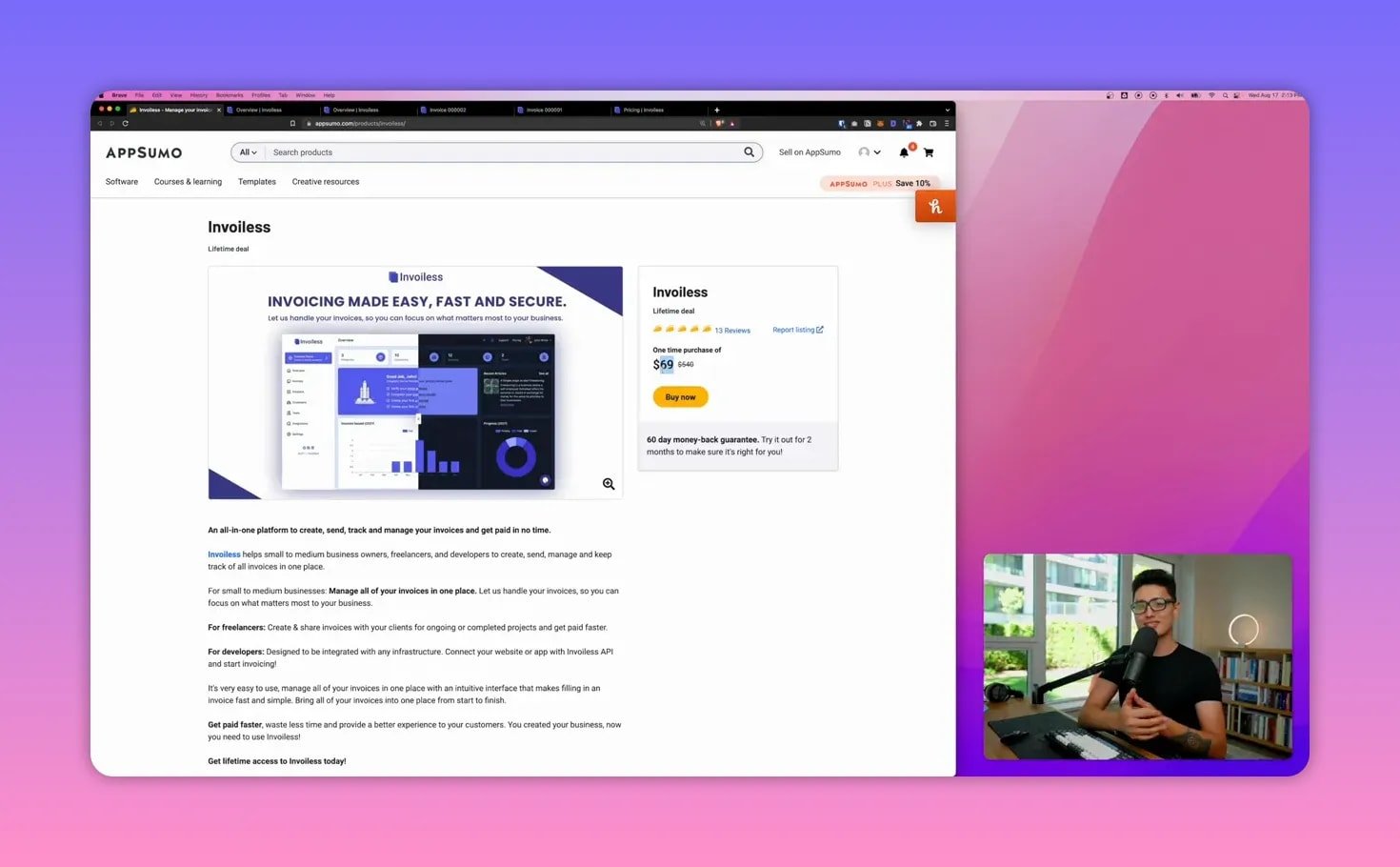
Invoiless runs a normal subscription at about $9 per month. Right now there is an AppSumo lifetime deal where a single code gives you access for life at $69. One code unlocks up to three businesses; if you manage multiple distinct brands you can stack codes. For anyone planning to use the tool beyond a few months, the lifetime deal is financially attractive.
✅ Quick pros and things to watch
- Pros: Clean UI, fast estimate-to-invoice flow, in-page payments, strong automation, white-label support.
- Considerations: Fonts are limited to a few options today and teams may want more typography choices; always confirm current integration list for your stack.
📌 Practical tips from my setup
- Save commonly used services as products so invoicing becomes a single-click action.
- Use custom domains and SMTP to keep everything white-labeled and on-brand.
- Enable automatic emails and Google Drive integration to keep records archived without manual work.
- Put the pay button under the price if you want it more visible for clients who might ask where to pay.
❓ Frequently asked questions
Is Invoiless suitable for freelancers and small businesses?
Yes. It was built for small and medium businesses, freelancers, developers, photographers, videographers, and similar service providers. The combination of estimates, one-click product line items, and in-page payments makes it particularly useful for solo operators who need speed and clarity.
Can clients pay directly from the invoice page?
Yes. After connecting Stripe or PayPal you can accept card payments directly on the invoice page so clients pay without leaving the invoice window.
How does recurring invoicing work?
You set the recurrence frequency (day, week, month, year), choose the billing date, set the number of occurrences, and enable automatic emails. Invoiless will generate and send those invoices automatically on schedule and accept online payments if configured.
What integrations are available?
Invoiless supports Stripe and PayPal for payments, Google Drive and Slack for automation, custom SMTP for white-label emails, and API keys for Zapier or custom integrations. You can also use a custom domain for your billing pages.
Is white-labeling possible?
Yes. You can use your logo, custom domain, SMTP, and custom email templates so invoices and notification emails appear under your brand.
Should I buy the AppSumo lifetime deal?
If you plan to use the tool for more than a few months, the lifetime deal is cost-effective. The lifetime offer is typically limited, so evaluate current needs and integrations before purchasing.
🧾 Final thoughts
Invoiless is a polished, practical tool for anyone who wants to reduce billing friction and get paid faster. It combines the essentials—estimates, invoices, recurring billing, and payment collection—into a single, brandable platform. If you prioritize speed, automation, and white-labeling, it is worth a close look.