
Table of Contents
- 🔍 What KeywordSearch is and why it matters
- 💸 Pricing and AppSumo select badge
- ⚙️ Key features at a glance
- 🧭 Hands-on walkthrough — what I tested
- 📺 Video placements and channel research
- ✅ Strengths
- ❌ Limitations and gotchas
- 💡 How I’d use KeywordSearch (practical tips)
- 🔁 KeywordSearch vs VidIQ (quick comparison)
- 🧾 FAQ
- 🏁 Final thoughts
🔍 What KeywordSearch is and why it matters
KeywordSearch is a YouTube-focused keyword research tool built around AI and machine learning. It aims to do two things well: help you discover keywords for organic videos and identify high-performing placements and channels for YouTube ads. If you run channels, manage client accounts, or buy placement ads, this tool is designed to save time and uncover keywords that other tools sometimes miss.
💸 Pricing and AppSumo select badge
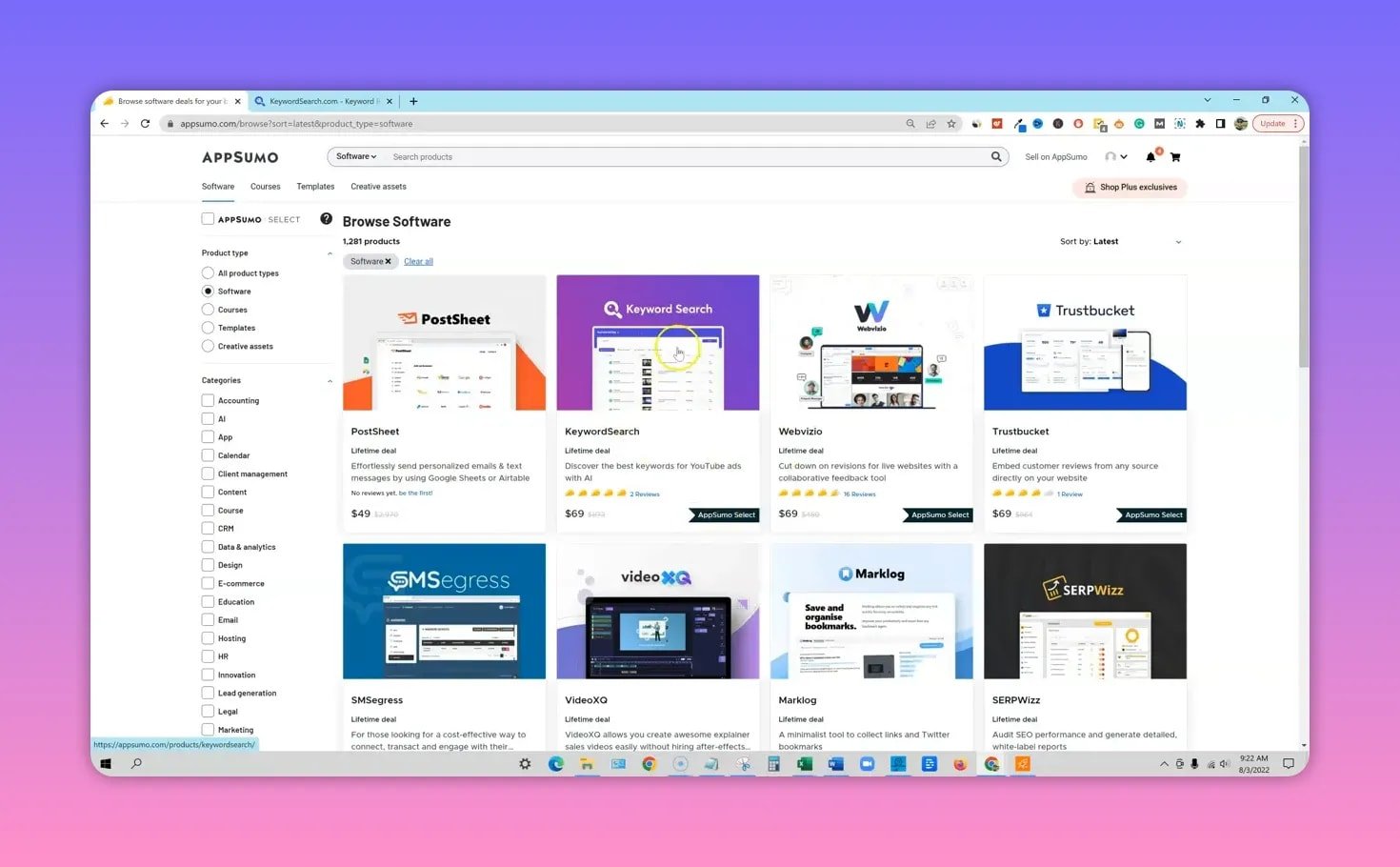
KeywordSearch launched on AppSumo with three tiered licenses:
- Tier 1: $69 — the entry plan (what I started with)
- Tier 2: $39 — adds more collections and capacity
- Tier 3: $209 — unlocks advanced modules like Ad Spy
The tool arrived already labeled as an AppSumo Select offering, which means it was vetted by AppSumo’s
team. That badge is a positive sign for long-term stability.
⚙️ Key features at a glance
- AI-driven keyword discovery — finds both short and long-tail keywords that are relevant to YouTube search behavior.
- Video placements — identifies high-traffic videos where you could run placement ads.
- Related channels — surfaces the top channels for a keyword using a unique algorithm that looks beyond simple search results.
- Collections — save keywords, videos, and channels into organized sets for campaign planning.
- Advanced targeting — excluded keywords, audience targeting, and support for 100+ countries and languages.
- Ad Spy (Tier 3) — spy on competitors’ current ads (locked behind the highest tier).
🧭 Hands-on walkthrough — what I tested
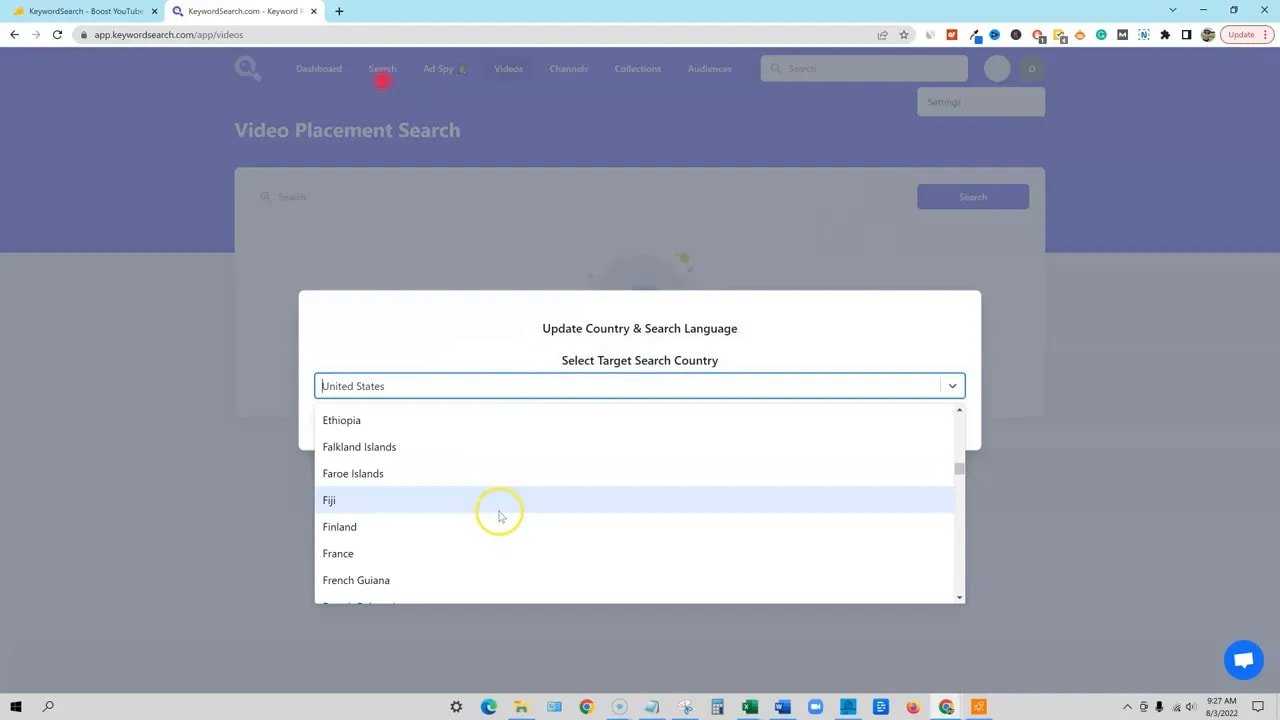
I tested KeywordSearch with a niche I know well: make money online. The UI is intentionally simple and focused.
Country selection is wide — useful for multilingual creators and international campaigns.
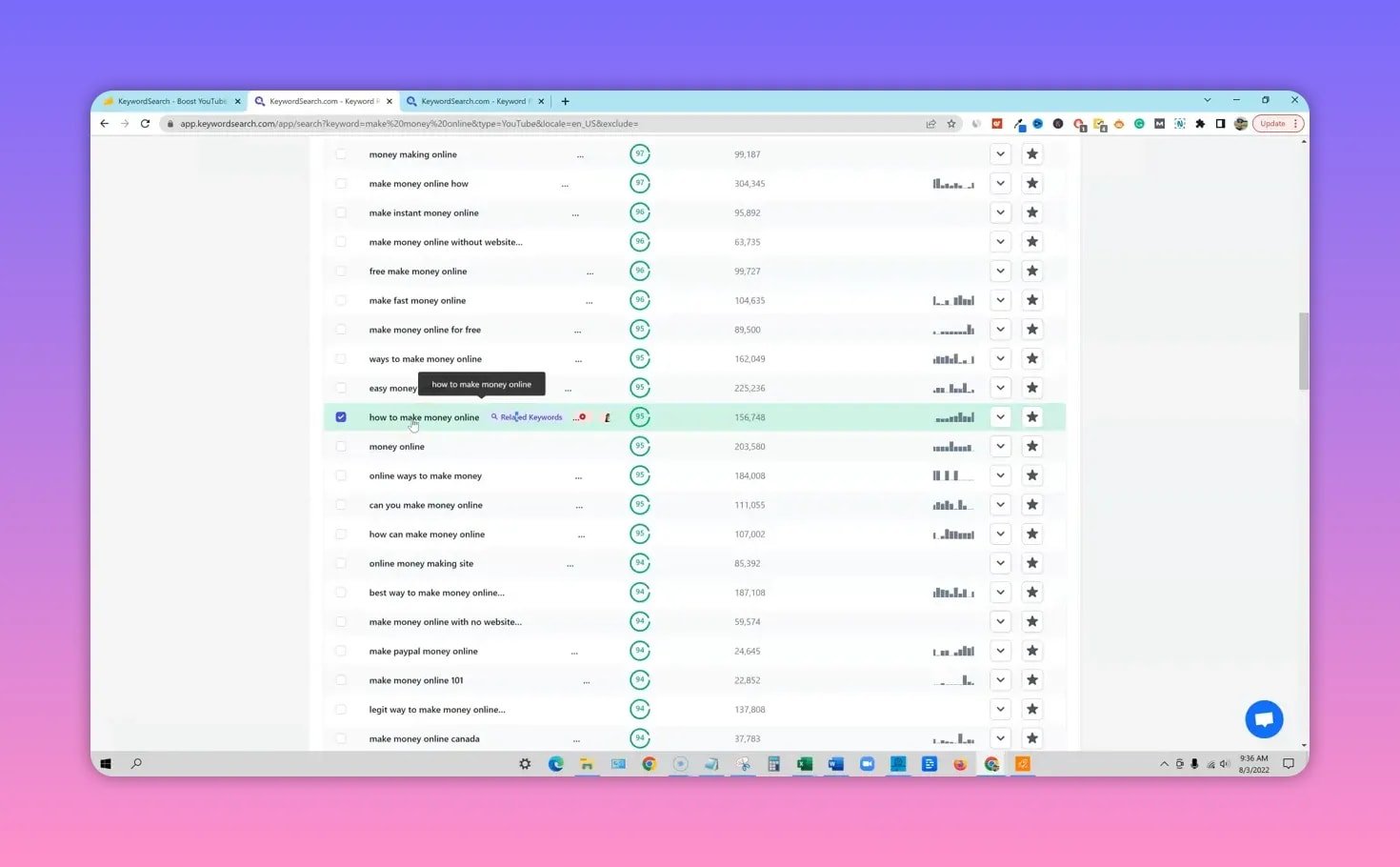
Searching a seed keyword returns a list of similar terms, a sparklined trend graph, helpful export options,
and quick actions like adding keywords to collections. The trend visualization makes it easy to tell whether
a phrase is evergreen or seasonal at a glance.

The tool found many long-tail variants I did not expect. That’s where it can shine for organic creators:
titles and descriptions built around long-tail phrases are often easier to rank for.
📺 Video placements and channel research
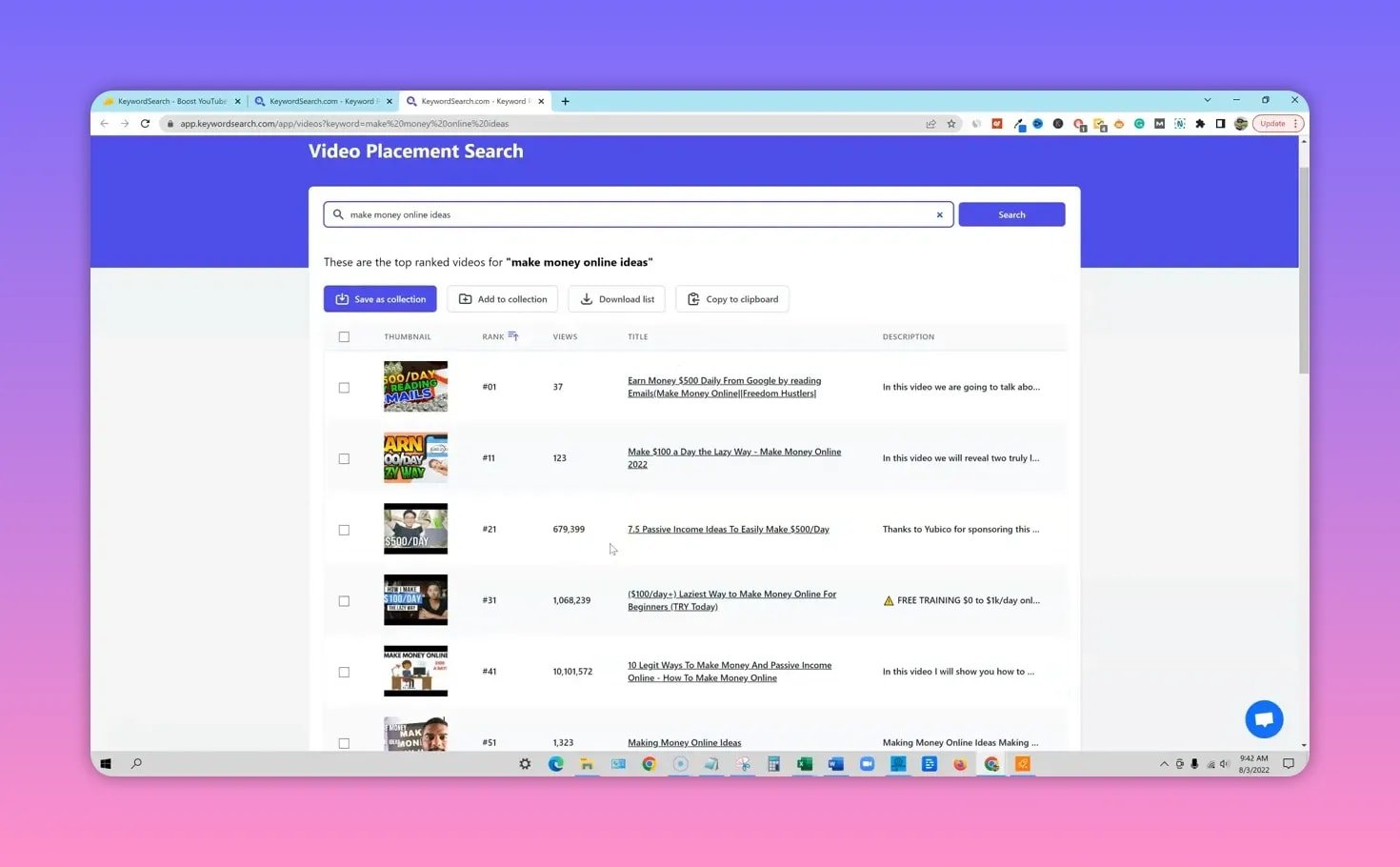
The placement module surfaces videos ranking for your keyword and lets you add those videos to collections
for ad planning. Some entries required verification — occasionally a listed video didn’t appear where the tool
claimed in YouTube search. Still, the module quickly pointed to strong, high-view targets where a placement ad
could perform well.
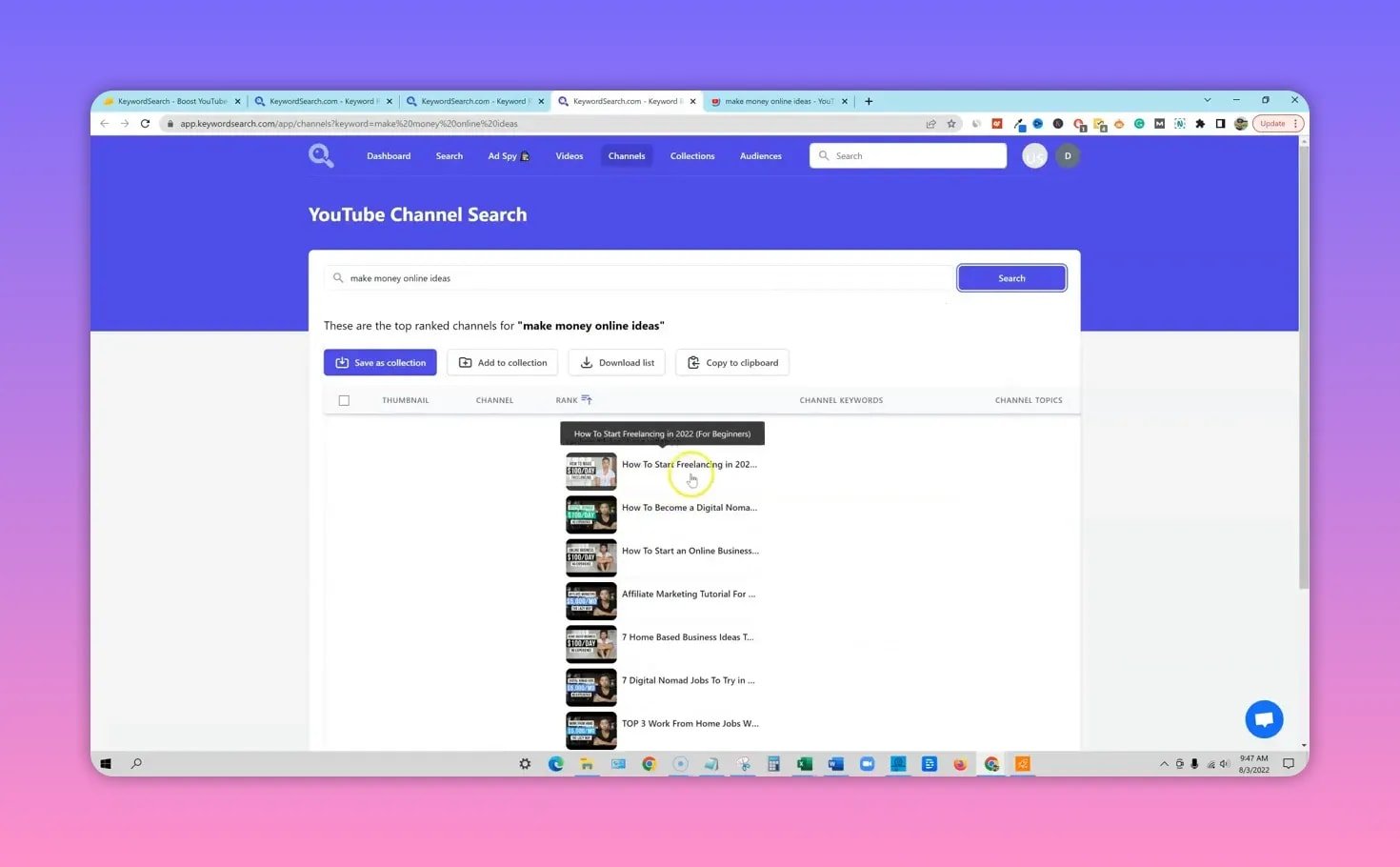
The channel research is one of the more interesting parts. KeywordSearch uses an algorithm that identifies
channels dominating a topic based on video performance and popularity metrics rather than raw search positions.
That surfaced channels that standard YouTube search might not highlight, giving fresh inspiration for content
strategy or placement targeting.
✅ Strengths
- YouTube-first approach — built with ad placements and channel research in mind, not a generic SEO tool.
- Generates long-tail keywords that can be used for organic titles and tags.
- Collections and exports make it easy to assemble campaigns or hand off research to editors and ad teams.
- Global support for many countries and languages, helpful for non-English creators.
❌ Limitations and gotchas
- Ad Spy locked to Tier 3 — some of the most compelling competitive intelligence features require the top plan.
- Occasional mismatches between listed video placements and live YouTube search results; double-check before spending ad budget.
- Collection limits on lower tiers — if you manage multiple channels, Tier 2 is worth considering.
- Short display for long keywords in the interface — hover to see the full phrase.
💡 How I’d use KeywordSearch (practical tips)
- Use a seed keyword to build a collection of long-tail variants. Export these as tags and ideas for titles and descriptions.
- For ad campaigns, identify 5 to 10 high-traffic placement videos and add them to a collection. Then verify upload date and audience alignment directly on YouTube before running placement ads.
- Combine related channels research with competitor analysis. If a single channel dominates a topic, analyze their thumbnails, title formats, and upload cadence for inspiration.
- Start on Tier 1 to test the keyword discovery features and upgrade when you need more collections or the Ad Spy module.
🔁 KeywordSearch vs VidIQ (quick comparison)
KeywordSearch focuses on discovery for both organic and ad placements with a unique algorithm tuned for channel and video prominence. VidIQ is a mature tool with extensive metrics and integrations. If you want a fresh source of long-tail keywords and placement ideas, KeywordSearch is a compelling complement or alternative to VidIQ — especially for ad-first workflows.
🧾 FAQ
Is KeywordSearch worth trying for small YouTube channels?
Yes. The AI keyword discovery and long-tail suggestions can help smaller channels find niche phrases that are easier to rank for organically. Start with Tier 1, try building collections, and decide if you need more capacity.
What does the AppSumo Select badge mean for buyers?
AppSumo Select indicates the product was vetted by AppSumo’s team. It usually signals a higher likelihood of a stable company behind the product, which can be comforting if you plan to use the tool long term.
Do I need Tier 3 to get value from KeywordSearch?
Not necessarily. Tier 1 provides the core keyword discovery features. Tier 3 unlocks Ad Spy and other premium modules that are valuable for heavy advertisers. Evaluate your needs: if you manage many channels or want to spy on competitor ads, Tier 3 is worth considering.
How reliable are the video placement suggestions?
The suggestions are a great starting point, but occasional mismatches can occur. Always verify placement video details, view counts, and publication dates directly on YouTube before committing ad spend.
🏁 Final thoughts
KeywordSearch brings a fresh, YouTube-centric approach to keyword research and ad placement discovery. Its AI-driven long-tail keyword discovery and channel research are especially useful for creators looking to expand topic coverage and for advertisers hunting efficient placements.
Try the entry tier to explore keyword discovery; upgrade if you need more collections or want the full Ad Spy power. Use it alongside tools like VidIQ for the broadest view of keyword opportunities and ad targets.