QuickReel at a glance 🚀
QuickReel is an AI-powered video tool that converts long-form footage into short, attention-grabbing clips for social platforms. It bundles automatic clip selection, captioning, text-to-image generation, bad-cut removal, and text-to-video features into one editor. The tool offers a limited-time lifetime deal on marketplaces like AppSumo with tiered plans (from small-business tiers up to a full agency plan priced around $1,000).
Dashboard and core navigation 🧭
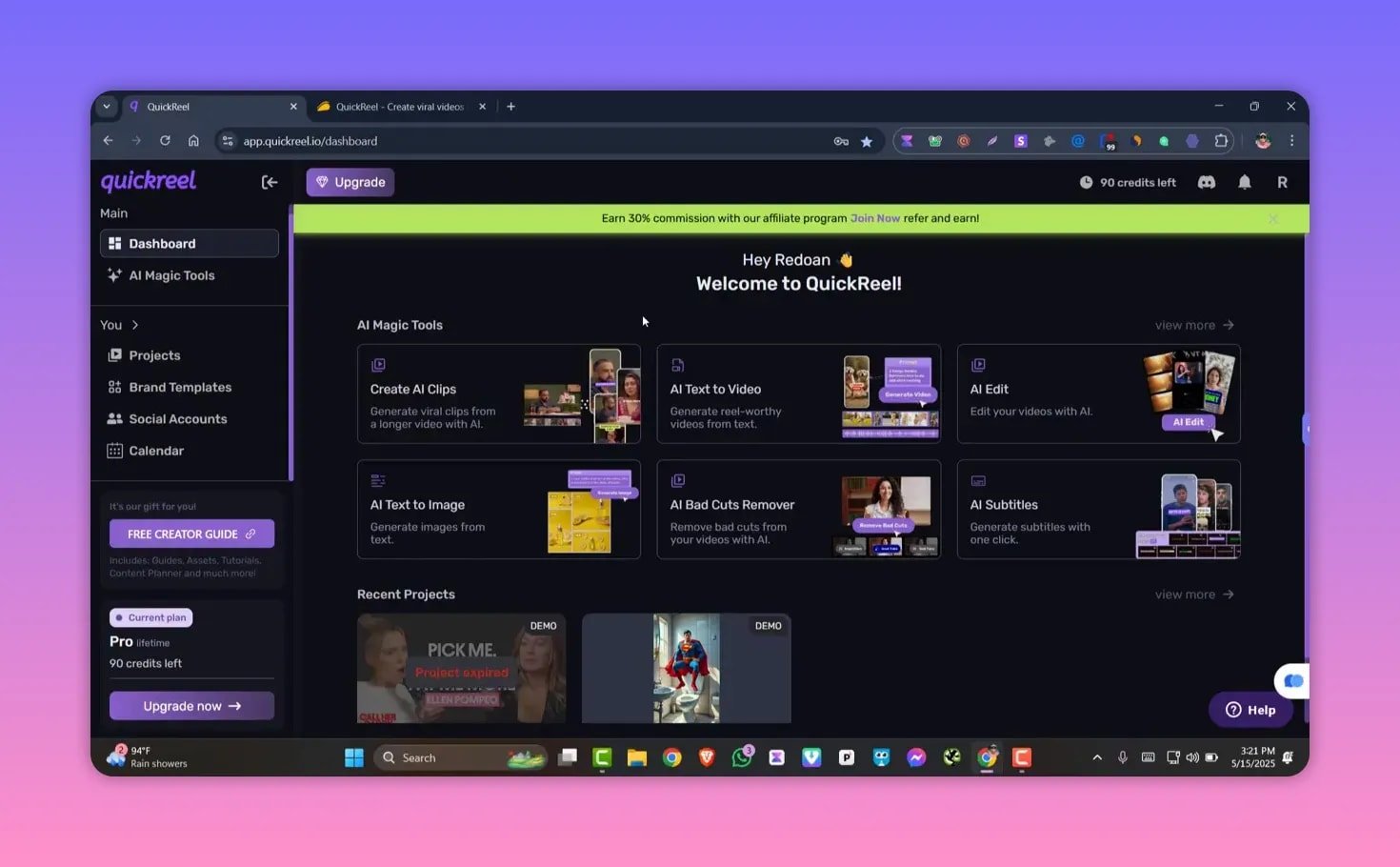
The interface groups features on the left-hand sidebar: Dashboard, AI Magic Tools, Projects, Brand Templates, Social Accounts, and Calendar. Main tools you will use daily include Create AI Clips, AI Text-to-Video, AI Edit, Text-to-Image, Bad Cut Remover, and AI Subtitles.
Create short clips automatically ✂️
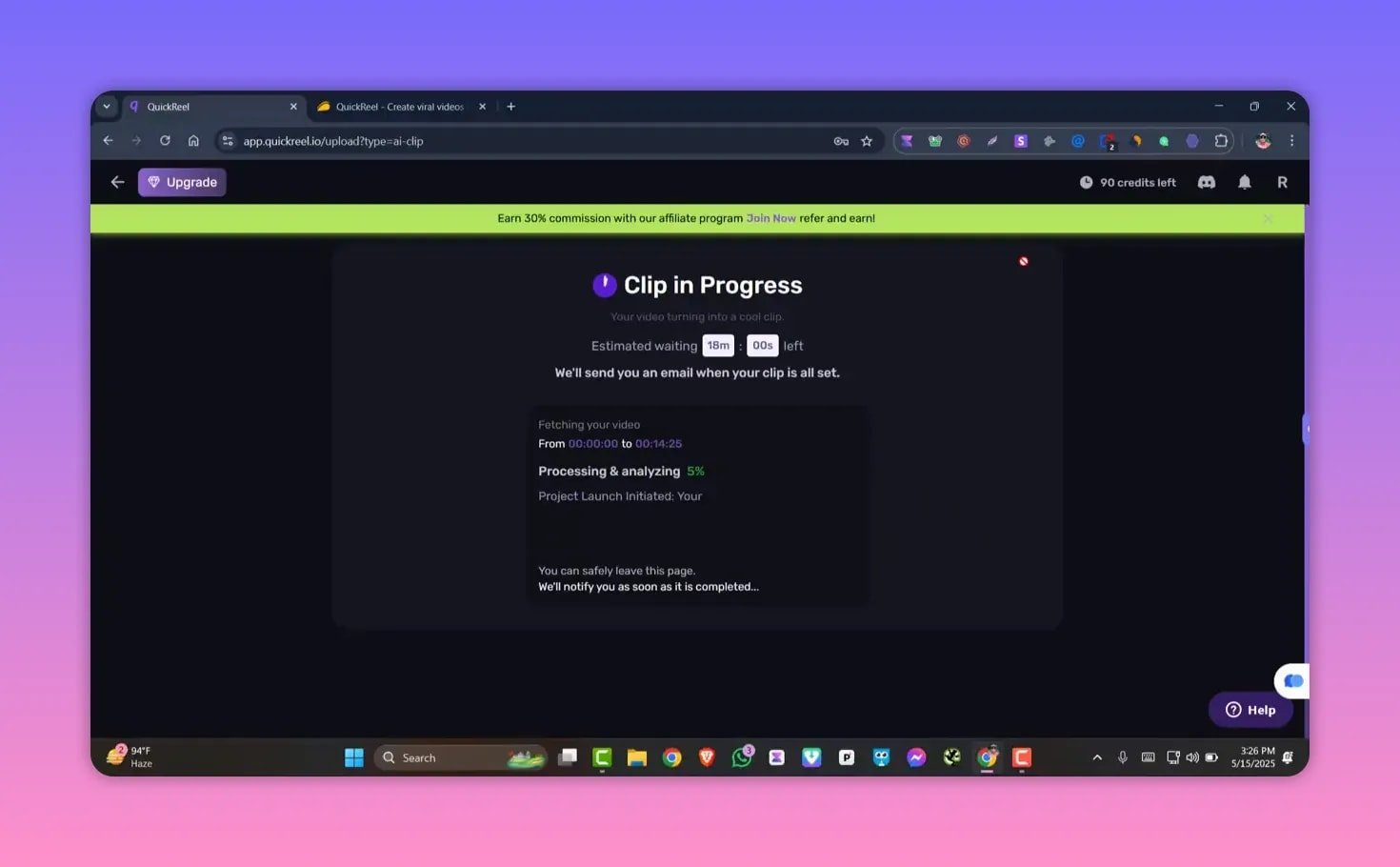
The Create AI Clips workflow is the most practical time-saver. You can either paste a YouTube URL or upload raw MP4/MOV footage and QuickReel will:
- Auto-detect the best moments to turn into shorts
- Support multiple platforms — Instagram, YouTube Shorts, TikTok, LinkedIn
- Choose clip length (10–30s or 30–60s) and number of reels (up to six per source)
Important customization options include subtitle font, size, casing, position, subtitle templates (cinematic, vivid, impact, chill, invert, etc.), AI background music, B-roll insertion, and mandatory silence removal for cleaner cuts.

After configuring options, click Get Clips and QuickReel will analyze your footage and create short clips. Processing time depends on video length.
AI text-to-image for custom visuals 🎨
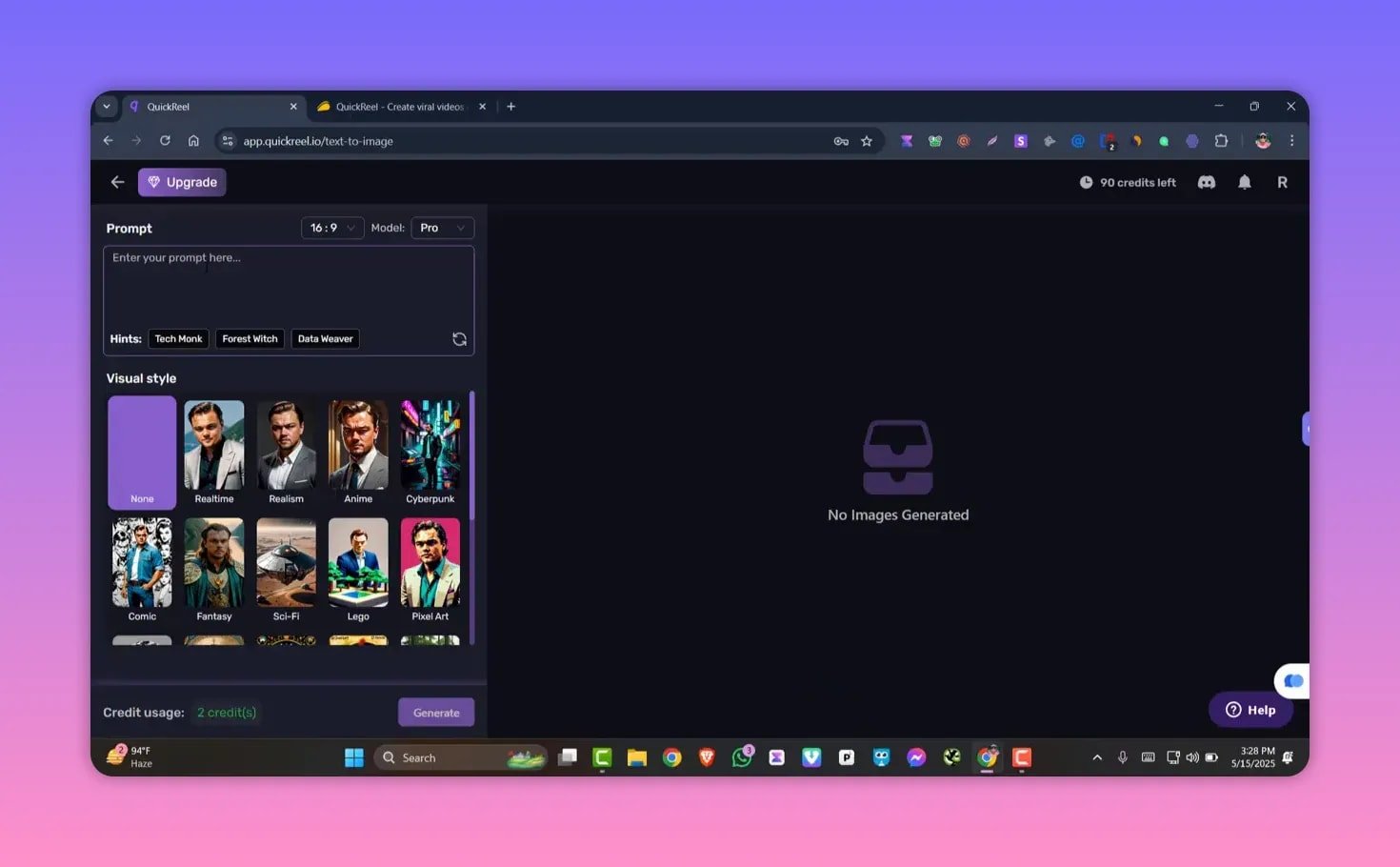
QuickReel includes a built-in text-to-image generator for thumbnails and visual assets. Enter a prompt, choose an aspect ratio (16:9, 1:1, 4:3), pick the model (base or pro), and apply visual styles or hints like TechBunk or Forest. This is helpful for creating thumbnails, title cards, or B-roll imagery that match your brand.
Note on credits: the platform indicates each image generation consumes credits (the interface shows 2 credits per prompt). Keep an eye on your plan’s credit allocation.
AI Bad Cut Remover — clean up awkward pauses 🧹
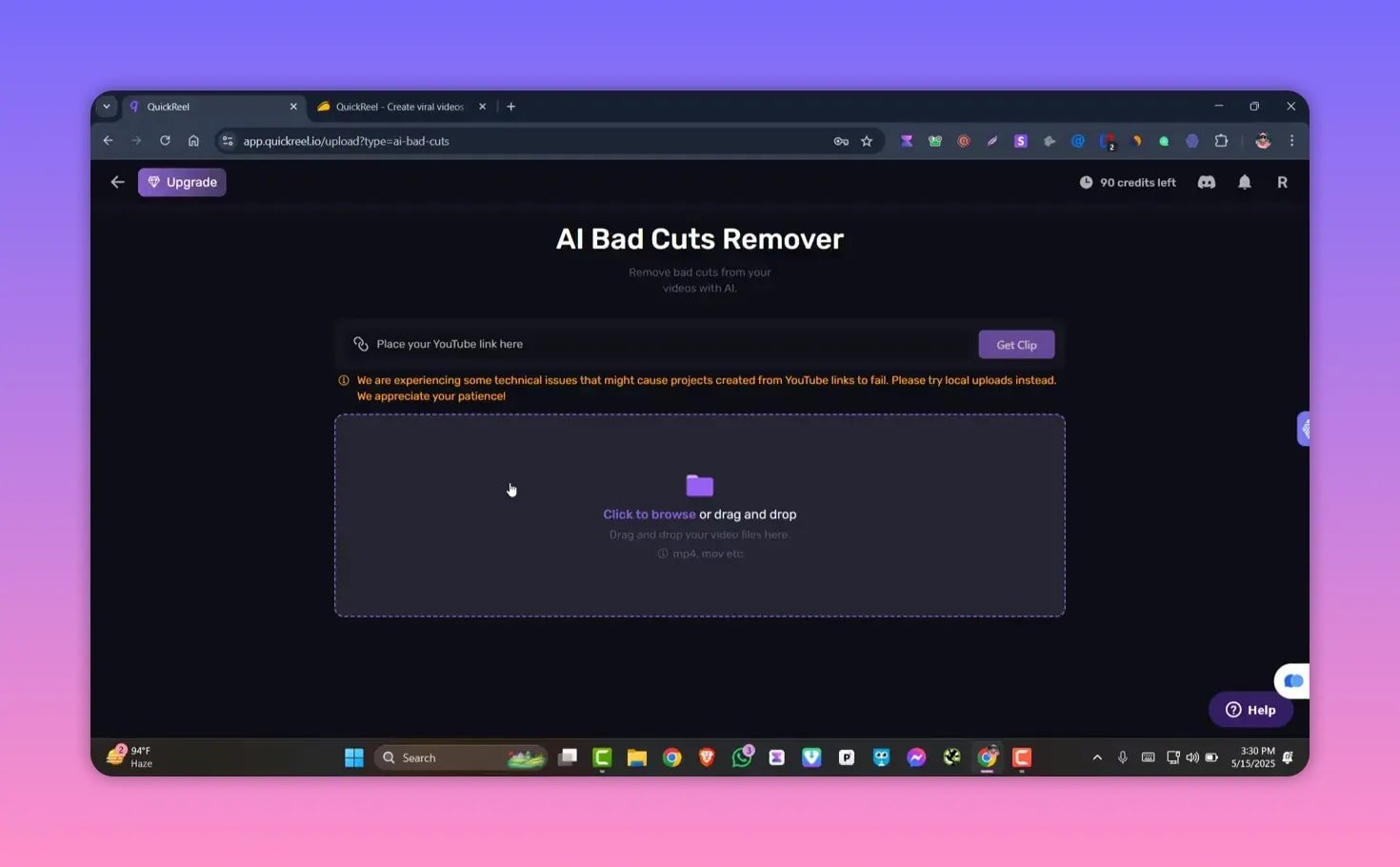
The Bad Cut Remover automatically finds and removes awkward pauses, filler words, and small mistakes so your final clip flows smoothly. Upload or link the footage and let the AI trim out those jarring moments.
AI subtitles and accessibility 🔤
Auto-generated subtitles improve engagement and accessibility. You can edit the captions, change template styles, font size, casing, and position to match platform conventions and brand guidelines.
AI text-to-video and AI edit — generate from script 🎙️
Text-to-video lets you create videos from a written script. Choose language and accent (US/UK English and many others), pick gender and voice style, and select one of several visual styles. The editor previews voice samples so you can pick the best fit.
The tool notes resource usage for generative features — for example, text-to-image consumes credits per prompt while text-to-video generations use a larger quota. Verify credit consumption in your plan before heavy use.
AI Magic Tools and advanced options ✨
Beyond the core six features, QuickReel offers pro-level tools: AI B-roll insertion, advanced filters, brand templates (logo, fonts, color palette), and more than a dozen pro editing options. These features are ideal for agencies and creators who want consistent branding across multiple shorts.
Social integration and publishing calendar 📅
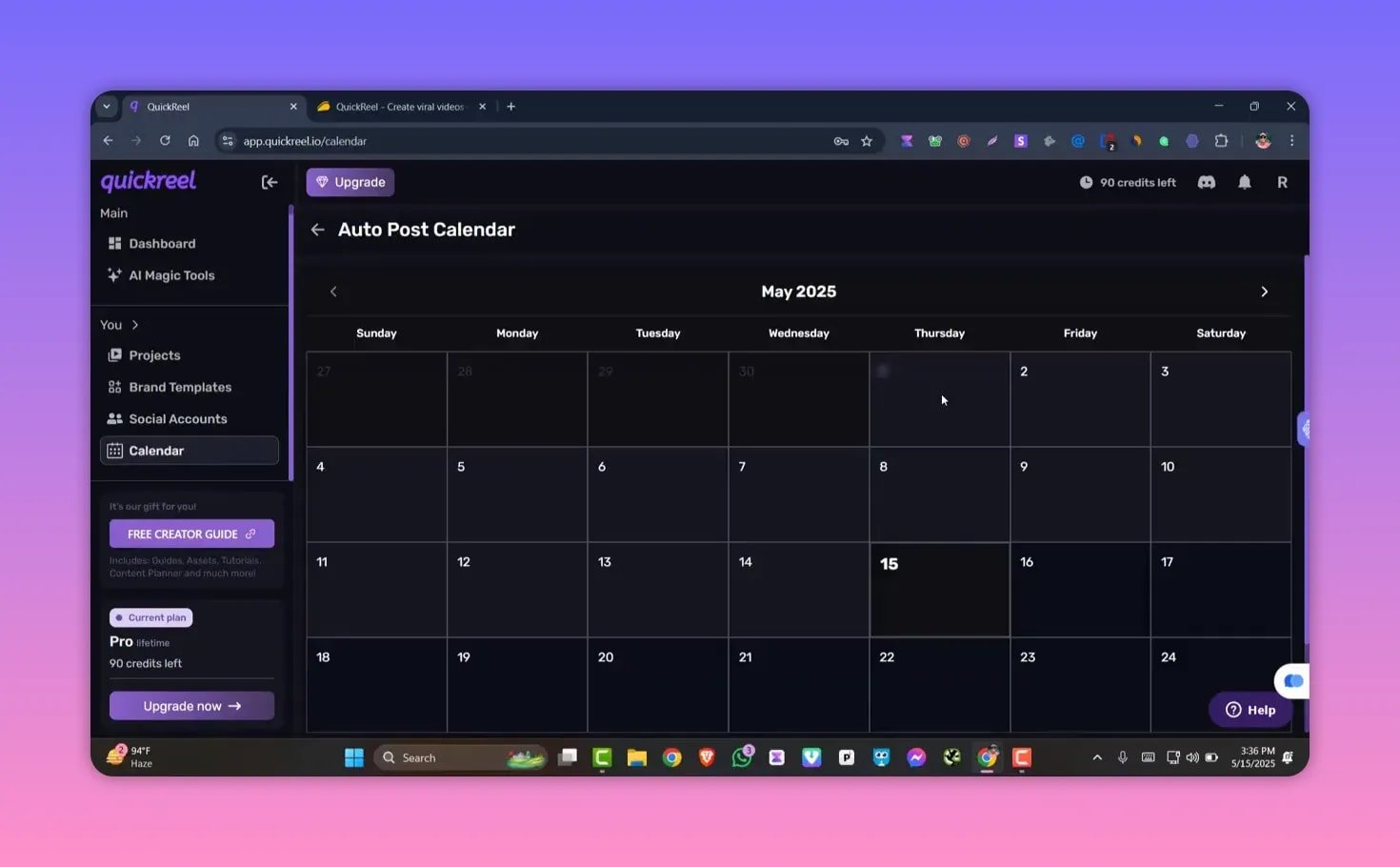
Connect social accounts — YouTube, Pinterest, LinkedIn, Instagram, TikTok — and schedule posts using the built-in content calendar. Once clips are ready, you can queue and publish directly from the platform.
Pricing and lifetime deal notes 💸
A limited-time lifetime deal is available on marketplaces like AppSumo. Pricing follows a multi-tier structure:
- Entry tiers for small businesses
- Mid tiers for heavier creators
- Agency/enterprise tier (full feature access) priced around $1,000
Choose a tier based on monthly video output, credit needs for AI generation, and whether you need social integrations and multi-user access.
Quick start: Recommended workflow ✅
- Decide whether to use a YouTube URL or upload raw footage.
- Open Create AI Clips, select language and category, pick platform and target duration.
- Set subtitle template, font, position, and enable silence removal and hooks as needed.
- Generate clips, review automatically selected segments, and tweak manually if required.
- Use Text-to-Image to create thumbnails or B-roll assets if needed.
- Publish directly after connecting social accounts and scheduling in the calendar.
Pros, cons, and who should use QuickReel ⚖️
Pros
- Huge time-saver for converting long videos into multiple shorts
- All-in-one features: auto-clips, subtitles, bad-cut removal, text-to-image, and text-to-video
- Direct social integrations and content calendar
- Lifetime deal available for a one-time cost
Cons
- Credit consumption for generative features — check limits before heavy use
- Some advanced pro features may require higher-tier plans
- Auto-selected clips still benefit from a manual pass for perfect results
Tips for better shorts 🎯
- Use shorter target durations (10–30 seconds) for maximum virality.
- Enable silence removal to avoid dead air in clips.
- Pick subtitle templates and fonts that match platform norms (large, centered for Instagram; bold and high-contrast for TikTok).
- Reserve credits for thumbnails and essential visuals instead of experimental prompts.
FAQ ❓
What is QuickReel and what problems does it solve?
QuickReel is an AI video editor that automates the process of turning long-form content into short clips suitable for social platforms. It speeds up editing, adds subtitles, removes bad cuts, and can generate visuals and voice-driven videos from text.
Can I use my own footage or only YouTube links?
Both. You can paste a YouTube URL or upload raw footage in supported formats such as MP4 and MOV.
Which platforms can I export shorts for?
QuickReel targets multiple platforms including Instagram, YouTube Shorts, TikTok, and LinkedIn with preset duration and formatting options.
How does QuickReel charge for AI-generated images and videos?
Generative features use credits. Text-to-image prompts typically consume a small number of credits per image (the interface shows 2 credits per prompt); text-to-video or other intensive generative actions use larger quotas. Check your plan details for exact usage rates.
Does QuickReel include social publishing and scheduling?
Yes. QuickReel supports connecting social accounts and includes a content calendar so you can schedule and publish posts directly from the platform.
Final takeaway ✅
QuickReel is a practical, time-saving solution for creators and teams who regularly convert long-form content into shorts. It combines automated clip selection, subtitle generation, bad-cut removal, and generative tools within a single interface. If you produce a lot of repurposed content and want to streamline publishing across platforms, QuickReel is worth evaluating—especially if you can catch a lifetime deal.