
It’s 11 p.m. on a Sunday and you’re staring at a file named 2024 Taxes Final Final V3. You promised to stay on top of bookkeeping, but client payments, personal cards, subscriptions, and a shoebox of receipts turned good intentions into chaos. If that sounds familiar, Tabby is built for exactly this mess.
Table of Contents
- 🔍 The problem Tabby solves
- ⚙️ How Tabby actually works
- 💡 Why this matters — time, money, and headspace
- 💸 AppSumo lifetime deal — pricing and tiers
- 🧭 Who should use Tabby and who should not
- 👨💼 Built by an actual CPA
- 🚀 How to get started
- ❓FAQ
- ✅ Final thoughts
🔍 The problem Tabby solves
Bookkeeping for freelancers and solopreneurs falls into an awkward middle zone. You are too big to pretend you do not need organized books and too small to hire full time help. Traditional accounting tools are powerful but often overwhelming. Endless menus, accounting jargon, and manual categorization make tools like QuickBooks feel like piloting a Boeing 747 when a bicycle would do.
Tabby targets that middle ground. It promises to automate bookkeeping using AI, surface missed tax deductions, and generate tax ready reports without turning you into an accountant.
⚙️ How Tabby actually works
My favorite measure of any bookkeeping tool is whether it reduces cognitive load enough that I will actually use it. Tabby focuses on three straightforward flows.
Connect accounts
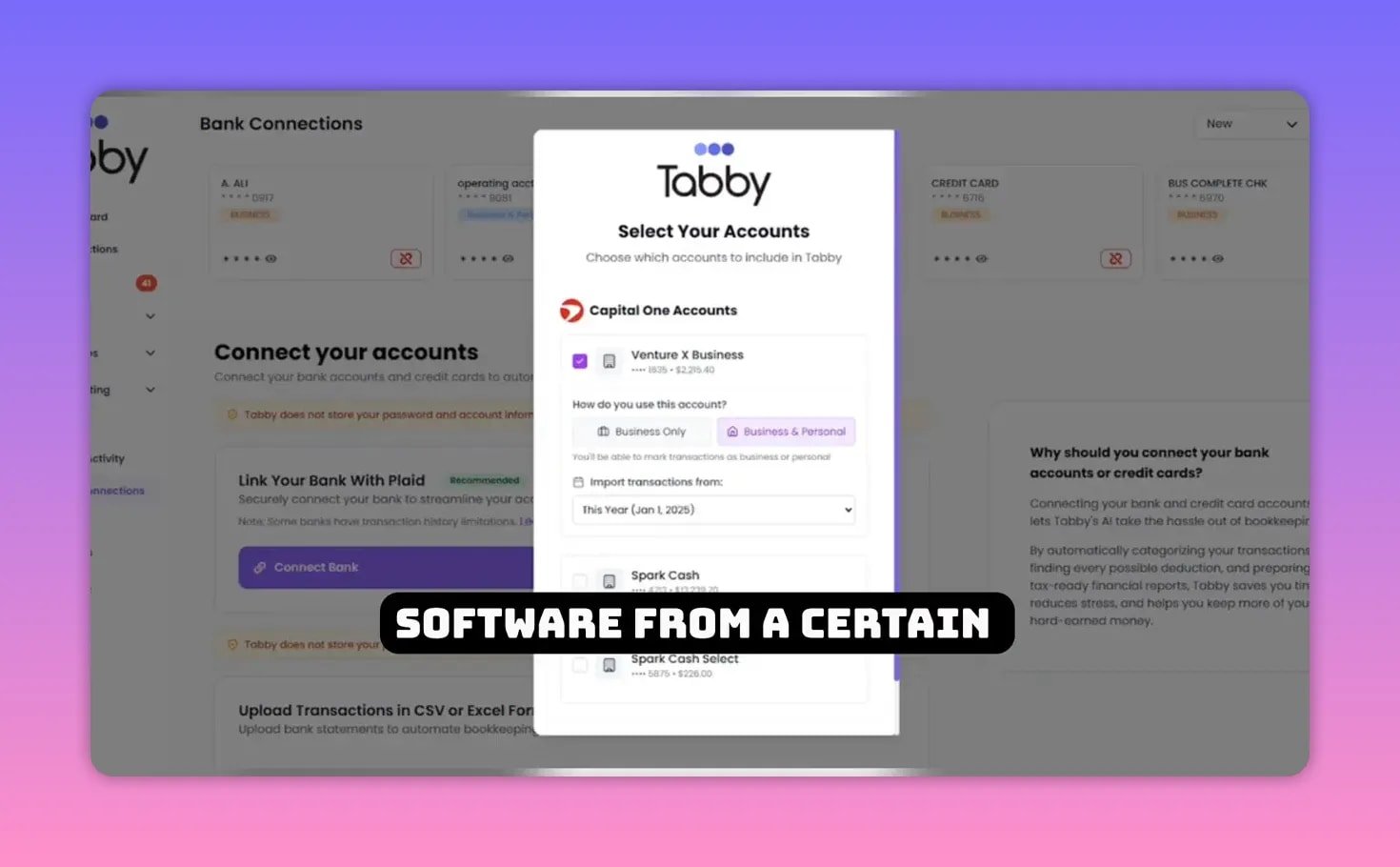
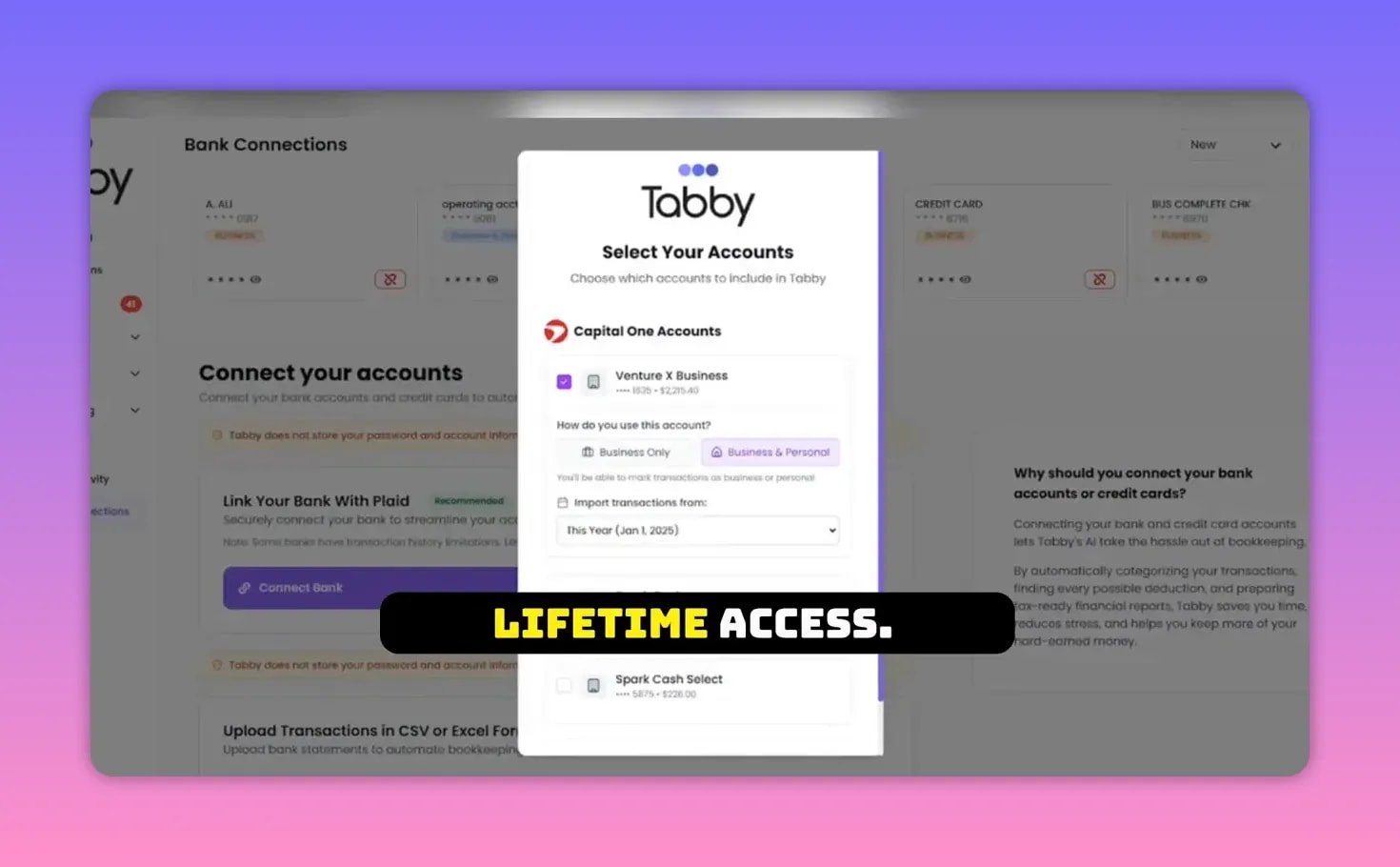
Tabby links to your bank accounts and credit cards via Plaid. Pick your bank, authenticate, and choose which accounts to sync. Once connected, past transactions populate a simple dashboard so you can stop juggling spreadsheets.
Auto-categorize and learn
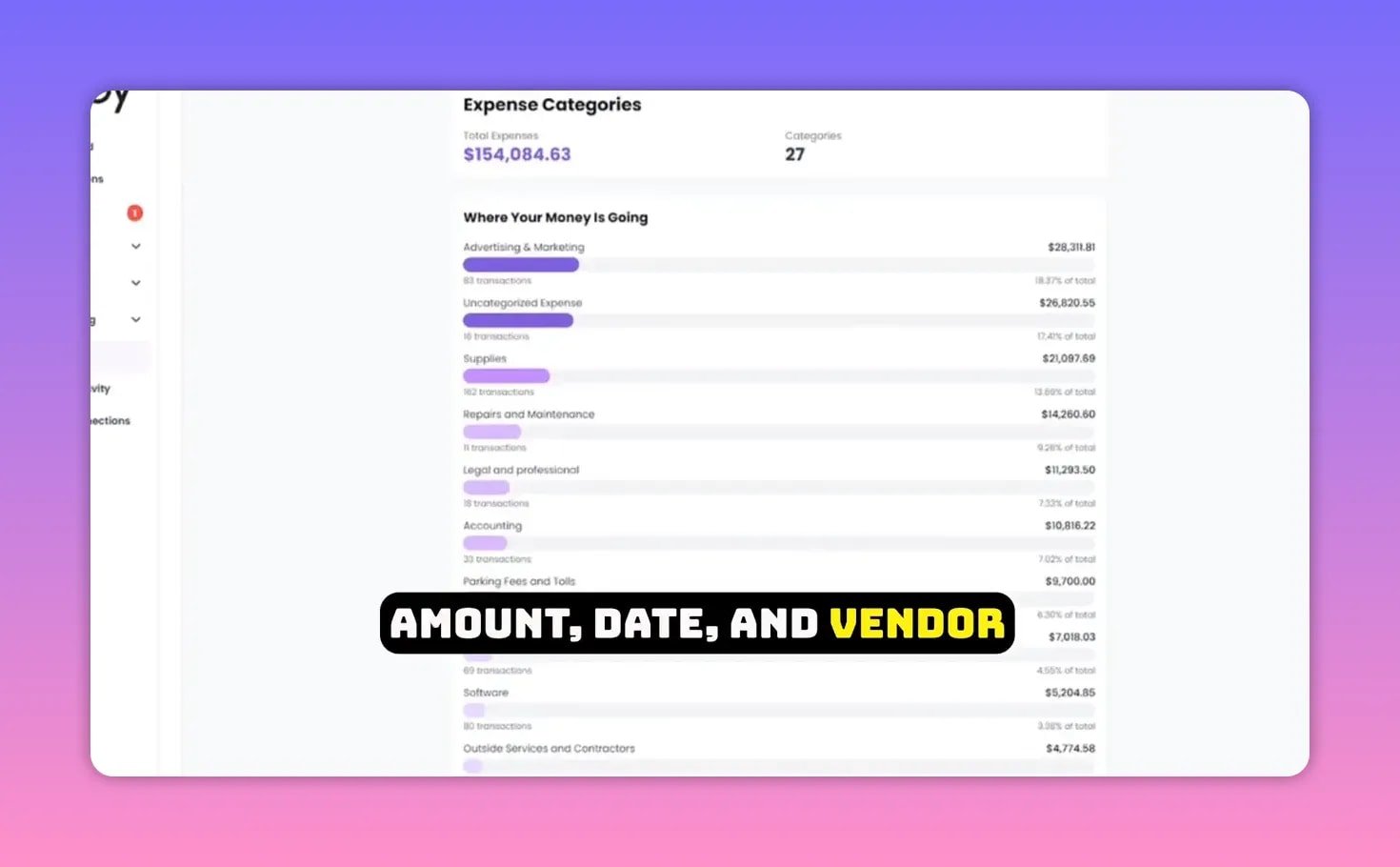
Every transaction is auto categorized with AI that learns your patterns. If you always buy software from a specific vendor, Tabby will suggest the software category going forward. You can create custom categories like YouTube gear and correct mistakes once. Tabby remembers the correction and applies it automatically.
Scan receipts and link them to transactions
Instead of typing receipts into a spreadsheet, snap photos. Tabby’s AI extracts the date, amount, and vendor, links the receipt to the right transaction, and stores the proof for taxes.
Find hidden deductions
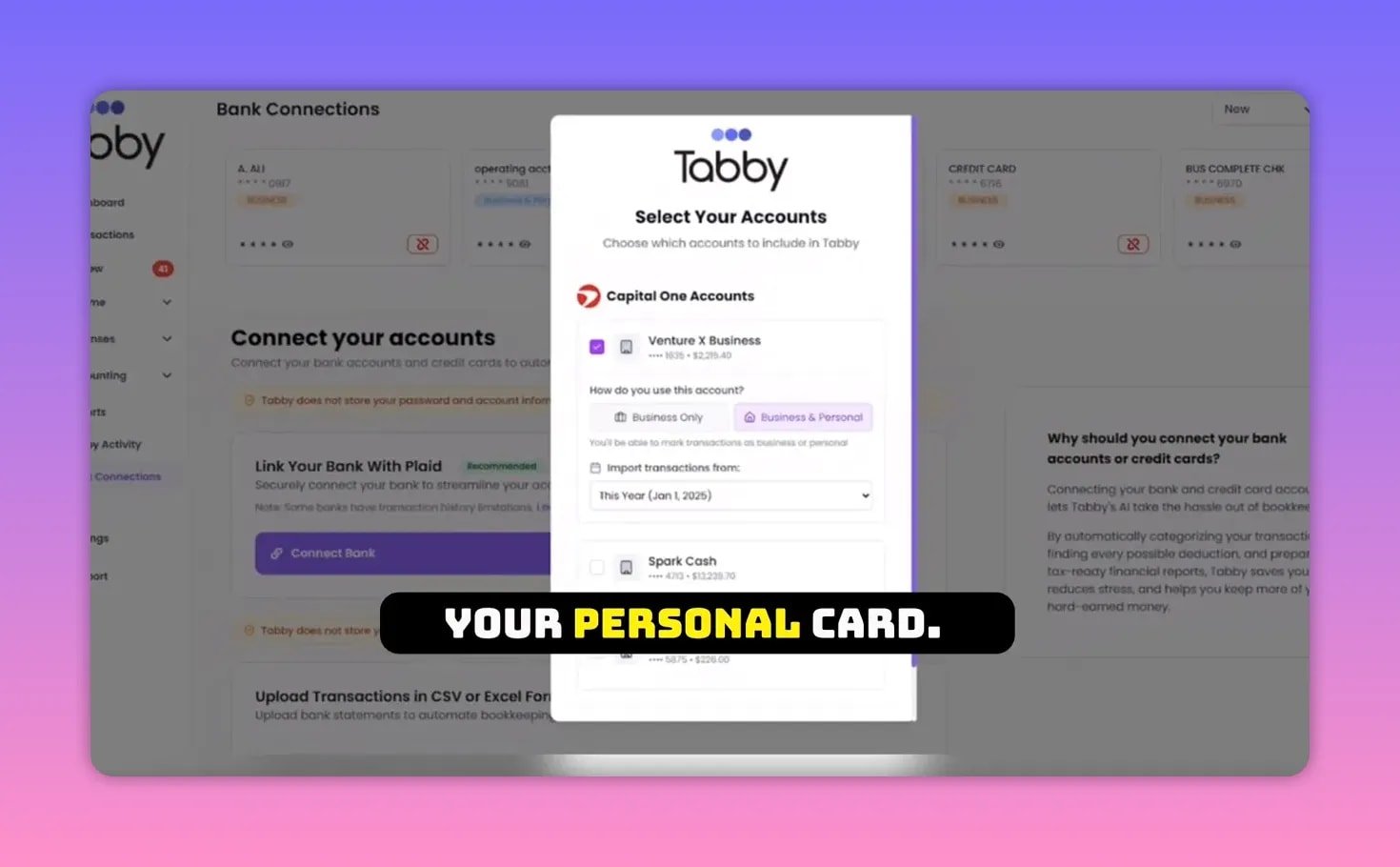
Because Tabby can see both business and, if you allow it, personal accounts, it flags legitimate business expenses hidden in personal transactions. That might be Zoom subscriptions, office supplies, or home internet partial deductions. Tabby prompts you to tag them.
Generate reports instantly
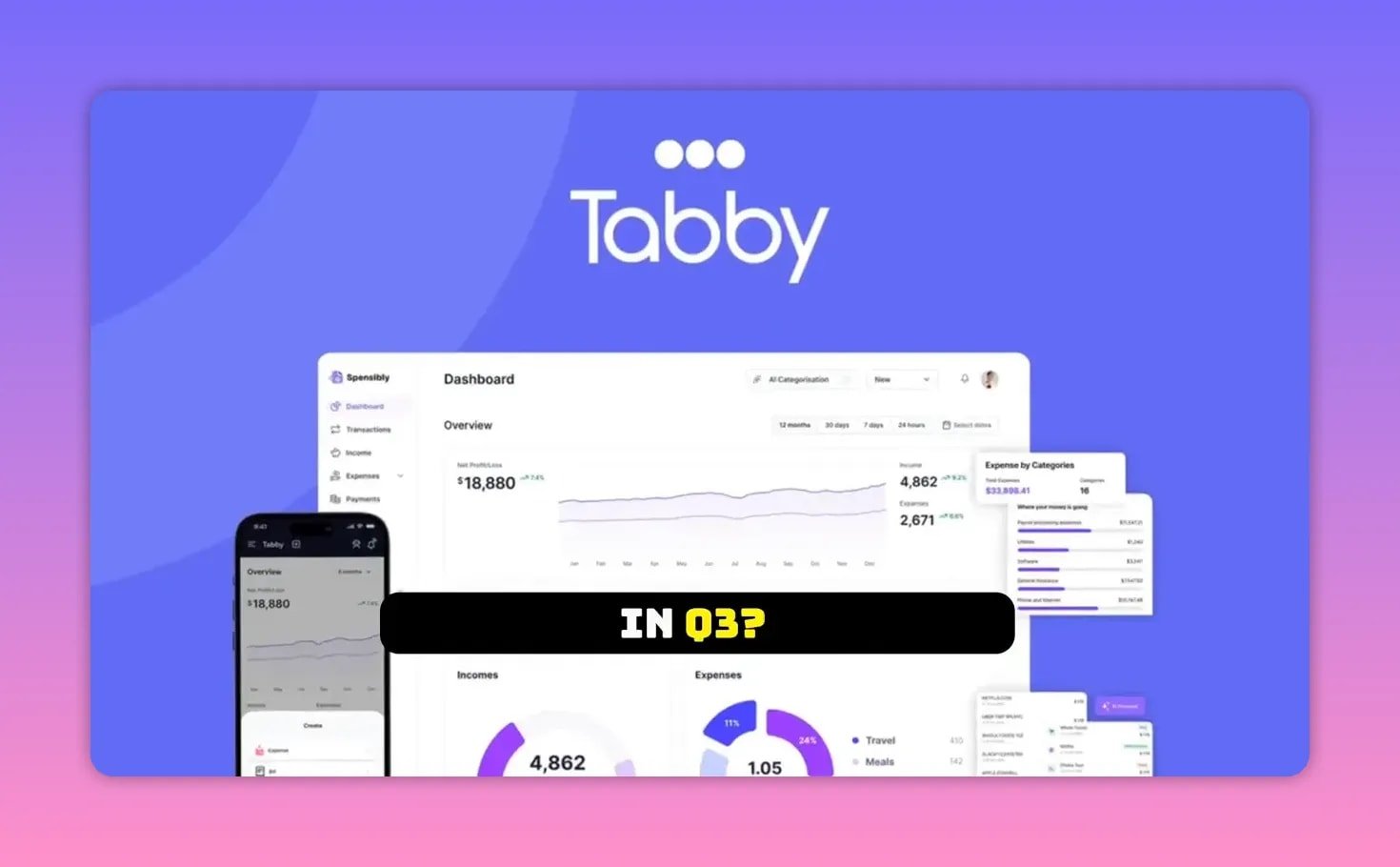
Behind the scenes Tabby builds GL based books. At any time you can generate a profit and loss statement, balance sheet, or tax ready report with a single click. There is even an Ask Tabby feature where you type plain language questions like “How much did I spend on software in Q3” and Tabby pulls the answer from your data.
💡 Why this matters — time, money, and headspace
Time: Monthly bookkeeping that used to take three or four hours becomes a short review. Tabby keeps accounts in sync in real time so you only fix the occasional mislabel.
Money: Finding missed deductions can add up. Home internet, phone bills, subscriptions, and small purchases that are legitimately business related often slip through the cracks. Tagging those can save hundreds or thousands over a year.
Headspace: Instead of the constant low grade stress of not knowing how much you made, you can open a P&L and see where the money is going. That clarity makes decisions like hiring, investing in gear, or raising prices much easier.
💸 AppSumo lifetime deal — pricing and tiers
Tabby is available on AppSumo with a very compelling lifetime deal structure.
- Tier 1 — $59 lifetime: Track up to $75k in annual expenses. One user and two connected accounts. Real time sync, advanced AI categorization, P&L, Ask Tabby, tax ready reports.
- Tier 2 — $139 lifetime: Up to $300k in annual expenses. Three users and five connected accounts. Good for a small team or multiple cards.
- Tier 3 — $279 lifetime: Unlimited annual expenses. Ten users and unlimited connected accounts. Built for a growing small business with multiple accounts and team members.
All tiers come with AppSumo’s 60 day money back guarantee so you can test the product with your real transactions and request a refund if it does not meet expectations.
🧭 Who should use Tabby and who should not
Tabby is ideal if you are a freelancer, solopreneur, or a small business owner who hates bookkeeping, is constantly behind on expense tracking, or worries about missed deductions. Tier 1 is perfect if you are under $75k in expenses. Tier 2 and 3 scale up with growing complexity and teams.
Tabby is not the right fit if you run a larger company with complex accounting needs like inventory management, multi entity consolidation, or multinational payroll. If you are deeply embedded in a bespoke QuickBooks setup with many integrations, migration may not be worth the friction. And if you genuinely enjoy manual double entry bookkeeping, this might feel like cheating.
👨💼 Built by an actual CPA
Tabby was founded by Ahad Ali, a CPA who spent over a decade working with small businesses. That background matters because Tabby is not AI glued on top of a spreadsheet. It is accounting expertise combined with automation and machine learning. The interface and language are designed to be friendlier than traditional accounting software so non accountants can actually use it.
🚀 How to get started
- Create an account and pick the tier that matches your annual expense volume.
- Connect your business accounts and any personal accounts you want Tabby to scan for potential deductions.
- Scan receipts and review Tabby’s auto categories. Correct any mistakes once and let the system learn.
- Use Ask Tabby to pull quick answers and generate a P&L or tax ready report to share with your accountant.
❓FAQ
How secure is linking my bank accounts to Tabby via Plaid?
Tabby uses Plaid for bank connectivity which is a widely used industry standard. Plaid handles authentication and secure data transmission. Always review Tabby’s privacy policy and AppSumo deal terms before connecting accounts.
Can Tabby replace my accountant?
Tabby is not meant to replace an accountant. It produces clean P&L and tax ready reports that make an accountant’s life easier. For tax strategy, complex filings, or filings across multiple jurisdictions, keep working with a licensed tax professional.
What happens if Tabby miscategorizes transactions?
You can correct categories manually and Tabby learns from those corrections. The AI improves over time using expense pattern learning so recurring vendors get categorized correctly after a few fixes.
Does Tabby handle receipts and proof of purchase?
Yes. Snap photos of receipts and Tabby’s OCR extracts date, amount, and vendor. Receipts are linked to transactions and stored so you have documentation if needed for audits or bookkeeping review.
Is the AppSumo lifetime deal transferable?
AppSumo deals typically grant lifetime access to the purchaser. Transferability depends on AppSumo and Tabby’s terms. Check the deal page for details before purchasing.
✅ Final thoughts
Most entrepreneurs do not need more tools. They need simple ones that remove friction from important but boring tasks. Tabby aims to quietly handle bookkeeping, find deductions you missed, and give you clean, exportable reports. If you are tired of manual categorization and late night tax spreadsheets, it is worth testing Tabby with the AppSumo lifetime deal and the 60 day guarantee.
Connect your accounts, scan a few receipts, and see whether Tabby frees up your time and sanity. If it works for you, it will quickly become the bookkeeping tool you never knew you needed.