
Table of Contents
- 🧭 Quick Take
- 📋 Dashboard and Templates: Convenience First
- 🔎 SEO Research + Longform Template
- ✍️ Editor Experience and AI Model Controls
- 🖼️ AI Images: Flux-Powered, Fast, Limited Storage
- ⚙️ Batch Article Creator and WordPress Scheduler
- 🧩 Custom Templates, Ads and Chrome Extension
- 💸 Pricing and Buying Options
- ✅ Strengths and Where It Stumbles
- 📊 Final Verdict
- ❓ Frequently Asked Questions
- 📌 Closing Notes
🧭 Quick Take
Writeseed is an AI content writer built around templates, SEO tooling, AI image generation, and direct WordPress scheduling. It aims to be a one-stop content shop for small teams and solo creators who want speed and convenience rather than the deepest customization. It does a lot right, but some choices—like which AI model handles longform generation—are worth knowing before you commit.
📋 Dashboard and Templates: Convenience First
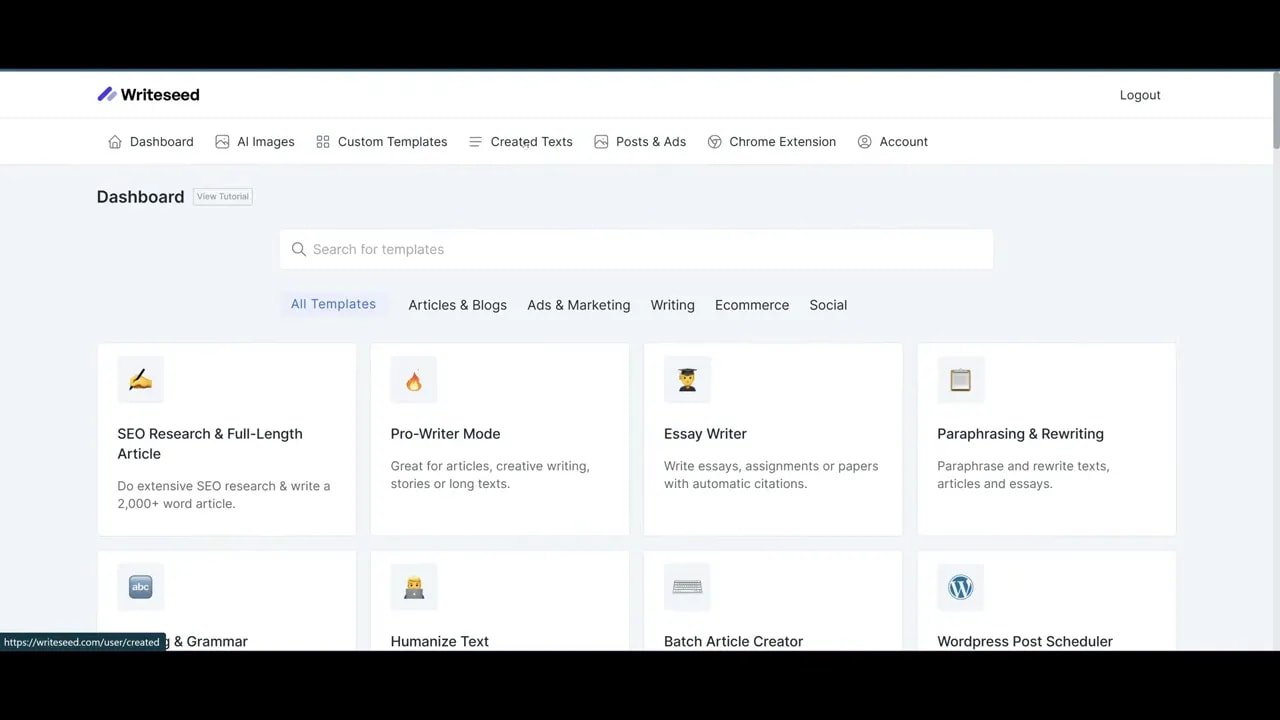
The dashboard surfaces everything in a compact, clickable layout. Templates are the heart of Writeseed: pre-built workflows that act like advanced prompts for different content types—articles, social posts, paraphrasing, ad copy, and even a WordPress Post Scheduler.
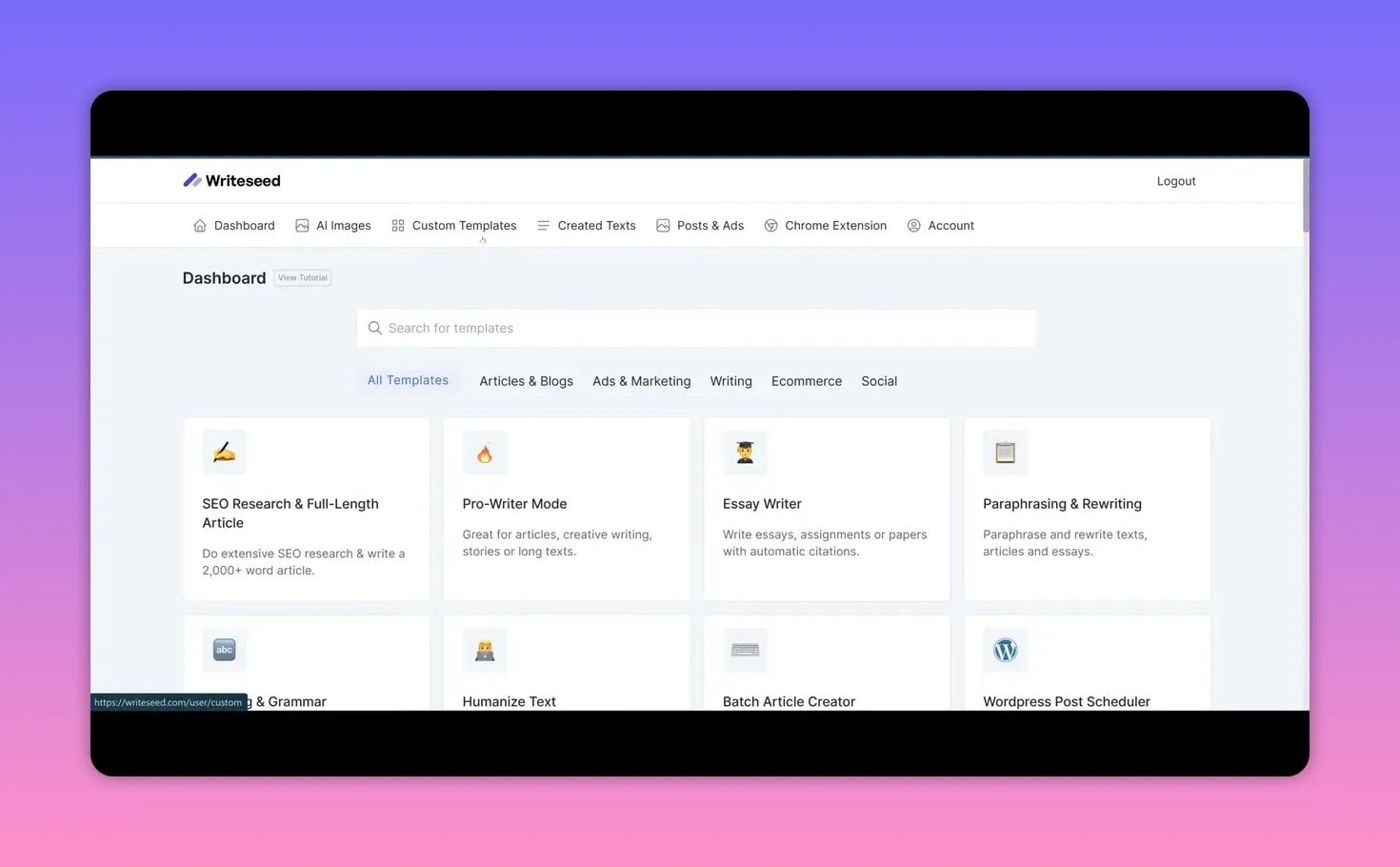
Templates often include options for tone, language, brand voice, and model selection, but those options are not consistent across every template. For short outputs or social posts you’ll often see a wider choice of AI engines (Claude, GPT-4, and others). For longform SEO articles the platform defaults to a more conservative model.
🔎 SEO Research + Longform Template
The SEO research and full-length article template combines keyword discovery, competitor scraping, and outline creation. Enter a seed keyword and Writeseed generates related keywords, search volumes, CPC and a suggested title list. The keyword data looked consistent with other tools in my checks, and it will let you add custom keywords before continuing.

After selecting keywords and a title, you get an AI-generated outline (4, 5, 6 or 7 sections) and options like a second image, table insertion, bold highlights, key takeaways, FAQ blocks and a relevant YouTube embed. These extras are handy for on-page structure, although you cannot control exactly where the tool places them.
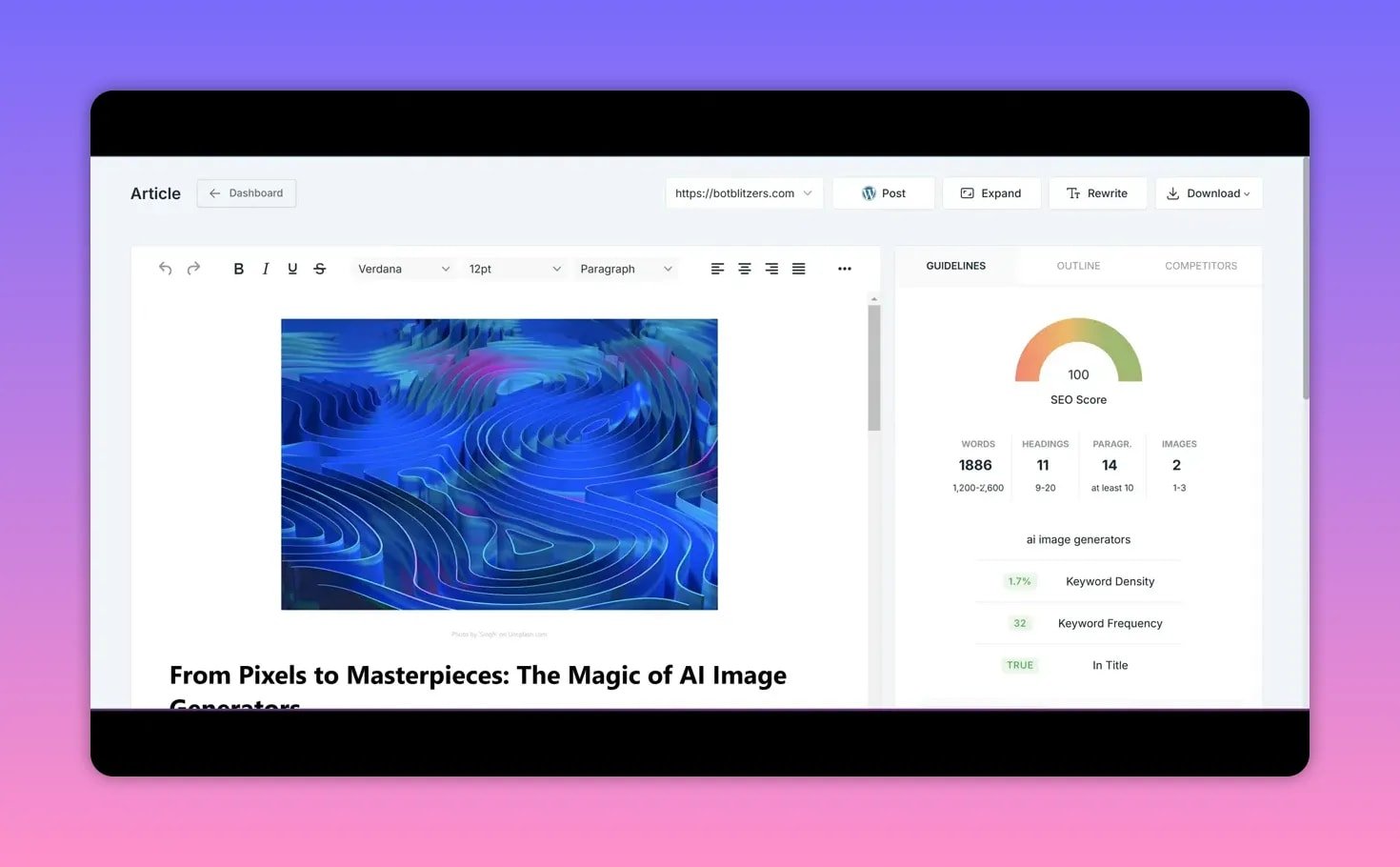
The article generator is quick—a couple of minutes—and can produce near-2,000-word drafts. Writeseed also shows a suggested SEO score and content recommendations based on top-ranking pages. Treat those recommendations as directional rather than gospel; the platform’s SEO scoring can appear optimistic compared with dedicated SEO tools.
✍️ Editor Experience and AI Model Controls
The editor looks and behaves like a lightweight Google Docs. It supports typical formatting plus tables, blockquotes, bold highlighting and a sidebar outline that links to article sections—nice for fast edits.
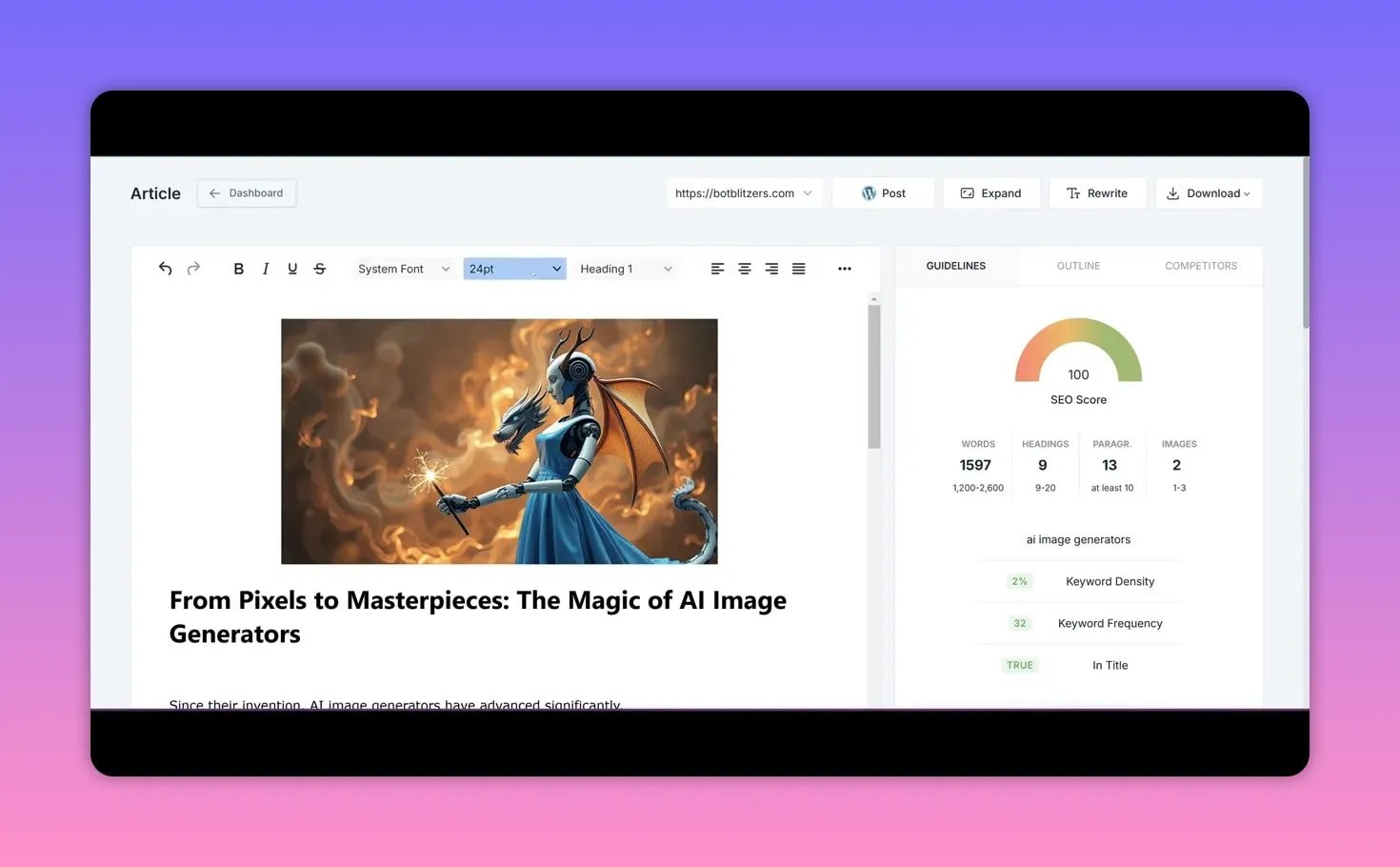
Important note about models: longform generation usually uses GPT-3.5 Turbo by default, which is serviceable but not state of the art. You can see the model used after creation, and while you can switch to better models (GPT-4, Claude, etc.) inside the editor, that step happens at edit time rather than at initial generation.

Inline AI tools let you expand, shorten, or rewrite highlighted sections with different models. The rewrite options produce several variations, and suggestion tools can generate alternative paragraphs based on a selected block. These editing features are useful, but sometimes the UI requires extra scrolling to reveal options and it can feel a little clunky.
🖼️ AI Images: Flux-Powered, Fast, Limited Storage
Writeseed includes an integrated image tool powered by Flux. You can craft prompts, use negative prompts, pick one of three styles and choose square/landscape/portrait formats. The generator is quick and can produce attractive results, particularly for stylized outputs like anime or fantasy.

Two practical limitations to know:
- No gallery persistence: images disappear from the app after regeneration. Download them immediately if you want to keep them.
- Limited in-article placement: you cannot drop Writeseed-generated images into arbitrary positions inside the editor—images are effectively for the title/header unless you upload them into WordPress separately.

⚙️ Batch Article Creator and WordPress Scheduler
Two features stand out for scaling content:
- Batch Article Creator: generate up to 30 articles at once from a keyword list. Each line becomes an article draft you can then fine-tune.
- WordPress Post Scheduler: connect your site and schedule up to 100 articles for automatic upload. You can set intervals (every 3 hours, 6 hours, etc.) and the platform pushes drafts to your WordPress account.

These tools are great for speed, but they are bulk-oriented. There’s no way to supply a custom outline per article in the bulk flow, and you cannot pre-select the WordPress category for each scheduled post before upload—both could be useful additions.
🧩 Custom Templates, Ads and Chrome Extension
Writeseed allows you to create custom templates that fit your workflow—formal emails, branded social captions, or anything repetitive. Templates are sharable across a team and simple to build.
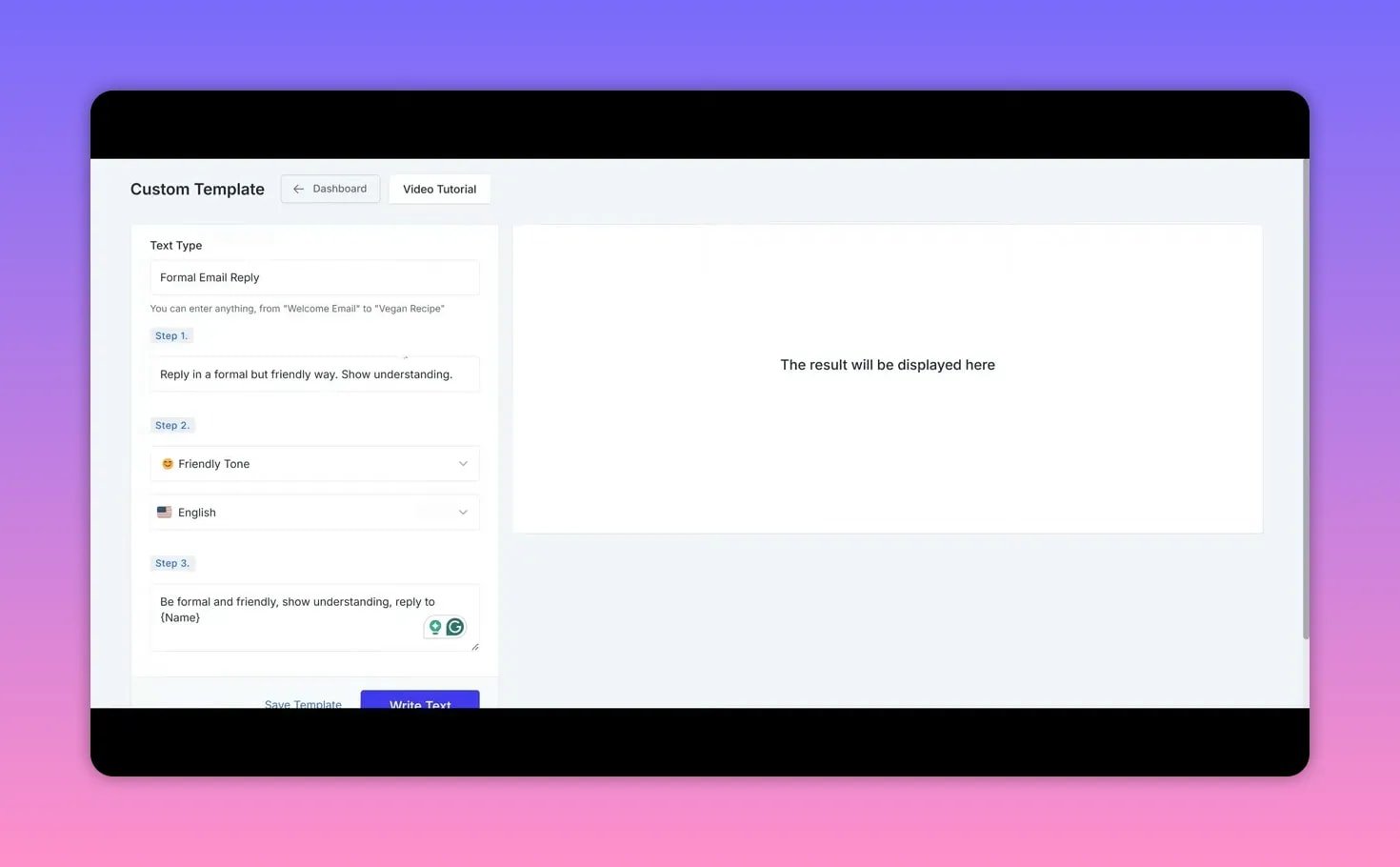
There are also ad generators and social post templates that pull images from Unsplash. A Chrome extension (ChatGPT-powered) exists for quick summarization or inline assistance, but it’s not deeply differentiated from many other browser AI helpers.
💸 Pricing and Buying Options
Pricing choices make Writeseed compelling for many:
- AppSumo lifetime deals: tiers range from limited-word plans to unlimited words and unlimited WordPress scheduling. Higher tiers include AI image allowances (300 images or unlimited depending on the tier).
- Writeseed subscriptions: monthly plans can be as low as $16 for unlimited words and images depending on promotions.
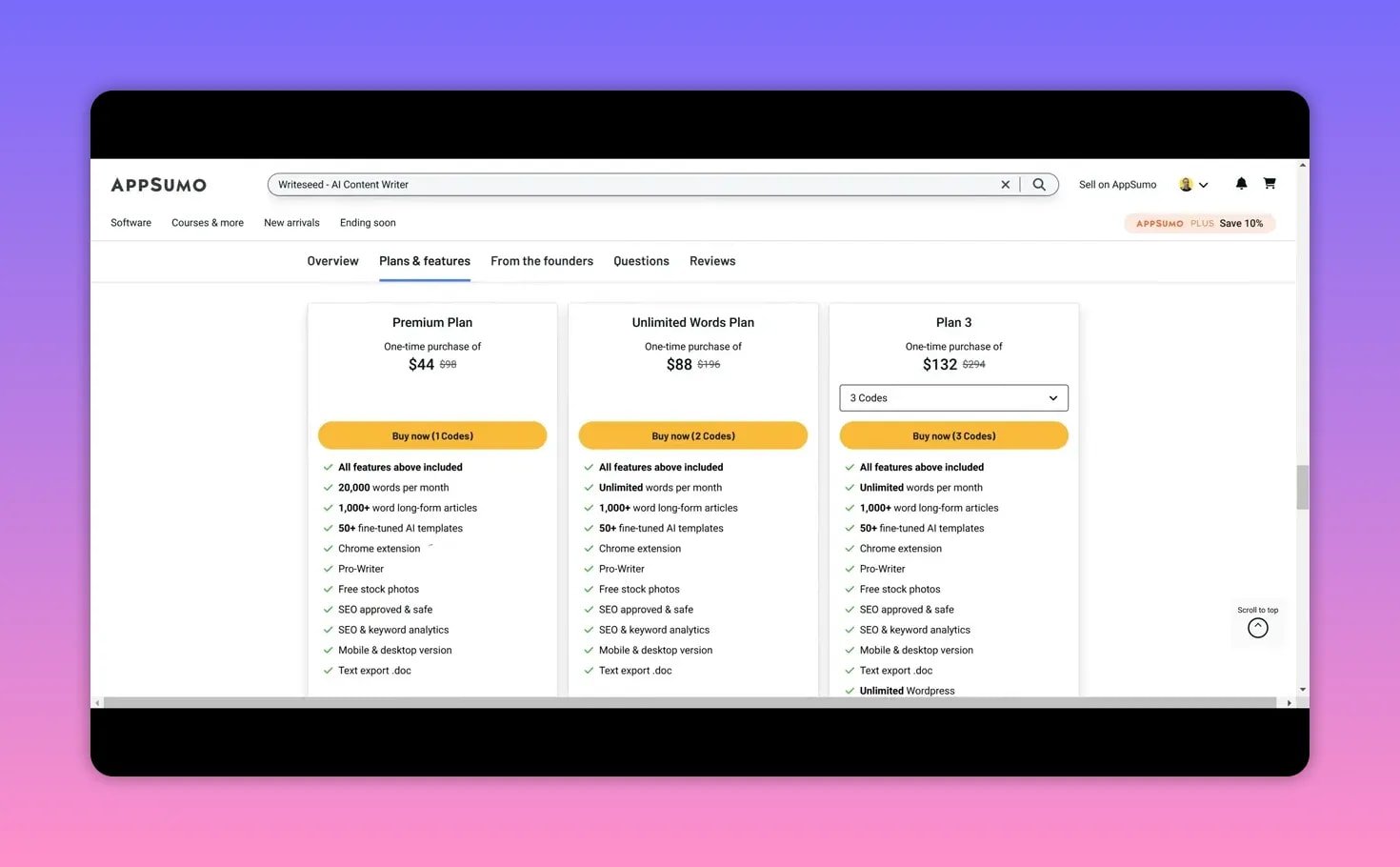
If you value bulk uploads and WordPress automation, the AppSumo lifetime tiers can be a cost-effective option. If your needs rely heavily on the absolute latest AI models for initial longform generation, be aware of the model choices in the longform workflow.
✅ Strengths and Where It Stumbles
- Strengths: rich template library, fast SEO outline plus keyword data, batch creation, WordPress scheduling, and a capable image generator.
- Weaknesses: default longform model is GPT-3.5 Turbo, limited image persistence and in-article placement, inconsistent exposure of premium models across templates, and some UX quirks in the editor.
📊 Final Verdict
Writeseed is a pragmatic tool for creators and small businesses who need to move quickly: generate ideas, spin out drafts, and automate publishing. It is not the most sophisticated writer when it comes to model selection for initial longform drafts, but its template-driven approach and WordPress integration are compelling for content velocity.
If you want speed, templates and bulk publishing, Writeseed delivers. If you need the most advanced, model-first longform generation out of the box, consider pairing Writeseed with a higher-tier model inside the editor or choosing a different tool for primary drafting.
❓ Frequently Asked Questions
Which AI models does Writeseed support for content generation?
Writeseed supports multiple AI models across the platform. Short templates and social copy often expose a wide range (GPT-4, Claude, Sonnet, Llama variants). Longform SEO article generation typically defaults to GPT-3.5 Turbo, but you can switch models while editing to regenerate or refine sections.
Is the built-in AI image generator any good?
The generator, powered by Flux, produces strong stylized images quickly and is useful for title images and stylized blog art. Downsides include no persistent gallery inside the app and limited ability to place images directly inside the article editor; downloads and manual uploads are required for more flexible placement.
Can Writeseed publish directly to WordPress?
Yes. Writeseed integrates with WordPress and can schedule up to 100 posts at once. It sends drafts to your site on a schedule you set. However, there is no pre-upload option to set the WordPress category for each post in the scheduler.
Is buying Writeseed on AppSumo worth it?
AppSumo often provides attractive lifetime tiers that include unlimited words, WordPress automation and image credits. If you plan to use bulk creation and scheduling regularly, the AppSumo deals can be very cost-effective. Evaluate the specific tier features versus your need for higher-tier model access and image volume before purchasing.
Who is Writeseed best suited for?
Writeseed is ideal for small businesses, solo creators, and content operations focused on volume and efficiency. It’s less ideal as a single source for enterprise-level editorial work that requires fine-grained model control for initial drafts.
📌 Closing Notes
If your priority is productivity and getting content out the door fast—with helpful SEO prompts, bulk generation and WordPress automation—Writeseed is worth testing. If your priority is the absolute best initial writer quality from the newest models, be prepared to switch models in the editor or use a complementary drafting tool.