I remember when I first stumbled upon lifetime SaaS deals—there was something thrilling about snagging long-term value for a one-time price. Recently, I dove into pdf.net’s AppSumo offer, a powerhouse PDF editor loaded with AI smarts, tailored for freelancers and small businesses juggling document chaos. Let me walk you through why this deal isn’t just another ‘too-good-to-be-true’ offer, but a legit tool with clever features worth a look.
First Impressions: A Deep Dive into pdf.net’s AI-Powered PDF Editor
When I first launched pdf.net through my browser, I was immediately struck by its clean, modern interface. The dashboard is uncluttered, intuitive, and feels on par with established PDF editors like Mac Preview and Adobe Acrobat. As someone who has tested a wide range of browser based PDF editor solutions, I can say that pdf.net offers a polished interface that rivals established industry standards like Mac Preview and Acrobat.
Blending Traditional PDF Editing with AI-Powered Features
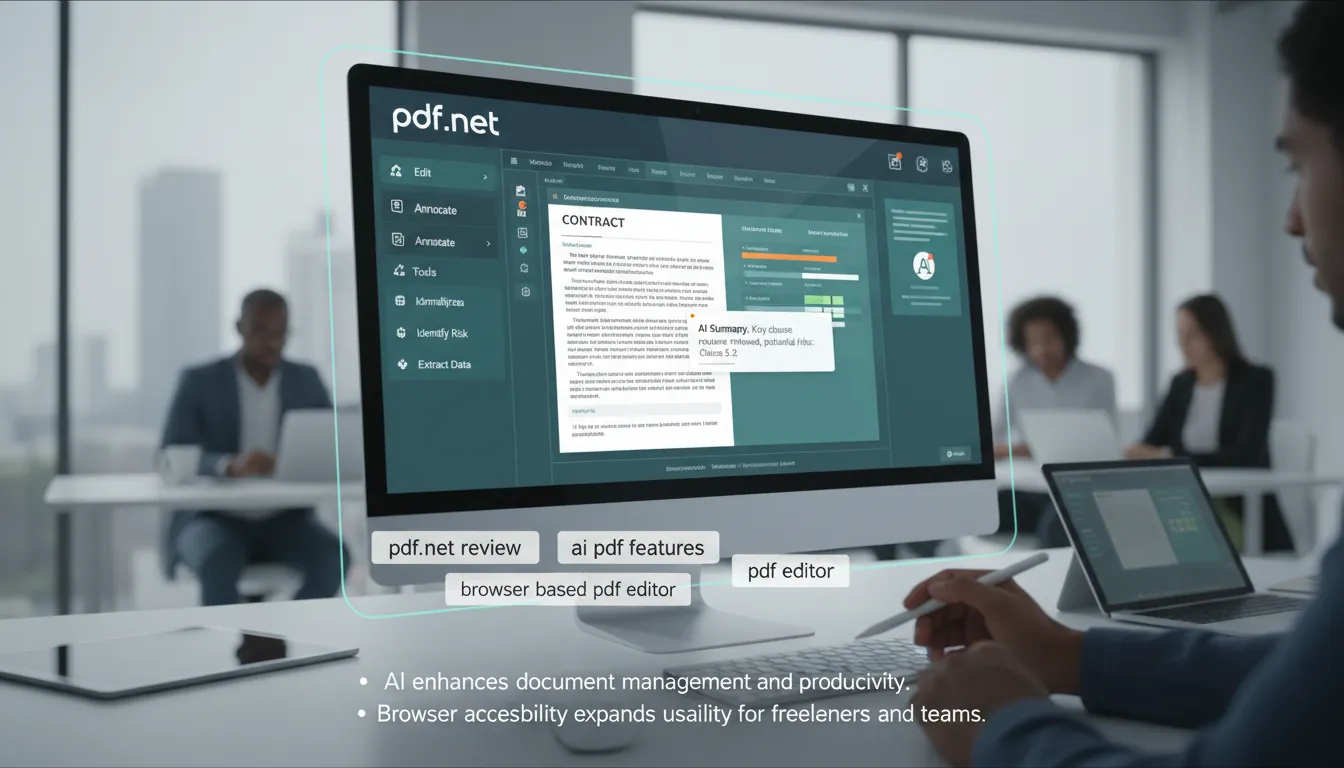
What sets pdf.net apart is its seamless integration of traditional PDF editing tools with advanced AI PDF features. All the core functions I expect—editing text, rearranging pages, adding fillable fields, e-signatures, compressing, merging, and splitting PDFs—are present and easy to access from the main dashboard. But the real game-changer is the AI assistant, which is front and center in the user experience.
- AI Document Summarization: With a single click, the AI assistant generates instant summaries of even lengthy or dense documents. This is a huge time-saver for freelancers and legal professionals who regularly review contracts or reports.
- Complex Section Explanations: The AI can break down complicated legal or technical language, making documents more accessible for all team members.
- Key Risk Identification: For anyone working with sensitive or high-stakes documents, the AI’s ability to flag potential risks or important details is invaluable.
These AI PDF features are not only innovative but also practical, directly enhancing productivity and reducing manual review time.
Modern, Intuitive User Interface
The interface design is one of pdf.net’s biggest strengths. Navigation is straightforward, with clearly labeled menus and drag-and-drop functionality for uploading files. The editing tools are logically grouped, and the AI assistant is always accessible from the sidebar. I found the learning curve minimal—even users new to PDF editors will feel comfortable within minutes.
Compared to other browser based PDF editor tools, pdf.net’s UI feels faster and more responsive. Actions like merging, splitting, or compressing files happen in real-time, with no noticeable lag. The platform’s attention to detail—such as preserving original formatting during edits—makes it suitable for professional use.
pdf.net offers a polished interface that rivals established industry standards like Mac Preview and Acrobat.
Versatility for Freelancers, Teams, and Small Businesses
One of the most appealing aspects of pdf.net is its flexibility. The platform is clearly designed with a wide user base in mind:
- Freelancers: Benefit from quick editing, e-signatures, and AI summaries for client contracts and proposals.
- Small Businesses & Legal Professionals: Enjoy secure sharing, password protection, and risk identification for sensitive documents.
- Remote Teams: Cross-device access ensures a consistent experience whether working from a laptop, tablet, or phone. The centralized dashboard makes it easy to organize and collaborate on files.
File format support is extensive, with seamless conversions between PDF, Word, JPG, and PNG. This versatility is crucial for teams that handle a variety of document types daily.
AI-Driven Productivity and Document Management
AI integration isn’t just a buzzword here. In my experience, the AI assistant genuinely improves document management and productivity. Summarizing a 50-page contract or extracting key points from a technical report takes seconds, not hours. The chat feature allows for interactive queries—ask the AI to explain a paragraph, translate a section, or highlight deadlines, and it delivers clear, actionable responses.
Security, Collaboration, and Accessibility
Security features like password protection, PDF unlocking, and granular page management (rearrange, delete, rotate) are available across higher license tiers. Secure sharing options and e-signature support make pdf.net suitable for professional environments where confidentiality matters.
Because it’s a browser based PDF editor, there’s no need for downloads or installations. This makes onboarding new team members simple and ensures everyone is always using the latest version. The cross-device compatibility is a major plus for distributed teams and remote work setups.
Summary of Key Features
- Modern, intuitive interface
- AI-powered document summarization, chat, and risk identification
- Editing, merging, splitting, compressing, and format conversion
- E-signatures, secure sharing, password protection
- Centralized dashboard and multi-device access
Overall, my initial experience with pdf.net is highly positive. It successfully blends the best of traditional PDF editing with cutting-edge AI features, making it a standout choice for anyone seeking a robust, browser-based PDF editor.
Pricing Tiers and Features: Navigating pdf.net’s Lifetime Deal Options
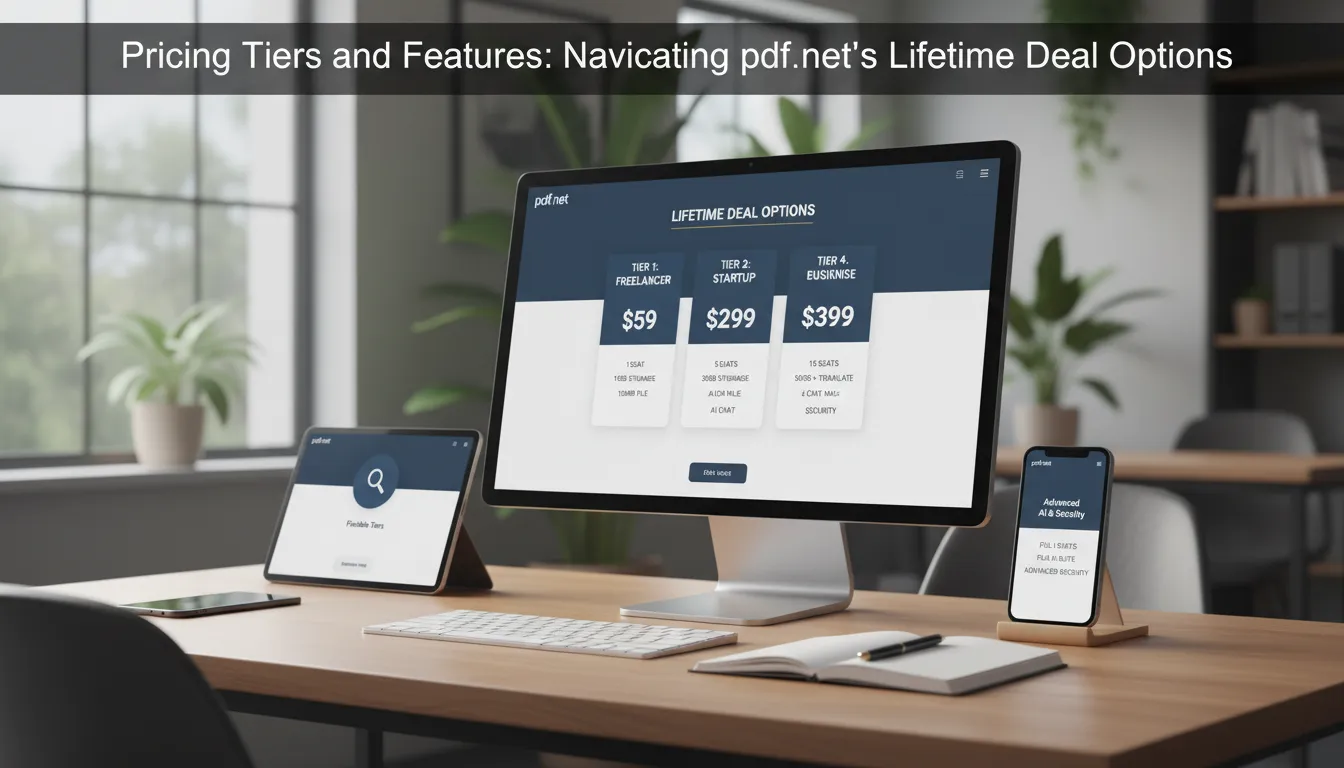
One of the most attractive aspects of the pdf.net Lifetime Deal on AppSumo is its flexible, tiered pricing structure. With four distinct license tiers ranging from $59 to $399, pdf.net caters to a wide range of users—from solo freelancers and legal professionals to growing businesses and remote teams. Each tier is designed to scale with your needs, offering clear upgrades in seats, storage limits, file size allowances, and advanced AI-powered features.
Overview of License Tiers
Here’s a breakdown of what each license tier includes, making it easy to match your workflow and team size with the right plan:
| Tier | Price (One-Time) | Seats | Storage Limit | Max File Upload Size | Key Features |
|---|---|---|---|---|---|
| Tier 1 | $59 | 1 | 1GB | 15MB | Core PDF editing, unlimited downloads |
| Tier 2 | $99 | 5 | 5GB | 15MB | Team access, increased storage |
| Tier 3 | $199 | 10 | 50GB | 15MB | Password protection, AI chat, summaries, translations, PDF unlocking |
| Tier 4 | $399 | 20 | 100GB | 100MB | All advanced features, max storage & uploads |
Tier 1: Entry-Level Essentials
For just $59, License Tier 1 is perfect for individual users or freelancers who need reliable, browser-based PDF editing. This tier includes:
- 1 seat (single user access)
- 1GB storage limit
- 15MB per file upload size
- Unlimited downloads
This is a significant bargain compared to the regular $299 price, making it ideal for those who want core PDF tools without ongoing fees.
Tier 2: Small Team Collaboration
Stepping up to Tier 2 at $99 unlocks:
- 5 seats (great for small teams or agencies)
- 5GB storage limit
- 15MB file upload size
This tier is designed for teams that need to collaborate on documents, share resources, and manage files more efficiently.
Tier 3: Advanced AI and Security
Tier 3 ($199) is where pdf.net’s AI-powered features truly shine. In addition to the previous benefits, this tier adds:
- 10 seats
- 50GB storage limit
- 15MB file upload size
- Password protection for sensitive documents
- AI chat assistant for document summaries, explanations, and translations
- PDF unlocking
For businesses handling complex or confidential files, these advanced features justify the higher one-time cost. The AI assistant can save hours by summarizing lengthy contracts or highlighting key risks.
Tier 4: Enterprise-Grade Power
At $399, Tier 4 is designed for larger teams or organizations with heavy document workflows. It includes:
- 20 seats
- 100GB storage limit
- 100MB file upload size (ideal for large documents, presentations, or image-rich PDFs)
- All advanced AI and security features
This tier is perfect for remote teams, legal firms, or businesses that need robust, scalable PDF management with no monthly fees.
Universal Features Across All Tiers
- Unlimited downloads
- 60-day money-back guarantee
- Browser-based editing—no software installation required
- Multi-device access
The tiered pricing structure allows users to choose according to team size and storage needs.
Visual Comparison: Pricing Tiers at a Glance

With these pricing tiers, pdf.net ensures that whether you’re a solo user or managing a large team, there’s a plan that fits your storage limit, file size needs, and budget. The flexibility to scale up as your business grows, combined with advanced AI and security tools at higher tiers, makes this lifetime deal a compelling choice for long-term PDF management.
Getting the Most from Lifetime Deals: Tips, Risks, and Other Hot SaaS Offers
Lifetime deals have become a popular way for freelancers, small businesses, and remote teams to secure powerful SaaS tools for a single, upfront payment. The concept is simple: pay once and get access to a product for as long as it exists. As the saying goes,
“A lifetime deal is really about the lifespan of the product, not the buyer.”
This distinction is crucial when evaluating the true value of any lifetime deal, including the recently updated pdf.net Lifetime Deal on AppSumo.
Before jumping into any lifetime deal, I always remind myself that thorough research is the best safeguard against common pitfalls. It’s essential to look beyond flashy features and discounted prices. I start by reading authentic user testimonials on trusted platforms like G2 and Capterra, which provide real-world feedback about usability, customer support, and reliability. Next, I check the founders’ credentials on LinkedIn and IndieHackers to gauge their experience and commitment to the product. A strong, transparent leadership team is often a good indicator of a product’s longevity.
Another key step is reviewing the product’s update history and roadmap. Platforms like BetaList and HackerNews often feature early-stage SaaS products and community discussions about their progress. A product with frequent updates and a clear roadmap signals ongoing development and future updates, which are critical for long-term value. For example, the pdf.net deal was updated just four days ago, and the team promises ongoing enhancements—giving me more confidence in their commitment to the platform.
When it comes to the actual purchase, I make sure to verify all features, pricing, and limits before checking out. AppSumo, for instance, offers a straightforward process and a 60-day money-back refund policy, which is a major plus. However, it’s important to remember that refund policies can vary, and if a company shutters its service, lifetime access may be lost. This is a risk inherent to all SaaS lifetime deals, even those from well-known brands. That’s why buying through reputable platforms with transparent refund policies is always my preference.
To put things in perspective, here’s a quick look at how lifetime deal pricing has evolved:
| Deal | Early Price Range | Current Price | Latest Update | Future Updates |
|---|---|---|---|---|
| Typical Lifetime SaaS Deal | $39–$50 | Rare at this price | N/A | Varies by product |
| pdf.net (AppSumo) | N/A | Starts at $59 | 4 days ago | Ongoing updates promised |
While the days of $39 lifetime deals are mostly behind us, the value proposition remains strong for the right product. The pdf.net Lifetime Deal, for example, offers browser-based PDF management, AI-powered document editing, secure sharing, and multi-device access—all at a fraction of the regular $299 price. With flexible tiers, robust security, and collaboration tools, it’s well-suited for individuals and teams seeking long-term deal value.
Beyond pdf.net, there are other hot SaaS offers worth considering. Tools like CallCow (AI voice call handling), VoiceWave AI (voice cloning and emotion controls), and SheetWiz (AI for Google Sheets) provide complementary productivity boosts. Many of these deals come with exclusive discounts or limited-time offers, making it important to stay informed. I find that subscribing to newsletters, joining Facebook groups, and using Chrome extensions are effective ways to catch new deals and community insights before they expire. Engaging with the community not only keeps me updated on the latest offers but also helps me learn from others’ experiences and avoid potential pitfalls.
In conclusion, getting the most from lifetime deals requires a mix of research, risk management, and community engagement. By carefully reviewing user feedback, founder backgrounds, and update histories, I can make confident decisions and maximize the value of my investment. The pdf.net Lifetime Deal on AppSumo stands out for its comprehensive features and ongoing support, but the same best practices apply to any SaaS lifetime deal. With a proactive approach and a keen eye for deal value, I can unlock powerful tools for my business while minimizing risks and ensuring long-term benefits.
TL;DR: The pdf.net Lifetime Deal on AppSumo delivers extensive browser-based PDF editing with AI enhancements at compelling price tiers. Perfect for freelancers and teams seeking cost-effective, secure, and dynamic PDF management without subscription hassles.